How to Use AI to Make a Print-on-Demand Product: The Complete Step-by-Step Process

Flat vector illustration of the print-on-demand process: a mountain-and-sun emblem on a light grey panel marked with a sparkle icon, a teal arrow passing through a small transparency checkerboard square, and the same emblem printed on a navy t-shirt.

Print on demand has three stages, and AI has arrived unevenly across them. This guide walks the whole process end to end — research, design prompts, file prep, mockups, listing SEO and disclosure — using ChatGPT, Claude or Gemini plus free tools, with no specialist print-on-demand software. Includes the one prompt-level habit that saves the most time: generate on a background you chose to remove.


How to Run AI on Your Own Computer: The Complete Ollama Guide

A laptop showing a glowing teal processor chip orbited by connected nodes, with a faded cloud icon and a broken link symbol off to one side.

You can run a capable AI model on the laptop you already own — no account, no subscription, no usage meter, and no data leaving your machine. Here’s how to install Ollama, pick a model that fits your memory, use agent mode, and point Claude Code at a local model without losing your skills and connectors.

How to Have One Claude Session Control Another

A hand holding a phone sends one glowing message that splits into four streams, each reaching a different desktop screen showing code, a document, a spreadsheet and a chart.

Claude can now run its own sessions. Dispatch takes an outcome you text from your phone, splits it into tasks, and runs each as its own session on your computer. Here’s what Dispatch, cross-session messaging and agent teams each do, and how to pick the right one.

Don’t Let an AI Grade Its Own Homework — Use a Second Model to Review

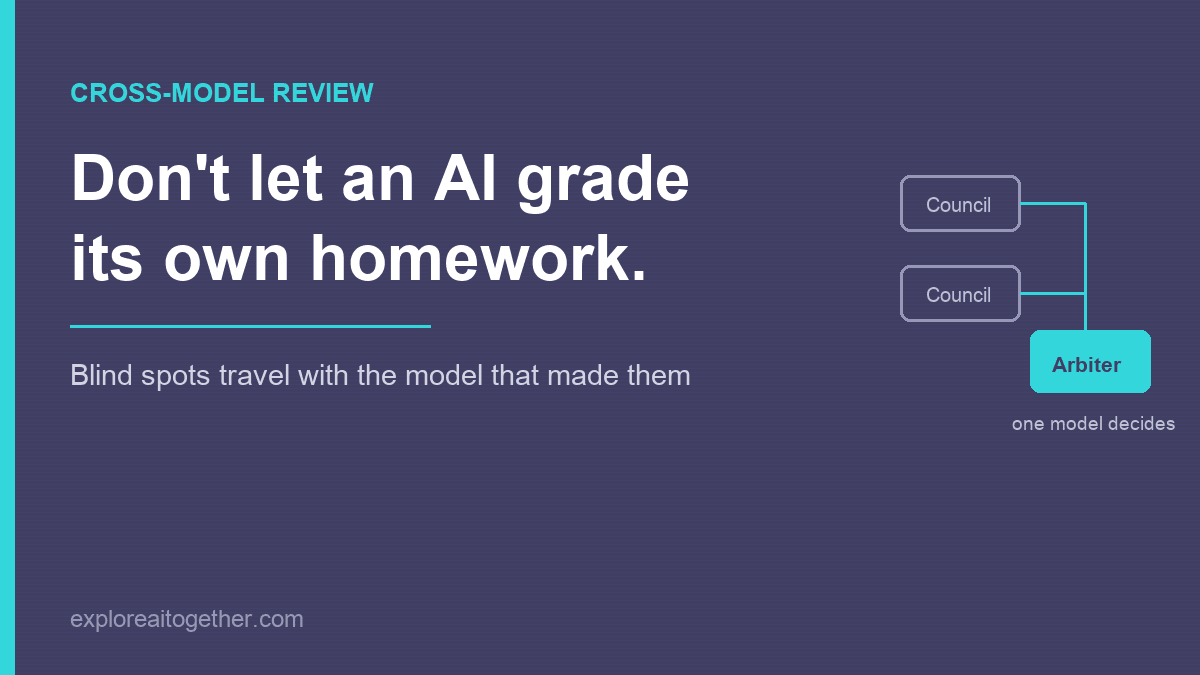
Don't let an AI grade its own homework. Diagram showing two council models feeding their responses into a single arbiter model that decides what to adopt.

Ask an AI to check its own work and it mostly agrees with itself — the blind spots that shaped the answer also shape the review. Here’s the two-model fix, the AI Council loop I used to design ChainMate, and why you name one model as the arbiter instead of letting them vote.

Claude Usage Limit Reached? Here’s What Actually Happens — and How to Keep Working

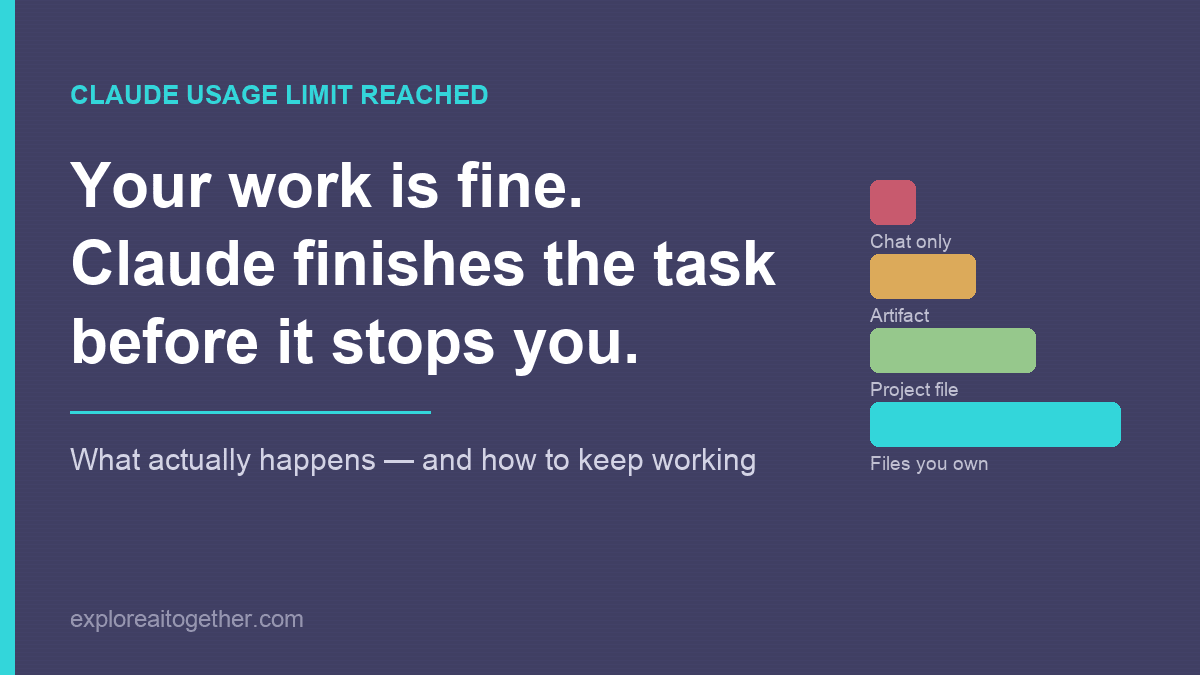
Claude usage limit reached: your work is fine because Claude finishes the task before it stops you. Bars compare how well work survives a limit depending on where it lives, from chat only up to files you own.

Your work is almost certainly fine — Claude finishes the task before it stops you. What actually happens when you hit the limit, what to do in the next five minutes, and the three changes that make the next one a non-event.

How to Prepare for a Job Interview With AI: The Complete Workflow

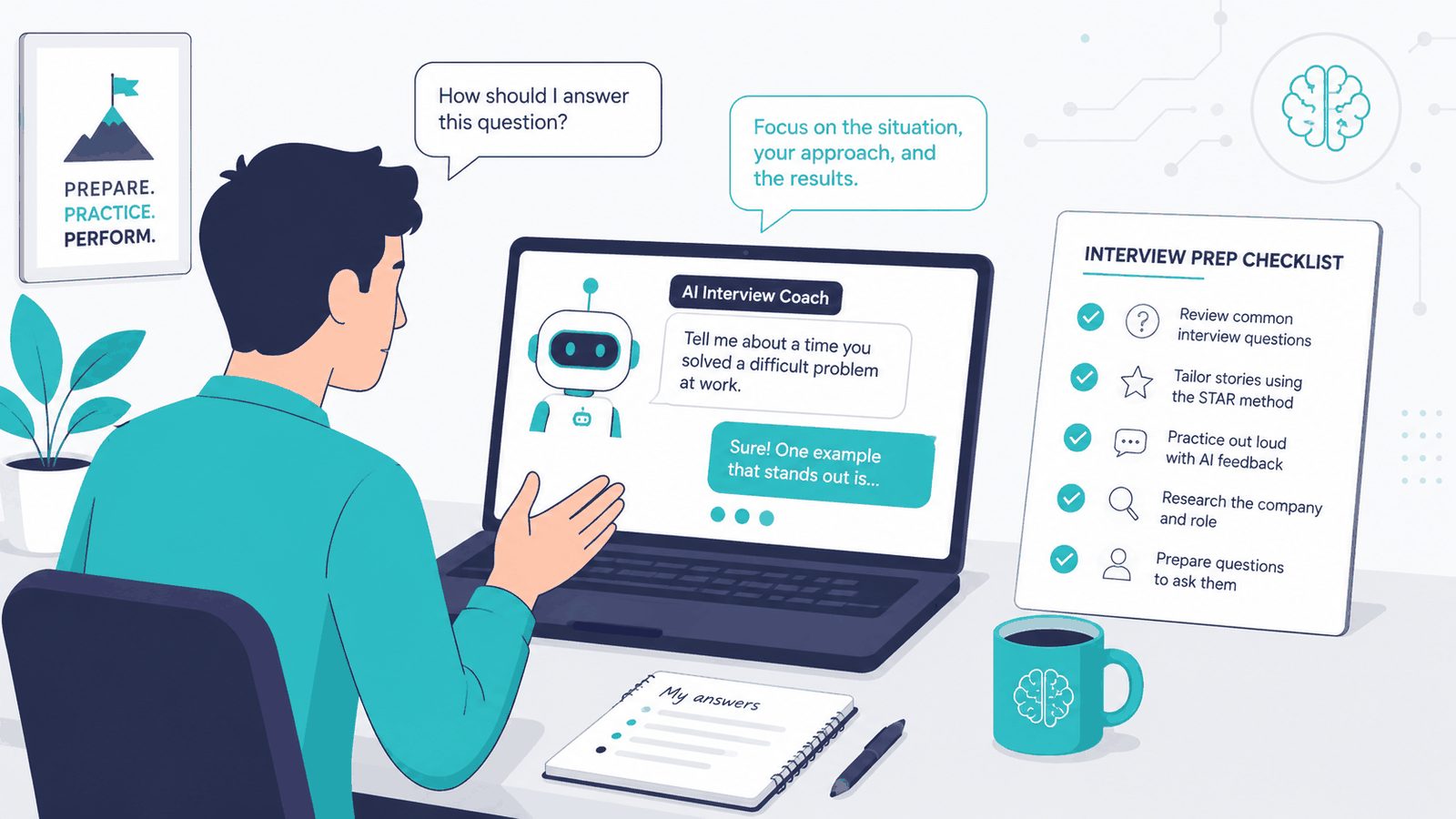
A person at a desk practising interview answers with an AI interview coach on a laptop, beside an interview prep checklist.

The full seven-stage workflow for preparing with AI — resume fit, company research, compensation, contract review, the questions to ask, mock interviews with the fix that stops it flattering you, and a one-page cheat sheet. All in one conversation.

How to Create AI-Generated HTML Presentations (Without PowerPoint)

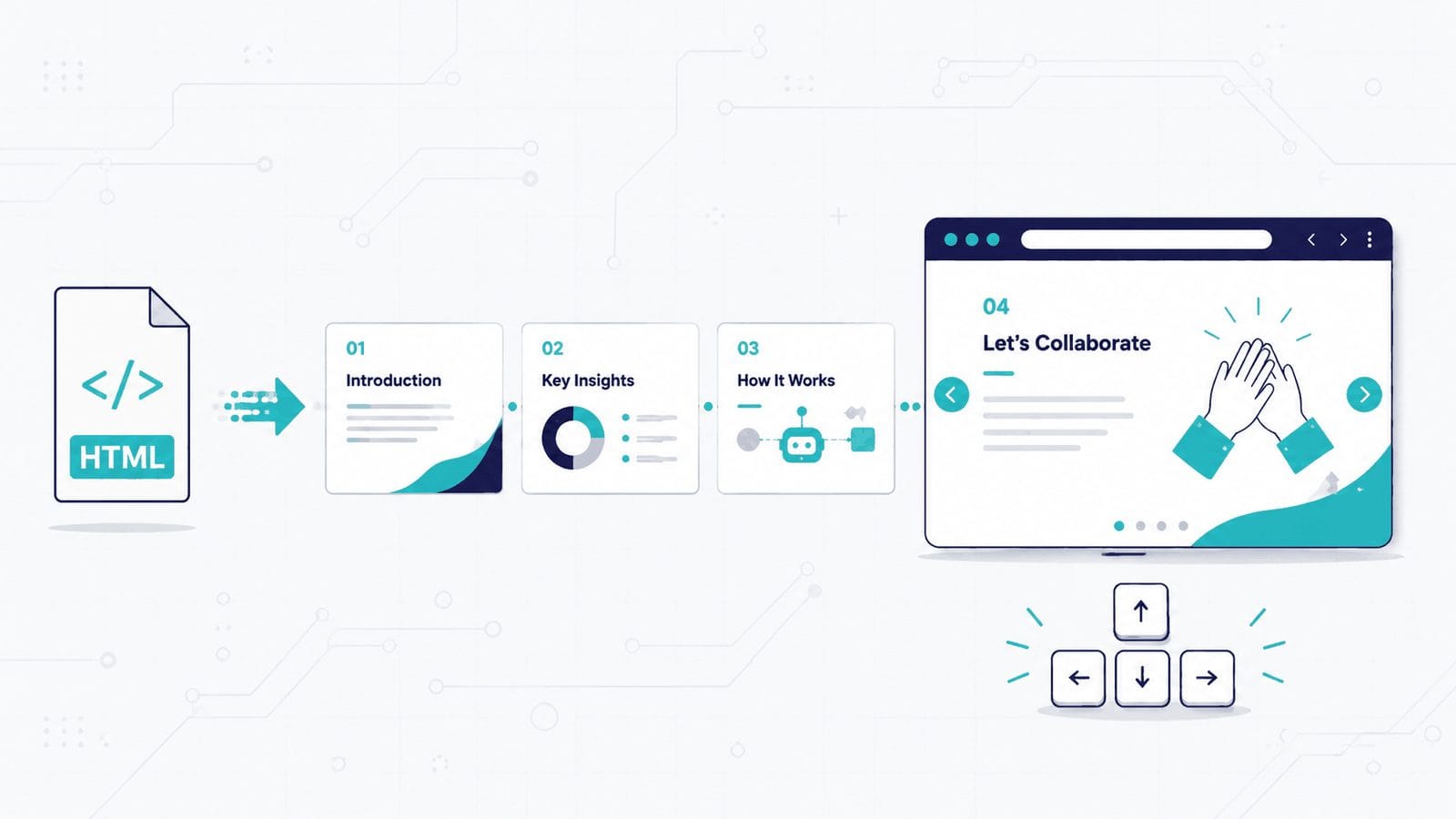
HTML file icon flowing into four presentation slides, the last open in a browser window with arrow keys below.

You describe a presentation in plain English and AI generates a single HTML file — animations, transitions, keyboard navigation, no dependencies. Here are the three ways to do it (chatbot, Claude Design, or a reusable skill), eight copy-paste prompts, how to share the result as a link, and the CSS mistake that will break your site if you embed one.

How to Organize Your Messy Downloads Folder with AI (Claude Cowork Guide)

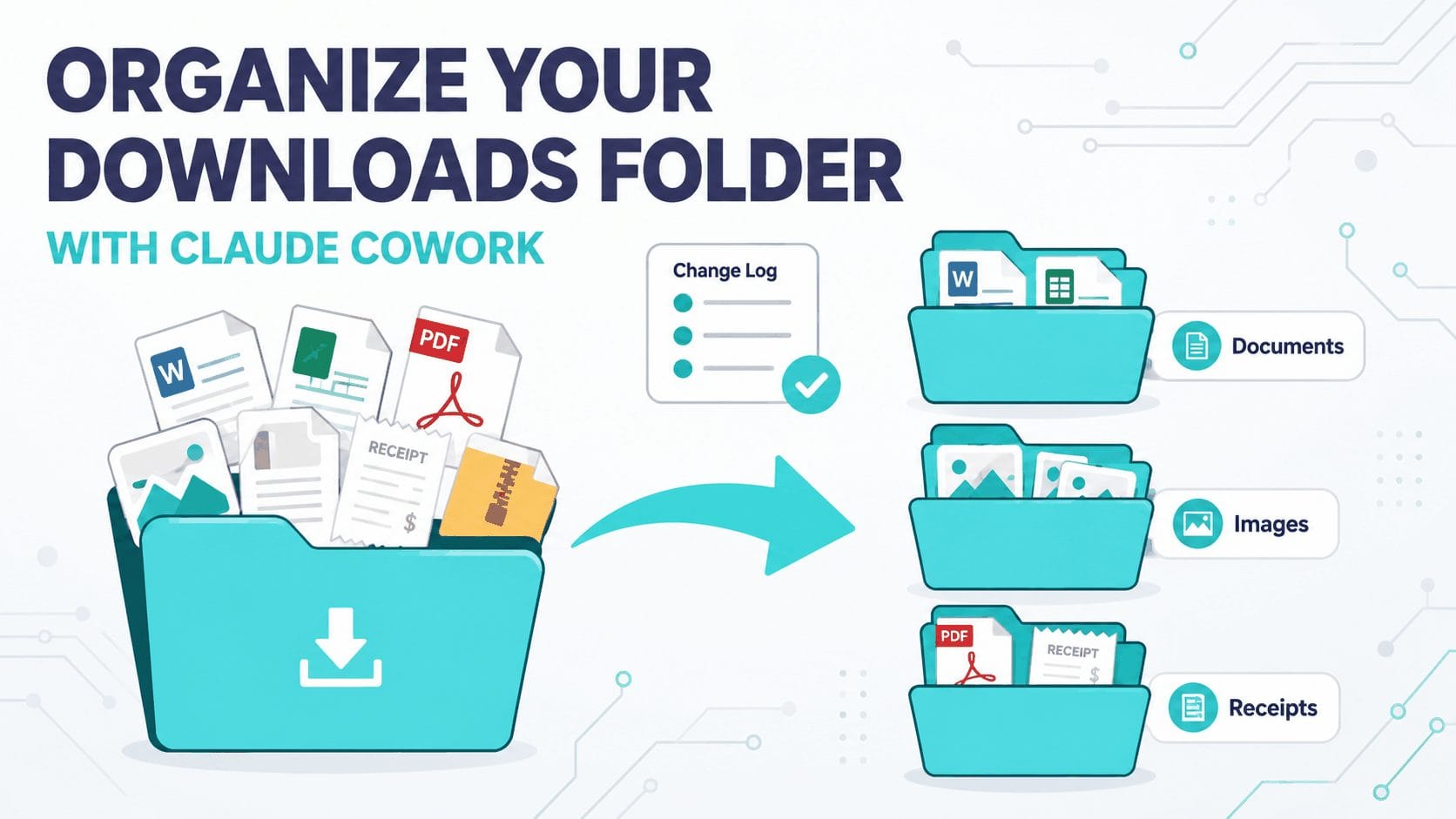
Flat vector diagram: a messy overflowing folder sorted by an arrow into three neat labelled subfolders with a change-log check.

Your Downloads folder is a sorting job you keep rescheduling. Claude Cowork can read the whole folder, sort and rename every file, and log each move — while you approve the plan first. Here’s the safe, supervised workflow, plus eight copy-paste prompts for receipts, screenshots, and more.

How to Use Claude Code to Build a Job-Specific Resume

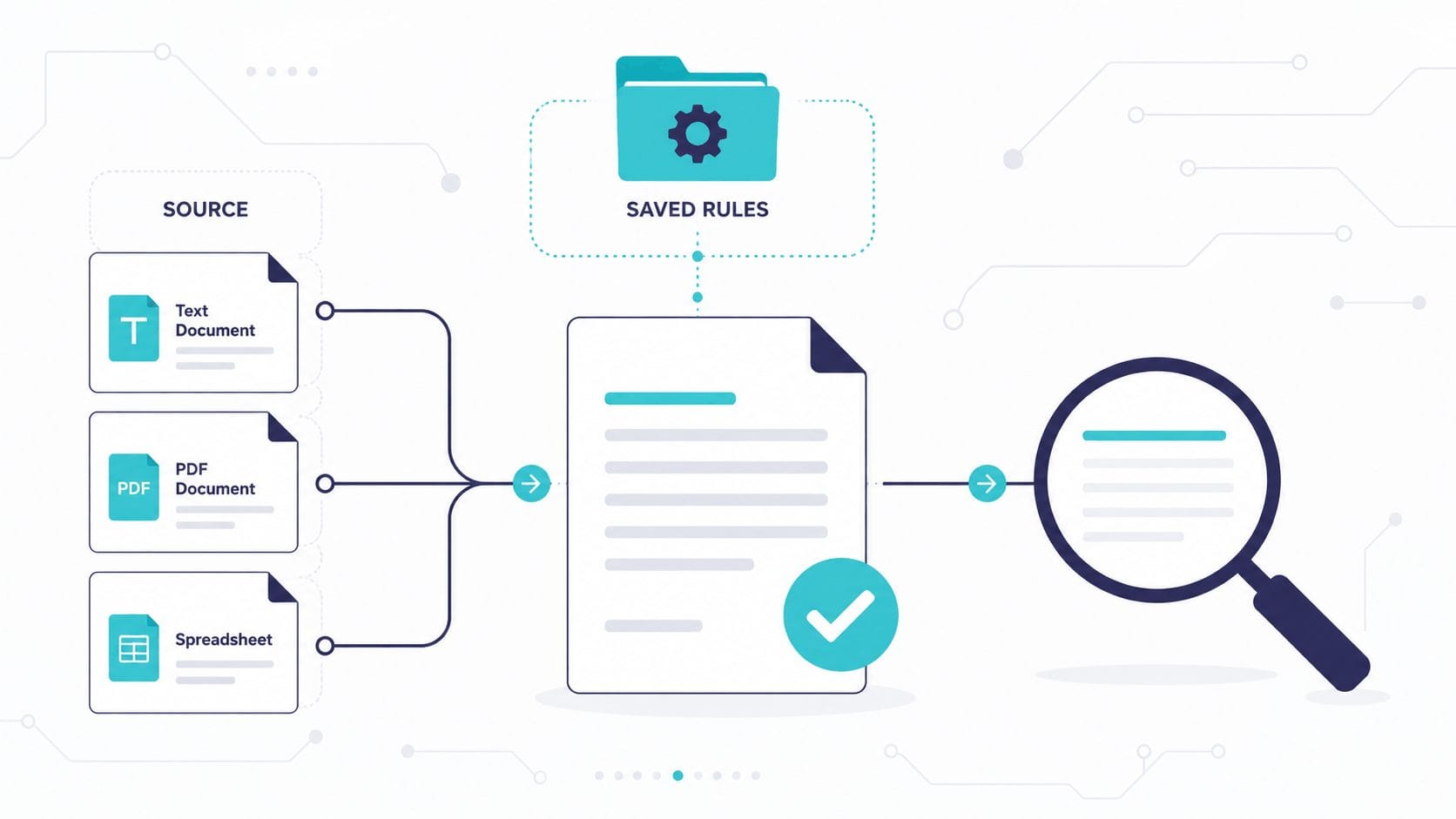
Flat vector diagram: source files and saved rules feeding into a tailored resume, with a magnifier reviewing it.

Most resume guides hand you a prompt and call it a workflow. Claude Code works from files on your machine, so your brag sheet, style rubric, and rules persist — and the tenth application takes a fraction of the time the first one did.

AI Loops for Real Life: A No-Code Guide for Job Hunting, Bills, and Big Decisions

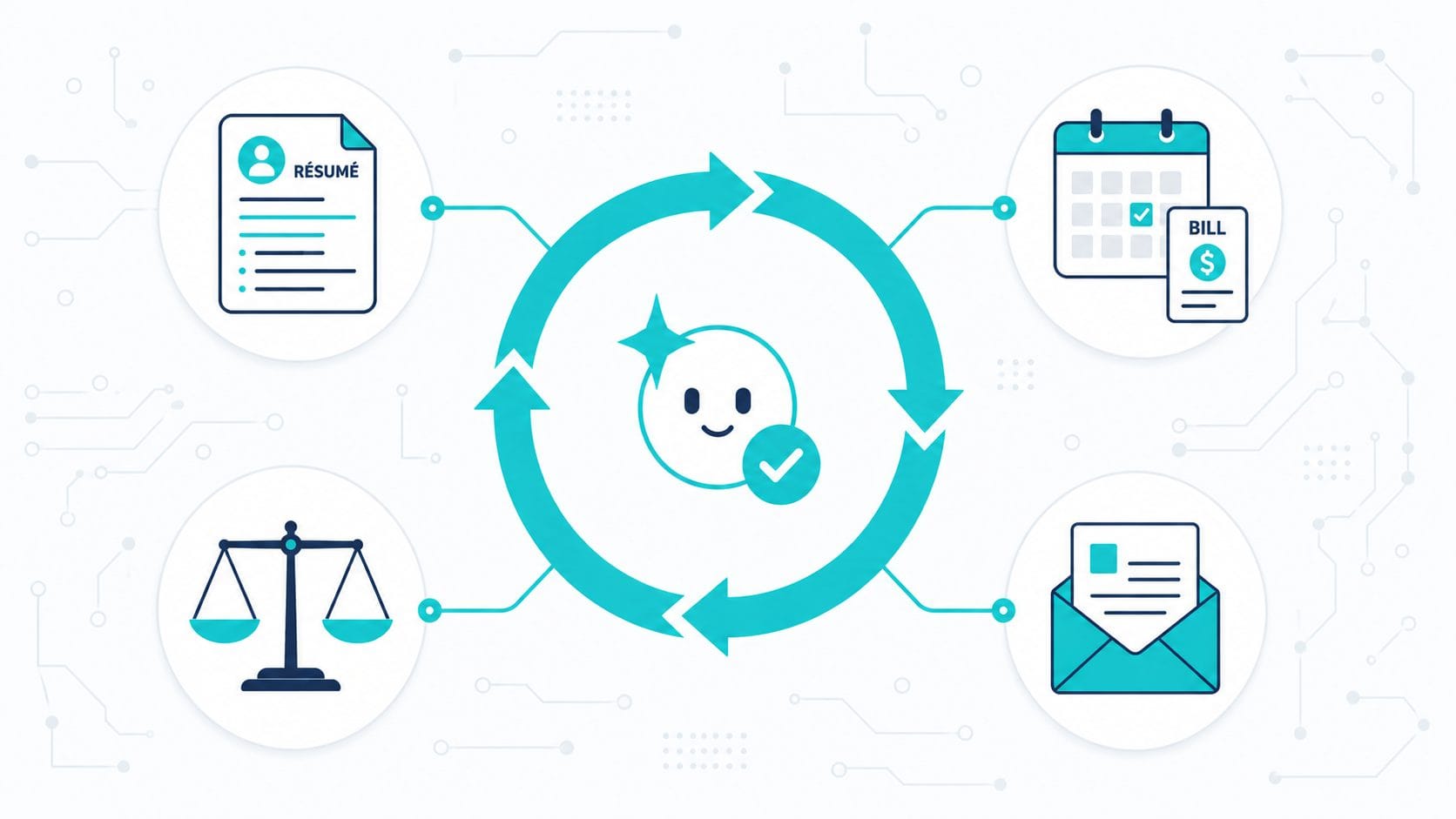
Flat vector illustration of a teal AI loop cycle with a smiling node, ringed by resume, bill, scales, and letter icons.

The “loop” everyone’s hyping isn’t only for developers. Here’s the no-code version of AI automation — a reusable setup plus a goal the AI checks itself against — with four real-life templates for job hunting, bills, big decisions, and paperwork.

Gemini Notebooks and NotebookLM Are Now the Same Thing — Here’s How to Use Both

Robot split between NotebookLM (caged with source documents) and Gemini (free with creative sparks), showing when to use each tool

Google just merged Gemini and NotebookLM into a single workspace, and most of the coverage has been something like: “Gemini got folders.” That framing misses the point entirely. The real change isn’t about organisation. It’s about routing. You now have two interfaces sitting on top of the same notebook — and choosing the right one … Read more