
Most resume-building guides hand you a prompt, tell you to paste your resume into a chat window, and call it a workflow. That works once. The second application, you’re starting from scratch — re-explaining your experience, re-pasting the job description, re-telling the AI what “good” looks like.
Claude Code works differently. Because it reads and writes files directly in a folder on your machine, everything you build persists. Your brag sheet, your style rubric, your CLAUDE.md rules — they’re all still there when you open the next job application folder. The second resume is faster than the first. The tenth is mostly automatic.
This guide walks through the full process. If you’ve already read the Codex version, the structure will feel familiar — same steps, different engine. The differences show up in how Claude Code handles context, memory, and repeatability.
Step 1: Set Up Your Workspace
Create a Resumes parent folder, then a subfolder for each role you apply to:
Resumes/
  └── acme-corp-marketing-director/
  └── spotify-brand-strategist/
Name them specifically. “resume-v3” is useless six applications from now.
Open Claude Code in the job folder — from the terminal (claude in the directory), the desktop app, or VS Code.
Claude Code doesn’t swallow the whole folder on startup. It loads your CLAUDE.md rules automatically and opens everything else when a prompt gives it a reason to. That’s why the steps below name each file explicitly — the folder is the shelf, and the prompt is what takes a file off it.
Privacy note: Your resume contains personal information. Before running any AI tool on it, replace your phone number and home address with placeholders like [phone] and [address]. Add the real values back in the final version you send.
Step 2: Prepare Your Files
Claude Code is only as good as what’s in the folder. Start with these:
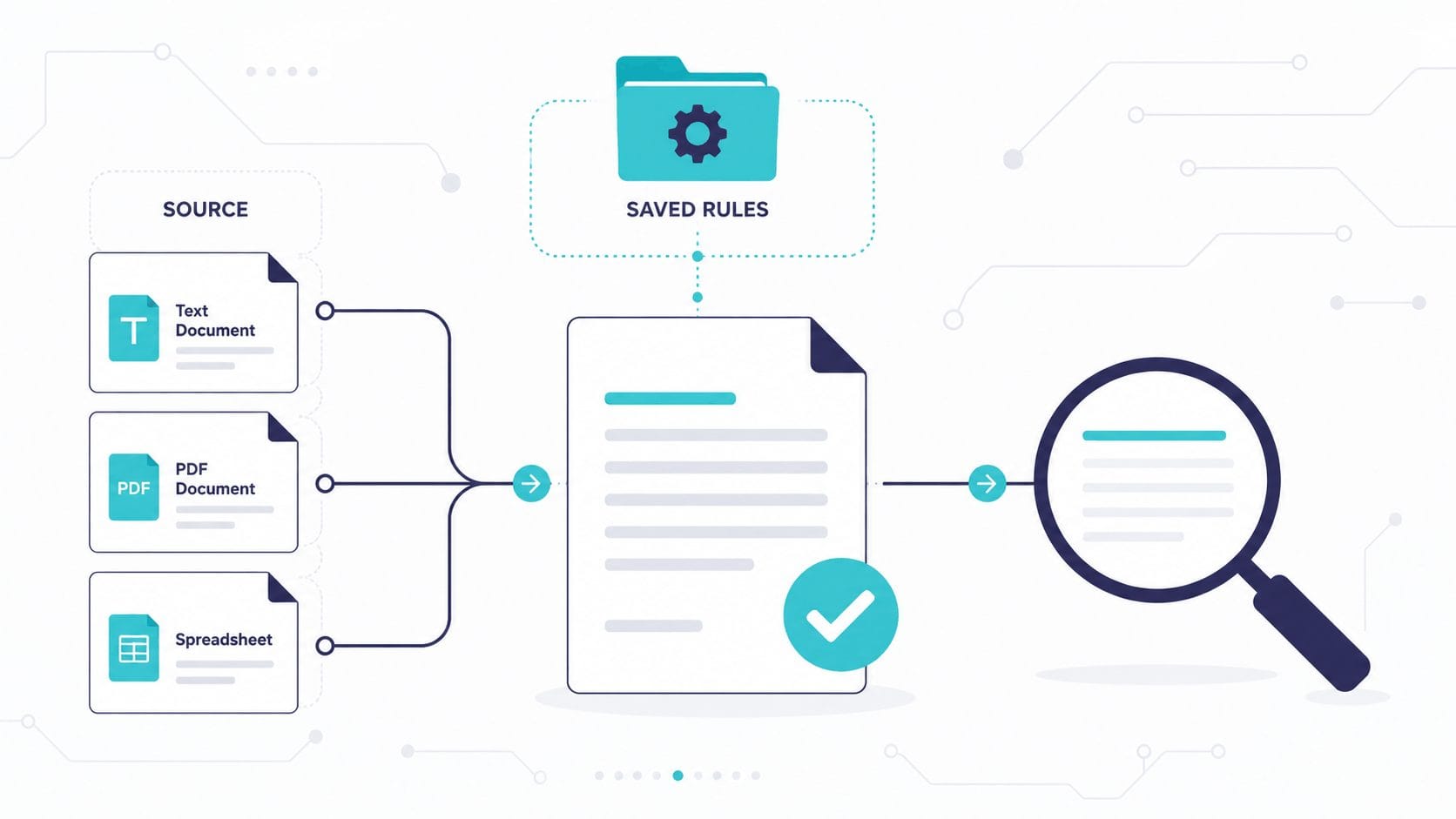
| File | What It Is | Format |
|---|---|---|
resume_base.md | Your full master resume — everything, not just recent roles | Markdown or plain text |
job_description.md | The text of the job posting | Copied from LinkedIn or company site |
accomplishments.md | Your raw brag sheet — see Step 3 | Plain notes, no polish needed |
style_sample.md | A reverse-engineered resume rubric — see Step 4 | Markdown (optional but worth it) |
On the job description: Paste it straight from the source. Clean text is all Claude needs.
On your master resume: This is the “everything” document. Include roles you’ve de-emphasized, metrics you’ve forgotten to highlight, side projects. Don’t filter — let Claude figure out what’s relevant for this specific role.
Step 3: Build Your Brag Sheet
This is the most useful file in your folder, and the one most people skip.
Create accomplishments.md and fill it with raw, unpolished notes about things you’ve done:
- Led sponsor demos for clinical sample tracking software
- Helped translate vague client requirements into working configurations
- Worked with product, delivery, and technical teams across multiple accounts
- Covered for senior AE during Q3 — closed two deals solo
- Built reusable demo narratives for complex workflows
It doesn’t need to be organized or grammatically clean. Messy and specific beats tidy and vague.
Your resume is the formal version of you. The brag sheet is the raw material Claude will mine to find things worth formalizing. Without it, Claude can only rearrange what you’ve already written — which is exactly how you end up with a resume that sounds like everyone else’s.
Step 4: Set Up Your Style Sample
If you have a resume you think is genuinely excellent — yours from a few years ago, a colleague’s, a template you found — don’t just hand it to Claude and say “match this.” Run it through this prompt first:
Methodically reverse engineer this resume so I can recreate it with AI.
Extract everything — structure, section ordering, how accomplishments are
phrased, the balance of detail vs. brevity, formatting choices, and any
patterns in how information is prioritized. Be pixel-perfect accurate.
The words “methodically,” “reverse engineer,” and “pixel-perfect” are doing real work here — they push Claude toward a detailed rubric with specifics you can check. Save the output as style_sample.md.
Now Claude has a concrete standard to match against.
Where Claude Code pulls ahead here: This rubric lives in your Resumes/ folder permanently. Every future application inherits it. You reverse-engineer once; you use it for every role.
Step 5: Add a CLAUDE.md (This Is the Compound Interest Step)
Everything up to here sets up one application. This step is what carries the work into the next one.
Create a CLAUDE.md file in your Resumes/ folder — not inside a specific job subfolder, but at the top level:
Resumes/
  CLAUDE.md              ← lives here, applies to every job folder
  └── acme-corp-marketing-director/
  └── spotify-brand-strategist/
Claude reads this file automatically at the start of every session. It’s your behavioral contract — a short set of rules that prevent the mistakes AI resume tools make most often.
Here’s a starting point:
# Resume Assistant Rules

## Hard rules
- Never invent metrics, tools, titles, or responsibilities I haven't confirmed
- Never upgrade job titles — use the exact title from resume_base.md
- Preserve factual accuracy above all else — when uncertain, ask
- Do not add skills or tools I haven't listed in resume_base.md or accomplishments.md

## Style
- Match the tone and formatting of style_sample.md when present
- Avoid keyword stuffing — tailor for the role, don't jam every JD term into every bullet
- Phrasing should sound like a human wrote it, not a LinkedIn auto-fill

## Workflow
- Always run a gap analysis before writing any resume draft
- After drafting, produce a change log showing what changed and why
- Flag any claims that need my verification
Every time Claude makes a mistake — invents a metric, inflates a title, stuffs keywords — tell it to update CLAUDE.md. Claude writes good rules for itself. Over ten applications, this file becomes a finely tuned set of guardrails specific to your failure modes.
Claude Code also keeps a memory of its own now, saving what it picks up about your preferences between sessions without being asked. It runs alongside CLAUDE.md. The distinction worth holding onto: auto memory is what Claude noticed, CLAUDE.md is what you decided. When a rule protects the factual accuracy of your resume, write it down yourself.
Step 6: Run the Gap Analysis First — Not the Resume
Do not ask Claude to write your resume yet.
Instead, make it read all your input files, compare them against the job description, and ask you follow-up questions before writing a single bullet point. The goal is to surface specific achievements from your brag sheet that your resume hasn’t captured yet — things an AI can’t invent, and that you’ve probably undersold.
This is a pattern called Explore-First: instead of asking a specific question (“rewrite my resume”), you give Claude your intent and let it discover what matters before constraining its output.
Read resume_base.md, job_description.md, and accomplishments.md.

Your goal is to create the strongest truthful resume for this specific role.

First, do not write the resume.

Instead:
1. Identify the role's top priorities from the job description.
2. Compare those priorities against my current resume.
3. Search accomplishments.md for supporting evidence I haven't used yet.
4. Flag anything that seems relevant but underdeveloped — a vague bullet
   that could be stronger with specifics, or an accomplishment that maps
   to a JD priority but isn't on the resume at all.
5. Ask me 3–5 follow-up questions that would make the resume stronger.

Do not invent metrics, tools, titles, or responsibilities.
Claude will come back with a structured analysis and targeted questions. Answer honestly and specifically — the more detail you give here, the stronger the tailored draft will be.
Step 7: Generate the Tailored Draft
Once you’ve answered Claude’s questions:
Based on my answers and the gap analysis, write a tailored version of my
resume optimized for job_description.md.

Keep everything factually accurate — do not add metrics or achievements I
didn't confirm. Match the tone and formatting of style_sample.md if provided.

Save the output as resume_tailored.md.
Because Claude Code has file access, it writes the draft straight into your folder as a file you can open, diff, and edit — no copying out of a chat window.
Step 8: Audit the Draft With a Fresh Perspective
Most AI resume workflows skip this step. It’s the one that lets you check the machine’s work instead of taking it on trust.
Before you accept the draft, ask Claude to show its work:
Audit resume_tailored.md. Create a change log that shows:
1. What you changed from resume_base.md
2. Why each change helps for this job description
3. Any claims that need my verification
4. Any phrasing that may sound inflated, generic, or too AI-written
5. Any missing evidence that would make the resume stronger

Save it as change_log.md.
Claude produces a structured breakdown of every significant change — what it rewrote, why, and where it’s uncertain. You review a list of decisions with reasons attached, which is a far easier thing to check than a finished draft you’re hoping is correct.
Going deeper for high-stakes applications: For a dream-job application, you can run this audit in a sub-agent — a separate Claude session with its own context that hasn’t seen the drafting conversation. The drafting Claude will be slightly generous with its own work (the same way you’d grade your own essay more kindly). A fresh sub-agent reviews without that bias.
To do this in Claude Code, ask:
Spawn a sub-agent to independently review resume_tailored.md against
job_description.md and resume_base.md. It should flag: invented claims,
inflated language, missing keywords from the JD, and anything that reads
as AI-generated. Do not share the drafting conversation with the sub-agent.
This is the difference between “AI wrote my resume” and “AI helped me produce a job-specific version I can stand behind.”
Step 9: Review Before You Send
AI-generated resumes have a few common failure modes. Check for these before you send anything:
- Invented metrics — Claude should only use numbers you confirmed. If you see a figure you don’t recognize, it hallucinated. Delete it.
- Inflated titles — Make sure your actual job titles are preserved exactly. AI sometimes upgrades them.
- Tone mismatch — Does it sound like someone would actually say this, or does it sound like LinkedIn auto-fill? Read it out loud. Rewrite the stiff parts yourself.
- Keyword stuffing — Tailoring for a job description is good. Jamming every keyword into every bullet point is not.
Step 10 (Optional): Add a Cover Letter
If the role asks for one:
Using resume_tailored.md and job_description.md, write a concise cover letter.

Focus on why this specific role makes sense right now — not a recap of
the resume. Address the hiring manager's likely pain points based on the JD.

Keep it under 300 words. Save it as cover_letter.md.
The “why now” framing matters. A cover letter that restates the resume isn’t doing any work. The best ones explain the timing and the fit.
Step 11 (Optional): Turn It Into a Slash Command
If you’re applying to more than a couple of roles, you don’t need to paste these prompts every time.
Create a file at Resumes/.claude/commands/tailor-resume.md with the full workflow:
Run the resume tailoring workflow for the current job folder.

1. Read resume_base.md, job_description.md, and accomplishments.md.
2. Identify the role's top priorities from the JD.
3. Compare priorities against the current resume.
4. Search accomplishments.md for supporting evidence.
5. Ask 3-5 follow-up questions before writing anything.
6. After I answer, write resume_tailored.md matching style_sample.md.
7. Produce change_log.md showing all changes, reasons, and items needing
   my verification.
Now you open a new job folder, drop in job_description.md, type /tailor-resume, and the entire gap-analysis → draft → audit pipeline runs from a single command. The CLAUDE.md rules apply automatically. The style rubric is inherited. Your brag sheet is already there.
If you want the fuller version: custom commands have since been folded into Skills, which do the same job with more room — a whole folder instead of one file, so your style rubric and reference material can live inside the skill itself. The command above still works exactly as written, so there’s no rush to convert. If you’d rather build it as a skill from the start, put it in ~/.claude/skills/tailor-resume/SKILL.md and it follows you into every folder on your machine. I’ve written a full guide to building Claude Skills if you want to go that route.
Your tenth application takes a fraction of the time your first one did. That’s the compounding advantage of a file-based workflow over a chat-based one.
What This Won’t Do
A few honest caveats:
Claude Code works with what you give it. A thin brag sheet produces a thin resume. The gap analysis and follow-up questions help surface what’s there — but they can’t fabricate experience you don’t have.
This process doesn’t format your resume visually. The output is a text file. You’ll paste it into your actual resume template — Word, Google Docs, a design tool — and apply formatting there.
The audit step catches a lot, but not everything. Read the final draft out loud before you send it. If a sentence makes you wince, rewrite it. Claude gets you most of the way there — the last 10% is yours.
And if you don’t land the role despite a strong application, that’s worth analyzing too. I wrote a separate guide on using AI to diagnose why you didn’t get the job — it turns a rejection into data you can actually use for the next one.
Quick Reference
| Step | What You’re Doing |
|---|---|
| 1. Set up your workspace | Create a job subfolder, open Claude Code in it |
| 2. Prepare your files | Master resume, job description, brag sheet, style sample |
| 3. Build your brag sheet | Raw accomplishment notes — messy and specific |
| 4. Set up style sample | Reverse engineer a resume you admire into a reusable rubric |
| 5. Add a CLAUDE.md | Persistent rules that prevent common AI resume mistakes |
| 6. Run the gap analysis | Claude reads all files and asks follow-up questions first |
| 7. Generate the draft | Claude writes resume_tailored.md directly to your folder |
| 8. Audit the draft | Change log showing what changed, why, and what needs verification |
| 9. Review before sending | Check for invented metrics, inflated titles, AI-sounding phrasing |
| 10. Cover letter (optional) | One more prompt, focused on “why now” |
| 11. Slash command (optional) | Turn the whole workflow into /tailor-resume for repeat use |
Claude Code vs Codex: When to Use Which
This guide is the Claude Code companion to my Codex resume guide. Both follow the same core workflow — brag sheet, gap analysis before drafting, audit after — because the process matters more than the tool.
The difference is in what happens over time:
- Codex is a strong choice if you want a clean, guided experience for a single application. It handles the file setup and prompting well, and the interface is approachable if you’ve never used a coding tool before.
- Claude Code is the better fit if you’re applying to multiple roles and want the workflow to improve with each one. CLAUDE.md rules compound. The slash command eliminates prompt repetition. The style rubric persists. Sub-agents give you an independent audit.
If you’re applying to one dream job, either tool works. If you’re running a real job search across ten or twenty applications, the compounding matters.