How to Maintain an AI Wiki: Give It Permission to Forget
A practical follow-up to building a personal AI wiki: preserve useful knowledge, remove stale detail, and give operational history permission to expire.

A practical follow-up to building a personal AI wiki: preserve useful knowledge, remove stale detail, and give operational history permission to expire.

Scheduled AI tasks let you ask once and have the work repeat automatically — a daily language exercise, a weekly briefing, an inbox summary you actually read. This guide covers picking a first task, setting it up in ChatGPT or Claude with a ready-to-copy prompt, and checking that it actually runs and delivers before you rely on it.
Find out how to push through AI based objections when you are trying to accomplish a task.
A copy of the Fable 5.1 system prompt circulated on release day, and the interesting part is where its length goes: overwhelmingly on how the model should decide rather than what it should say. Seven of those decisions transfer into ordinary prompts as single sentences — including the three most people never write. The source is unverified, and the post explains why that doesn’t matter.
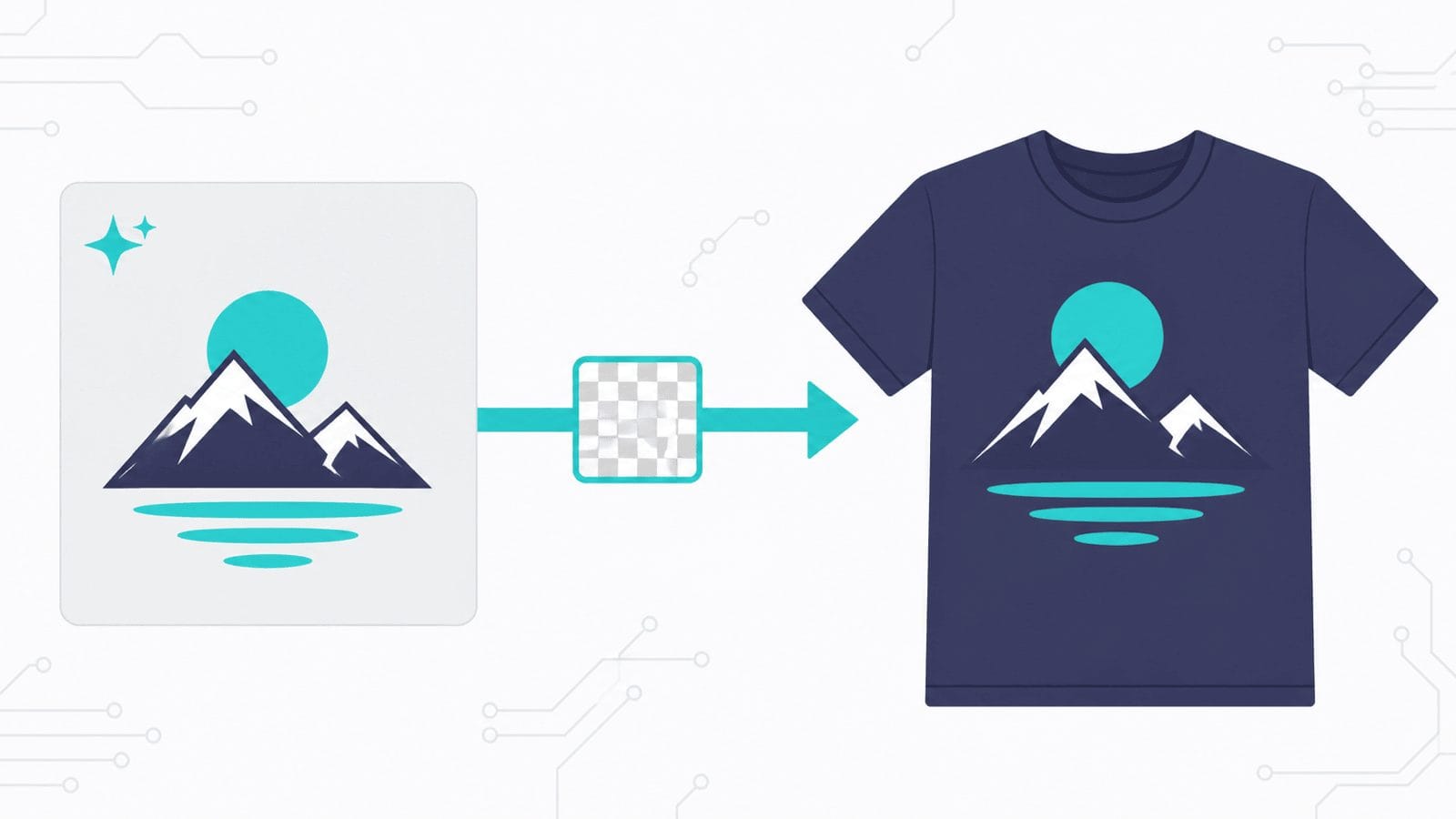
Print on demand has three stages, and AI has arrived unevenly across them. This guide walks the whole process end to end — research, design prompts, file prep, mockups, listing SEO and disclosure — using ChatGPT, Claude or Gemini plus free tools, with no specialist print-on-demand software. Includes the one prompt-level habit that saves the most time: generate on a background you chose to remove.

You can run a capable AI model on the laptop you already own — no account, no subscription, no usage meter, and no data leaving your machine. Here’s how to install Ollama, pick a model that fits your memory, use agent mode, and point Claude Code at a local model without losing your skills and connectors.

Claude can now run its own sessions. Dispatch takes an outcome you text from your phone, splits it into tasks, and runs each as its own session on your computer. Here’s what Dispatch, cross-session messaging and agent teams each do, and how to pick the right one.
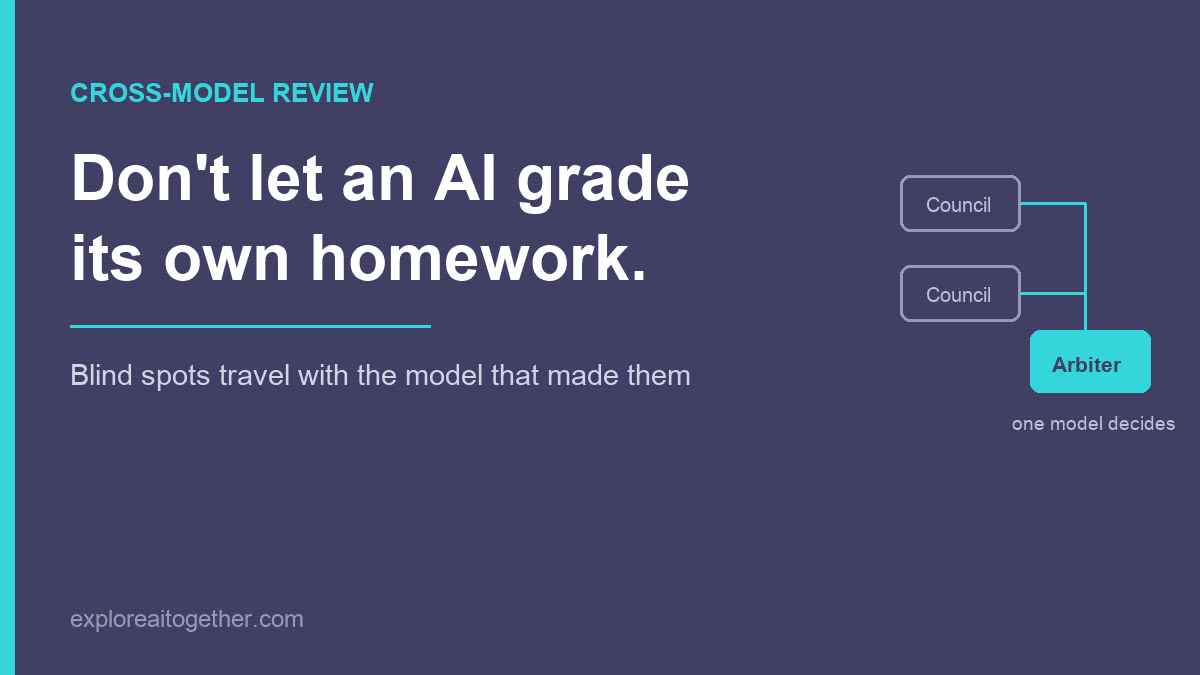
Ask an AI to check its own work and it mostly agrees with itself — the blind spots that shaped the answer also shape the review. Here’s the two-model fix, the AI Council loop I used to design ChainMate, and why you name one model as the arbiter instead of letting them vote.
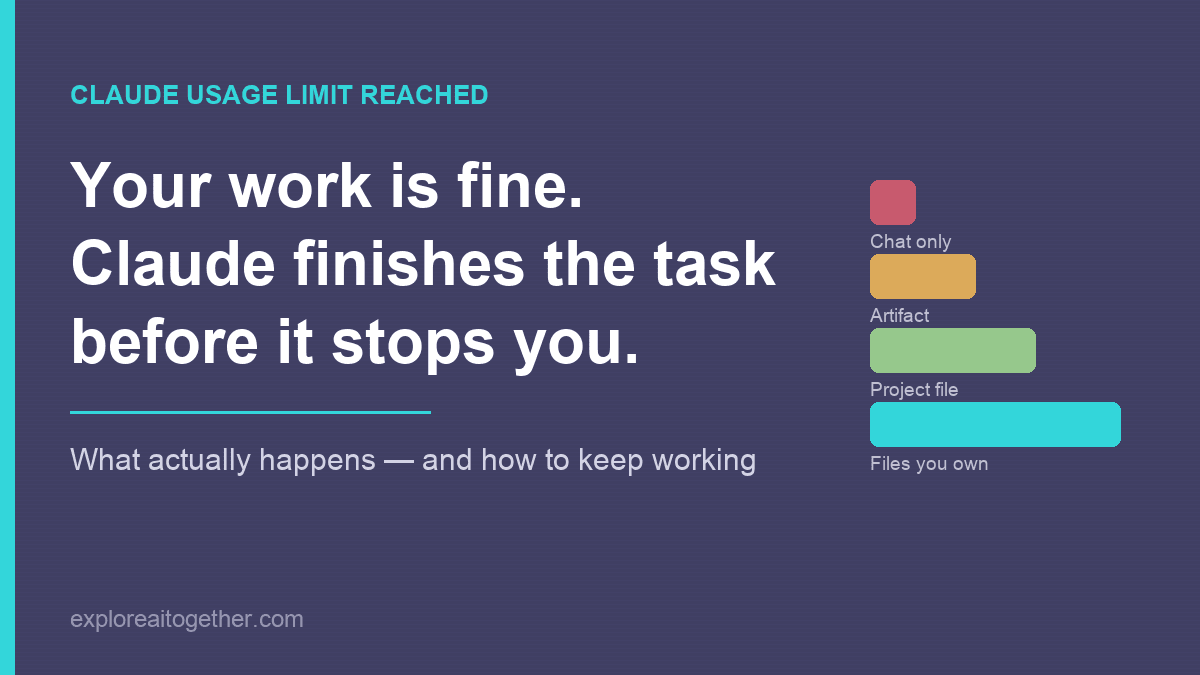
Your work is almost certainly fine — Claude finishes the task before it stops you. What actually happens when you hit the limit, what to do in the next five minutes, and the three changes that make the next one a non-event.
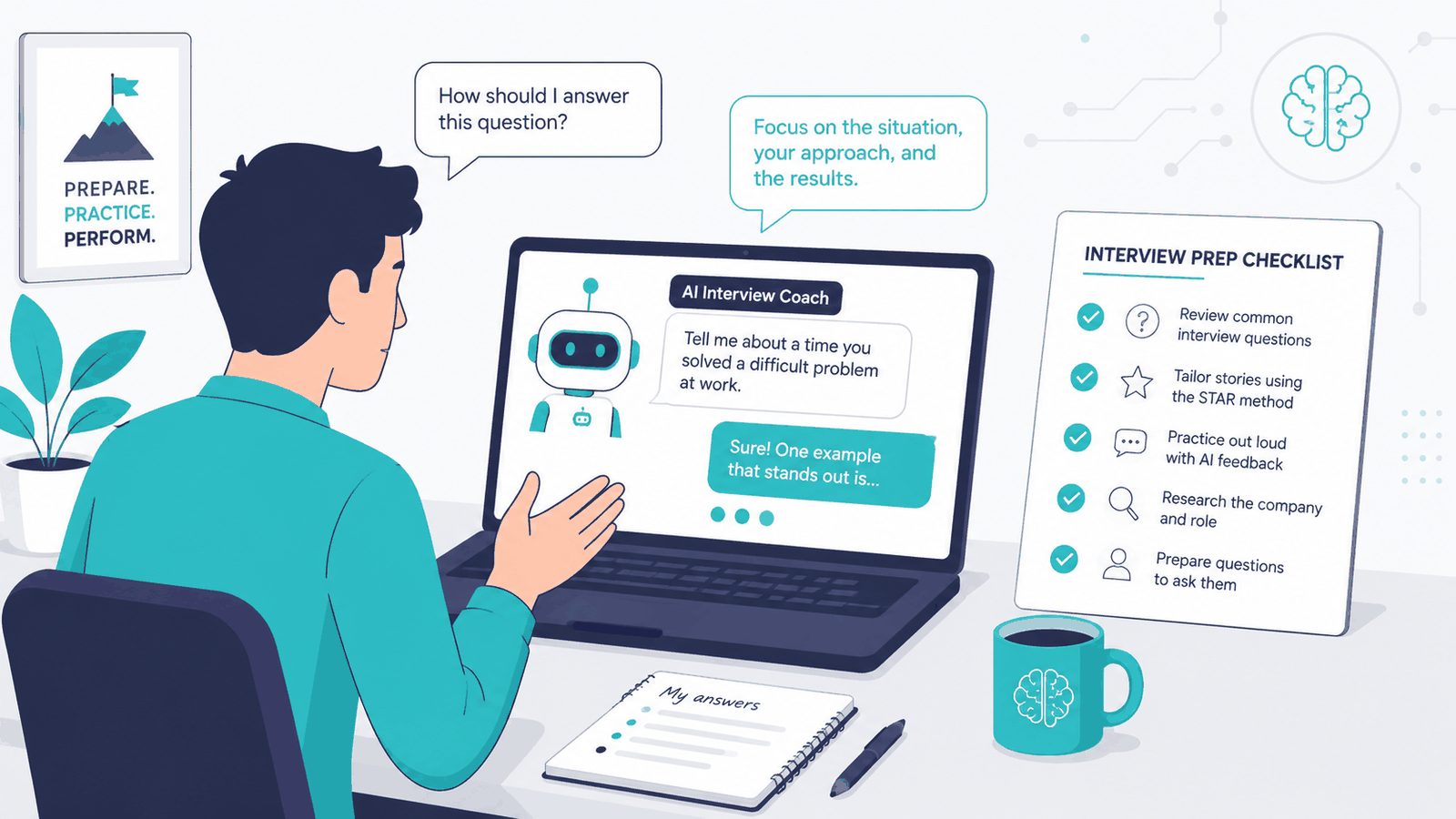
The full seven-stage workflow for preparing with AI — resume fit, company research, compensation, contract review, the questions to ask, mock interviews with the fix that stops it flattering you, and a one-page cheat sheet. All in one conversation.
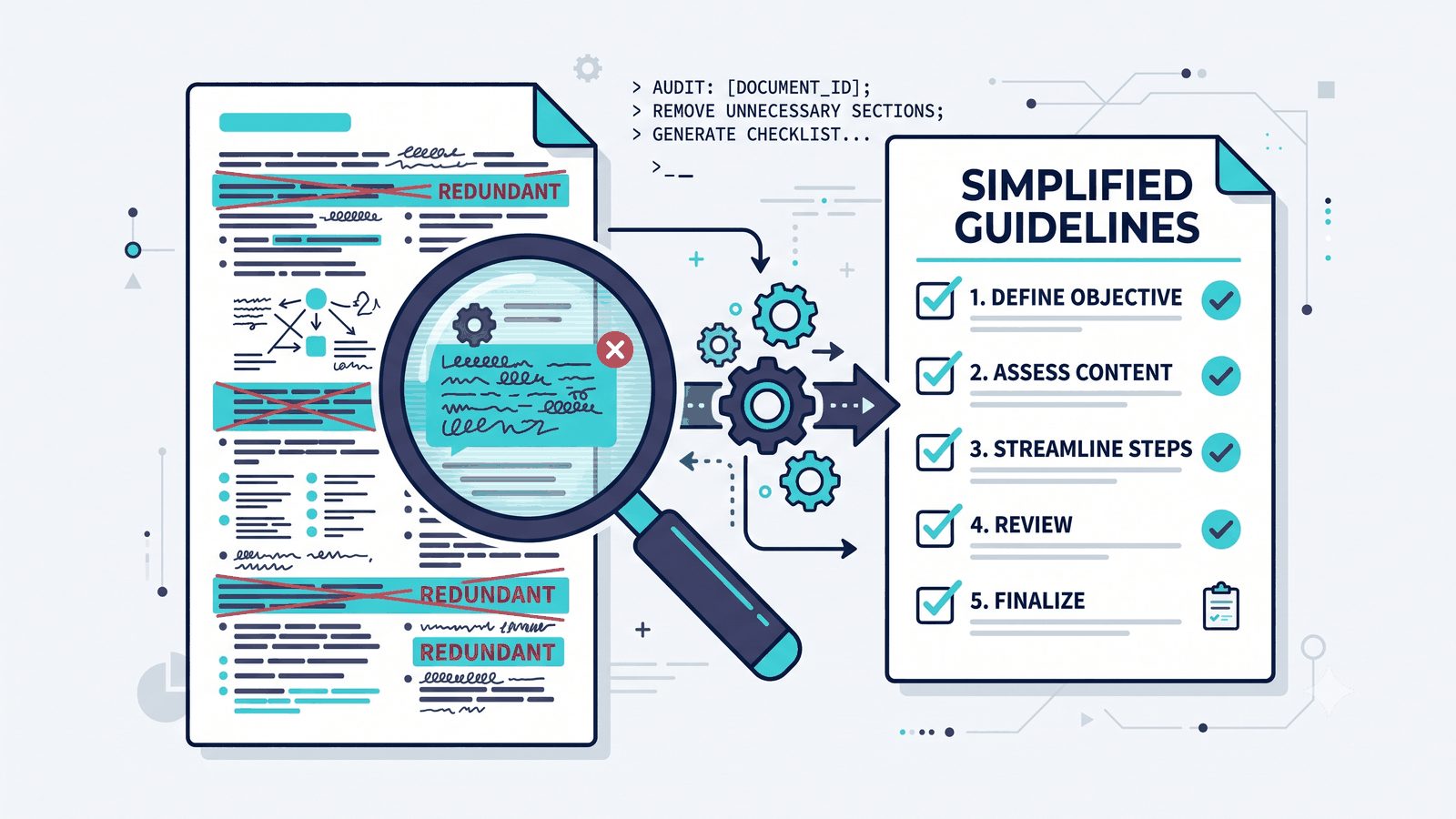
Your CLAUDE.md gets stale as models improve — rules you wrote to babysit an older model are now just noise. Here’s a copy-paste prompt that audits it against Anthropic’s current docs and hands back a tighter file, nothing overwritten until you approve it.
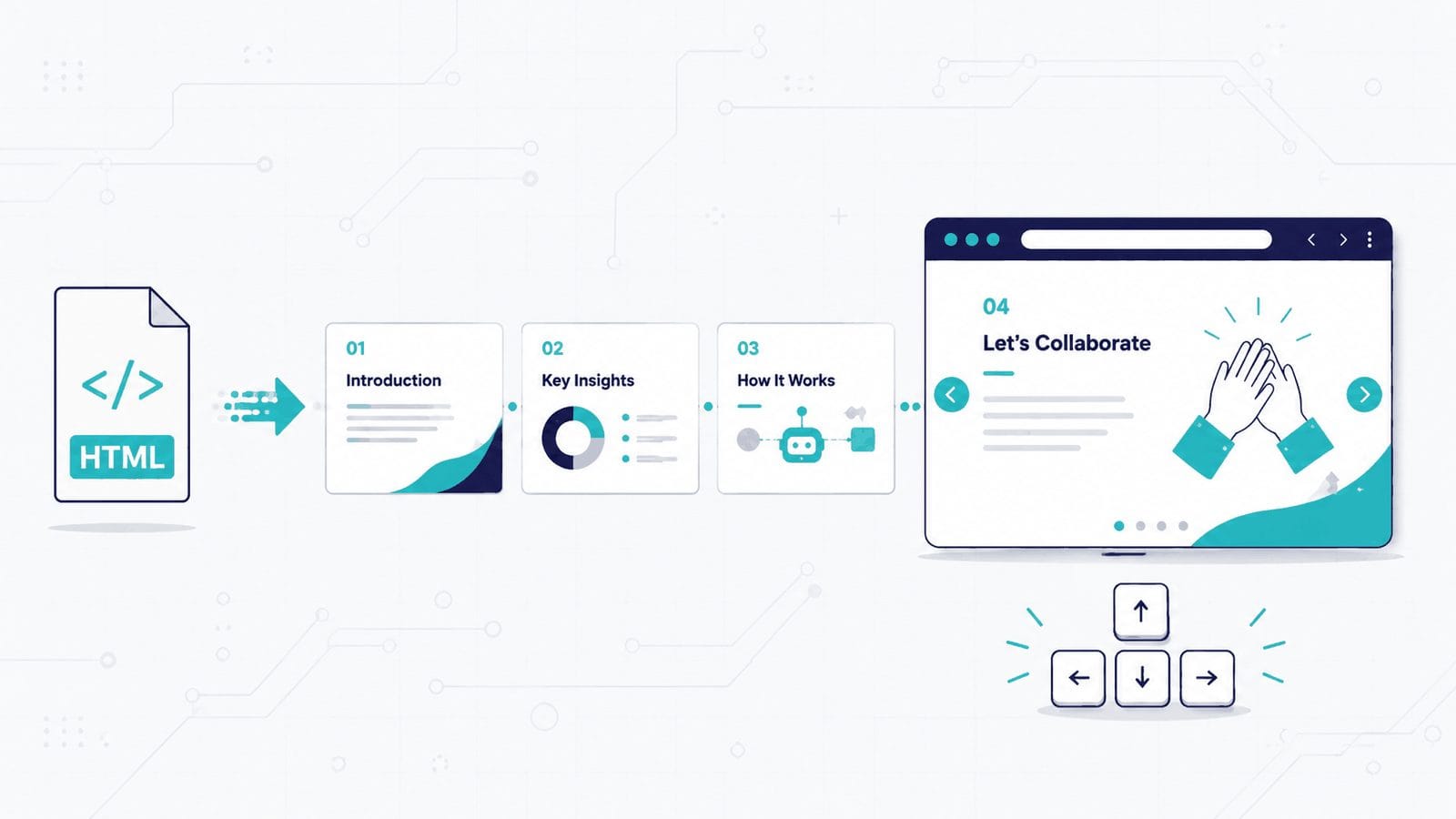
You describe a presentation in plain English and AI generates a single HTML file — animations, transitions, keyboard navigation, no dependencies. Here are the three ways to do it (chatbot, Claude Design, or a reusable skill), eight copy-paste prompts, how to share the result as a link, and the CSS mistake that will break your site if you embed one.
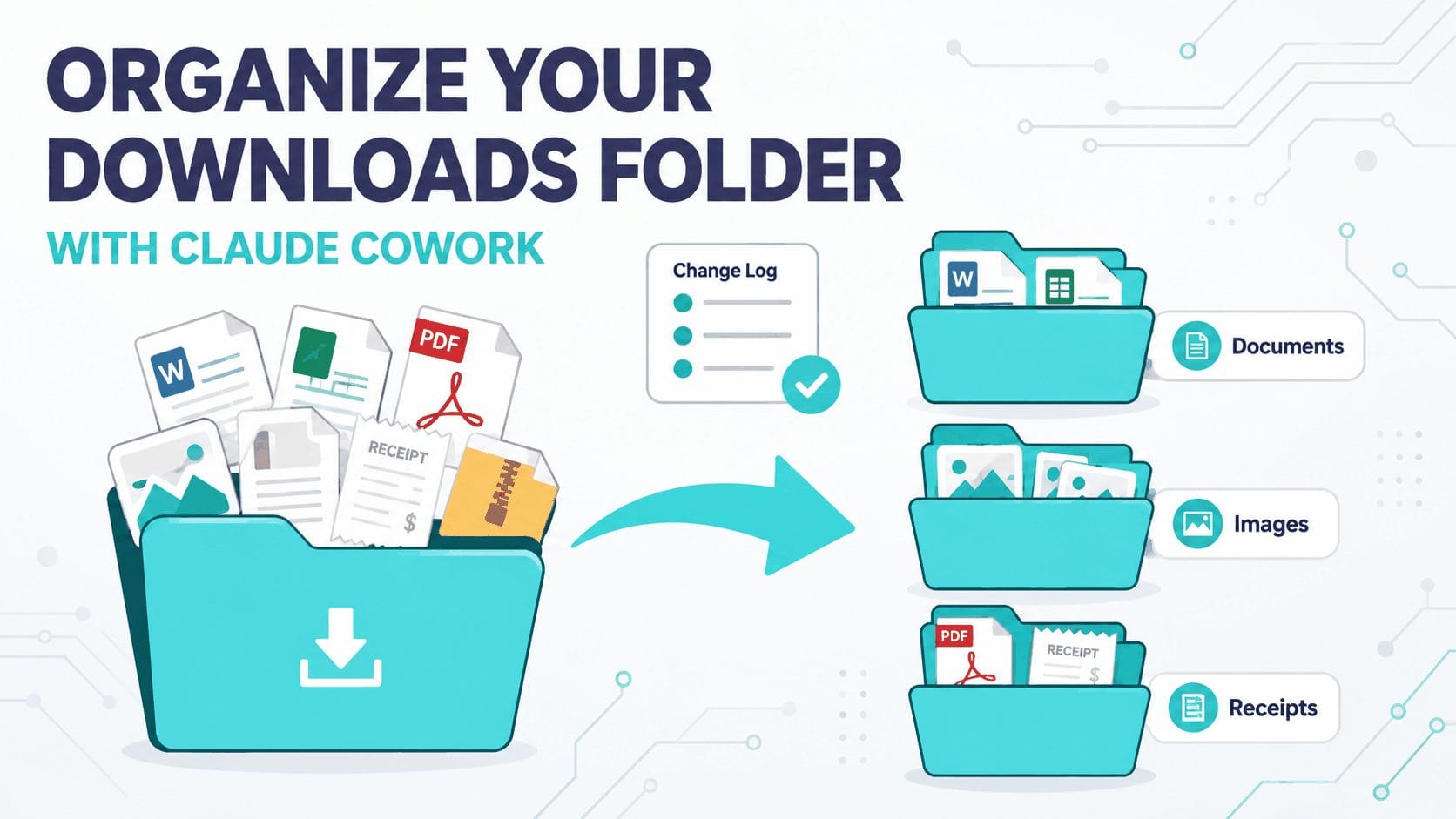
Your Downloads folder is a sorting job you keep rescheduling. Claude Cowork can read the whole folder, sort and rename every file, and log each move — while you approve the plan first. Here’s the safe, supervised workflow, plus eight copy-paste prompts for receipts, screenshots, and more.
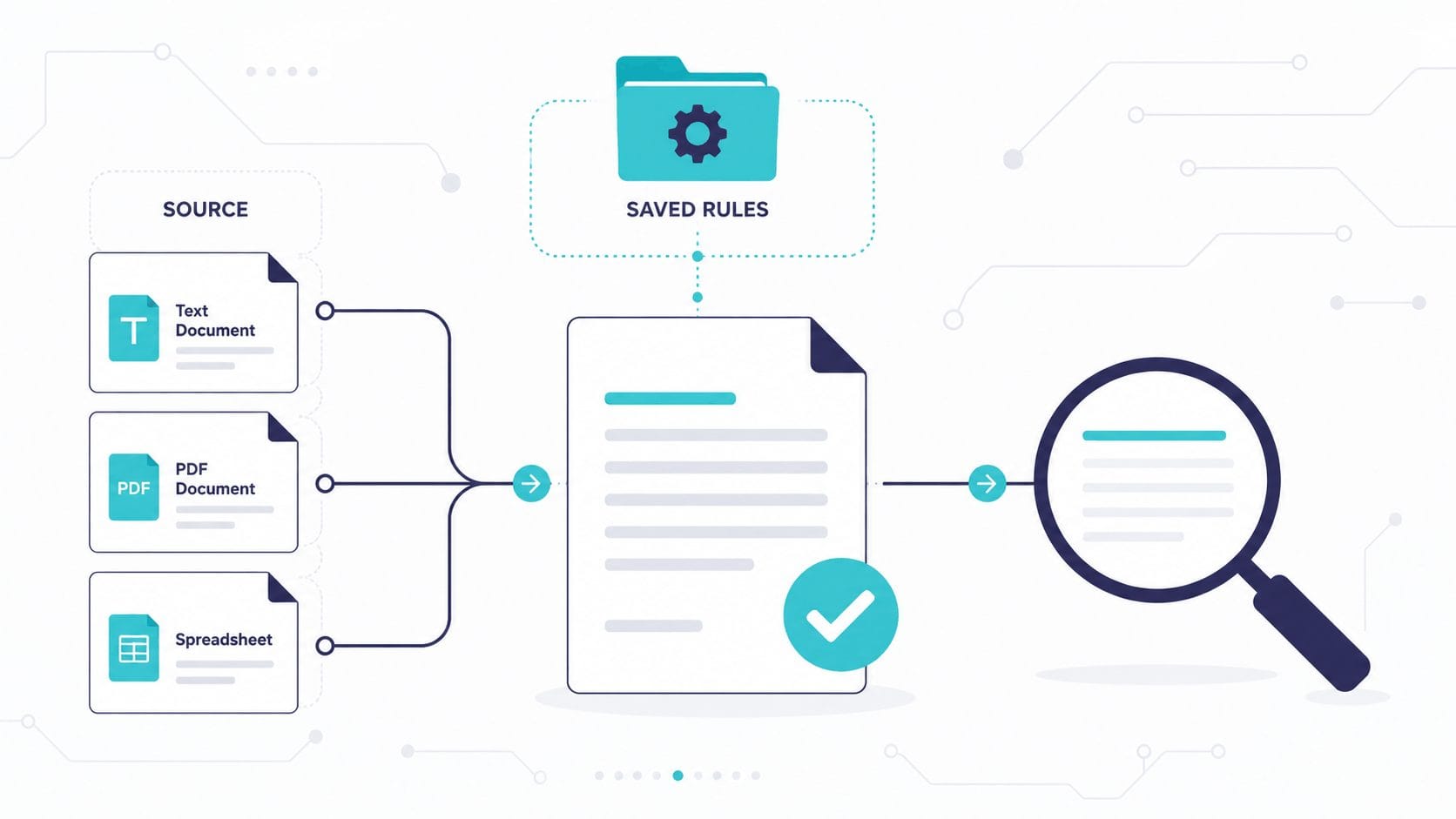
Most resume guides hand you a prompt and call it a workflow. Claude Code works from files on your machine, so your brag sheet, style rubric, and rules persist — and the tenth application takes a fraction of the time the first one did.
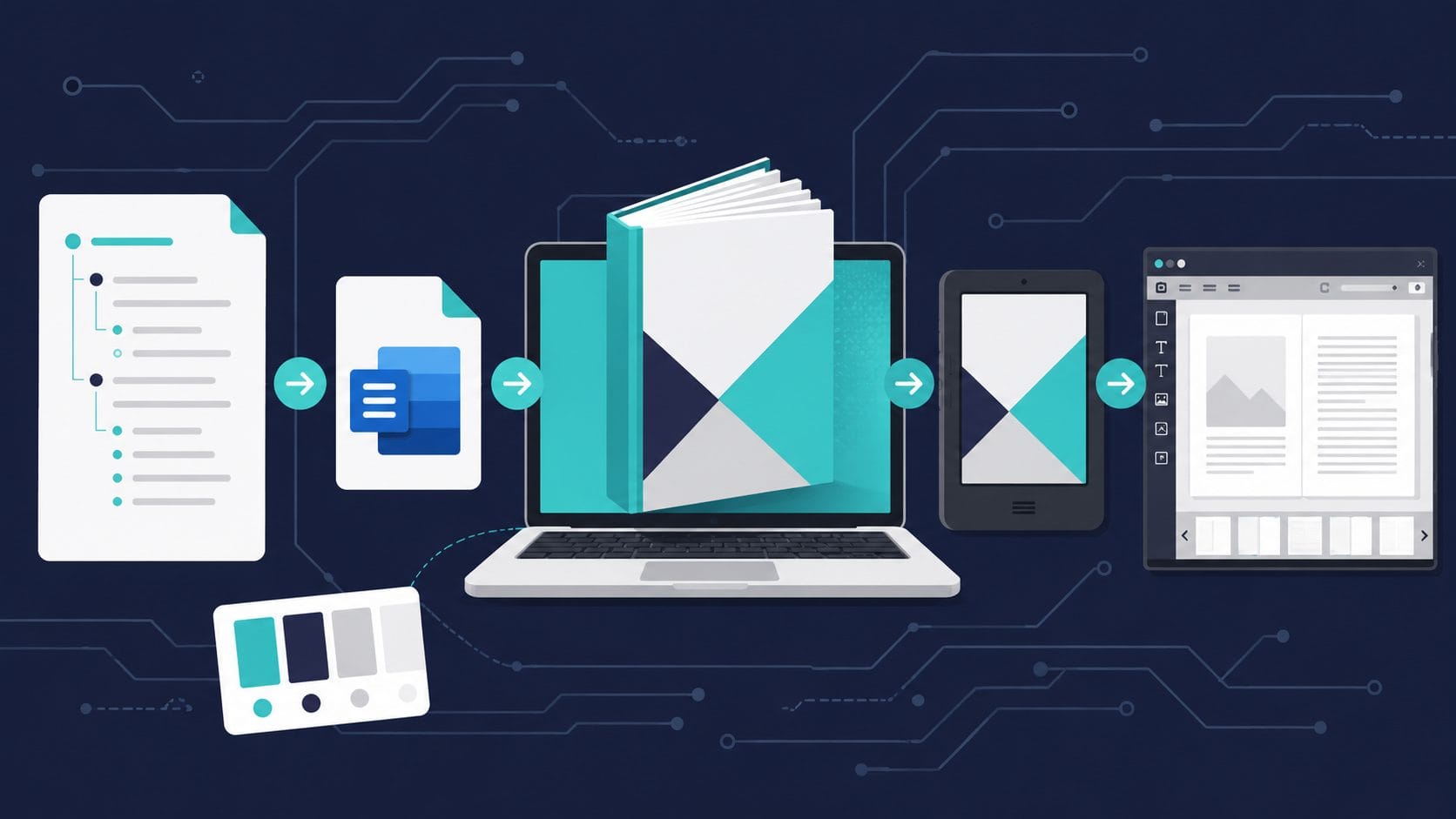
I’ve published two nonfiction eBooks on Amazon KDP using AI. Here’s my exact 6-step process from research to cover design — no experience needed.
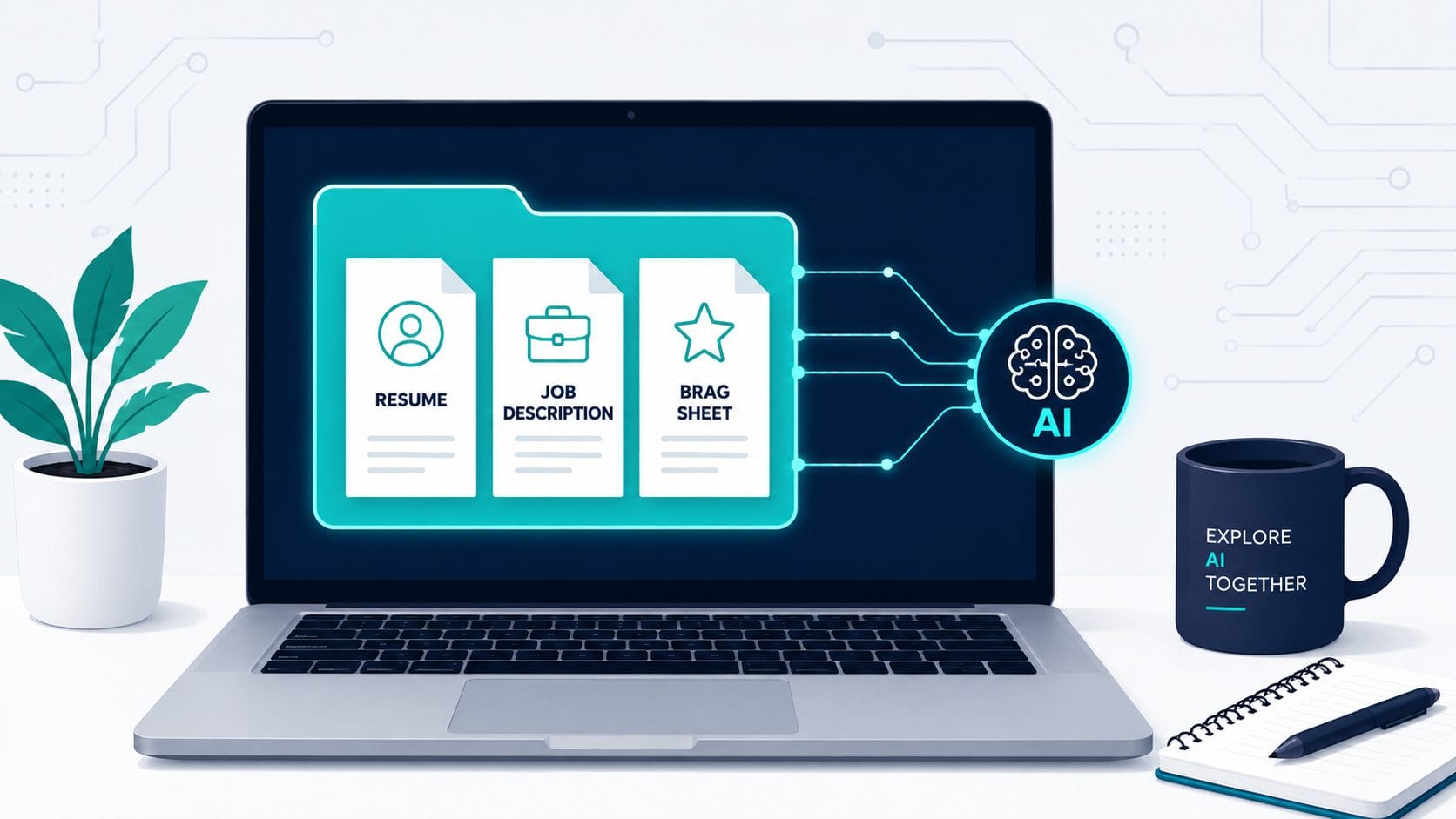
Use Codex to build a job-specific resume. File-based workflow with a brag
sheet, gap analysis, and a full audit prompt — no copy-paste required.
Gemini Deep Research is still one of AI’s best-kept tools. Here’s how to use it to fact-check anything — and turn it into a custom podcast.
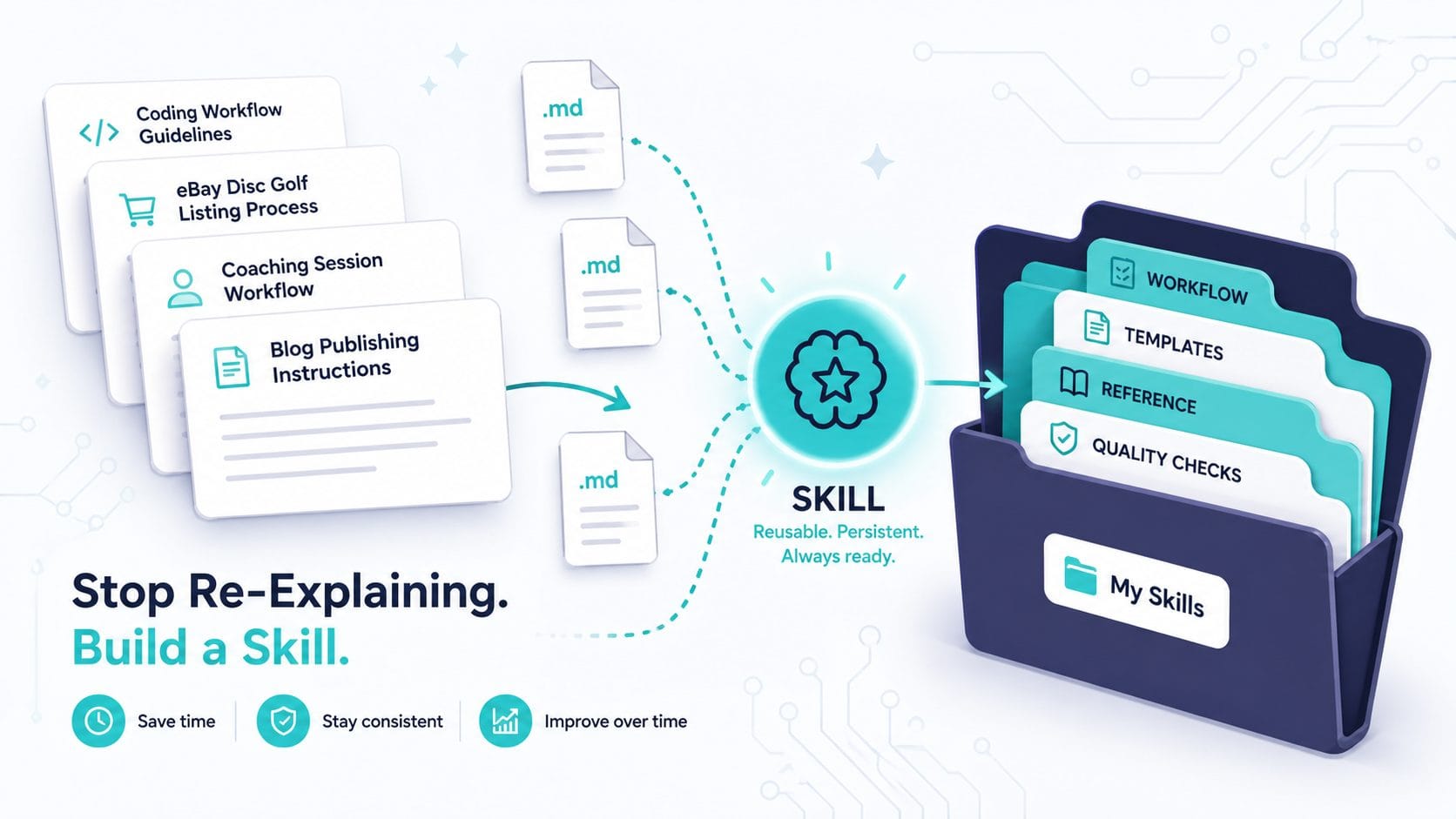
You’ve been here before. New chat. Same instructions. “Use this tone.” “Follow this format.” “Here are my brand colors.” Copy-paste from a note you keep somewhere. Maybe you’ve refined it over a dozen conversations, but Claude forgets everything the moment you start fresh. It’s not a bug. It’s how large language models work — every … Read more

This is a small project and guide to create a local Wiki-style set of files guided by Claude Code.

Learn the essential vibe coding vocabulary every beginner needs. A practical reference guide organized by when you’ll actually encounter each term.