
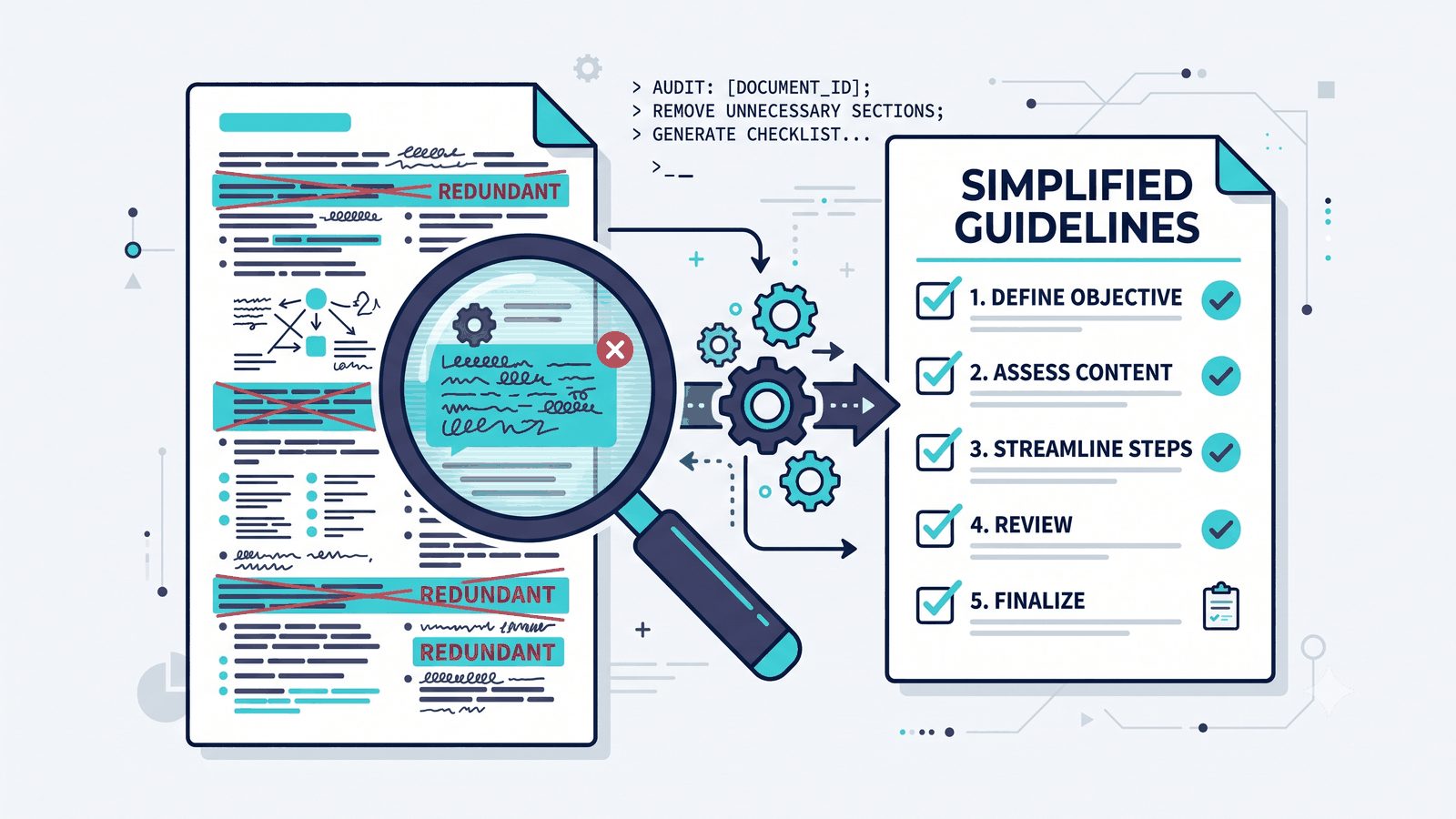
Your CLAUDE.md is the file Claude Code reads at the start of every session: the standing instructions for how it should work in your project. You wrote it once, it helped, and you moved on. Since then Anthropic has shipped new models, and some of what you wrote to manage an older one is now noise that competes with the rules that still matter.
Claude Code can now check that for you. Type one command, and it reads every instruction file it loads, tells you what’s stale, and proposes the fixes.
The command
In a Claude Code session, inside the project you want to check, type:
/doctor prompt-auditThat’s it. Here’s what happens:
- It reads everything Claude loads. That covers your CLAUDE.md, CLAUDE.local.md and AGENTS.md, plus the rules, skills, commands, subagents and output styles in your project’s
.claude/folder and your personal~/.claude/folder. - It checks for three kinds of problems: instructions written for older models, references to files or commands that no longer exist, and files that contradict each other.
- It hands you a report with proposed edits. Nothing in your files changes until you tell it to apply them.
To check a single file or folder instead of everything, add its path: /doctor prompt-audit .claude/skills/deploy.
You need Claude Code v2.1.283 or later. If the command isn’t recognized, update Claude Code and try again.
What it found in mine
I ran it on the vault that runs this blog. My CLAUDE.md came back clean: no dated patterns, and every path, script and flag it names still exists.
The real problem was somewhere I’d never have looked. Two copies of my blog-publishing skill were loading in every session. One lives on my machine and says there are no word-count targets. The other was an older copy synced from claude.ai, and it says “1,200–1,500 (strict)” and counts the words. The older copy had the better description, so it was the one Claude was more likely to pick. It had been syncing into every session since at least mid-September.
The audit also caught the local copy contradicting itself. One line said there were no word-count targets, and the final checklist asked for “word count within target range.” It flagged a step that still followed a workflow I’d retired, and two other skills with stale details, including a monthly research skill still searching for “2025.”
That’s the part a reread can’t give you. When you reread your own CLAUDE.md, you see one file. The audit reads everything that loads, so it finds files that disagree with each other.
What to do with the report
Read the findings before you accept the edits. A few patterns worth knowing:
- Accept most “remove” and “rewrite” findings. These are usually lines that repeat something already loaded, describe the history of a rule instead of the rule, or tell a current model to do something it already does.
- Look harder at anything touching a rule with a reason behind it. My audit kept every “never” line in my AGENTS.md, because each one is a real constraint with a stated reason. If it proposes cutting one of yours, check why before you agree.
- Some fixes can’t happen locally. Skills synced from claude.ai get overwritten on the next sync, so those changes have to be made on claude.ai itself. The report says so when that’s the case.
Run it again whenever you switch to a new model. That’s when the largest share of your instructions goes stale at once.
Without the command: use this prompt
If you’re on an older version of Claude Code, or you want the same check somewhere the command doesn’t exist, paste this into a session in your project:
Read my CLAUDE.md and every other instruction file you load in this project (AGENTS.md, CLAUDE.local.md, and the rules, skills and commands under .claude/). Then fetch Anthropic’s current Claude Code documentation, starting at code.claude.com/docs, and find the CLAUDE.md and memory best-practices guidance, so you’re working from current recommendations rather than your training data. Audit my files against these standards: 1. The include/exclude test. A line earns its place only if removing it would cause you to make a mistake. Flag anything you could work out by reading the code, standard conventions you already follow, descriptions of the architecture or file layout, change history, and long explanations. 2. Redundancy with the current model. Flag rules that tell you to do something a current model already does by default. 3. Signal to noise. Every rule should name a specific mistake it prevents. Flag vague “be careful” or “be thorough” rules, and emphasis like IMPORTANT, ALL CAPS or “you MUST”. 4. Contradictions. Flag any two lines, in the same file or across files, that disagree. 5. Broken references. Flag any file, folder, script or command the instructions name that doesn’t exist. 6. Rules that can’t bend. Flag rules that must happen every time with no exceptions, and suggest turning them into a hook or a permission rule instead. Show me a table of every finding with a verdict (keep, rewrite or cut) and a one-line reason, then a revised version of each file. Don’t change any file until I say go. Tell me whether you actually fetched the docs or worked from what you already know.
The last line matters. If Claude can’t reach the docs page, it falls back on its training, and you want to know which one you got.
Two variants
If you only want the diagnosis:
Audit my CLAUDE.md and the other instruction files you load against Anthropic’s current Claude Code best-practices docs (fetch them first). Give me a keep / rewrite / cut table with a one-line reason per finding, including any contradictions between files. Don’t write any new files.
If you don’t have a CLAUDE.md yet, start with /init. It drafts one from your codebase, and Anthropic’s own advice is that from there the work is mostly removing lines. Or use this prompt:
I don’t have a CLAUDE.md yet. Read my project, fetch Anthropic’s current Claude Code best-practices docs, and draft a minimal one. Only include what you couldn’t work out from the code: the exact commands to install, test and typecheck; places where the code is misleading; decisions that aren’t written down anywhere in the repo. Keep it short, and show it to me before writing the file.
What to stop putting in your CLAUDE.md
Anthropic’s best-practices page now has a section called “What you can stop doing.” The parts that apply to your instruction files:
- IMPORTANT, ALL CAPS and “you MUST.” Older models sometimes needed the emphasis. Current ones follow a plainly worded line, and piling on emphasis mostly makes Claude over-apply the rule. If a line keeps getting missed, either the file is too long or the rule should be a hook.
- “Think hard” and “be thorough.” Effort is a setting now. Those phrases are ordinary text that nudges Claude a little within whatever effort level you’ve set.
- “Keep going” and “don’t be lazy.” Current models carry on through an agreed task without being told, and those lines are more likely to cause over-work. Giving Claude a check to pass, like a test command, still works.
- A description of your architecture and file layout. Claude reads the repo itself. Write down only what isn’t in there.
What should stay, per the same page: how to confirm work in this repo, places where the code is misleading, decisions that aren’t in the repo, and anything you’ve had to correct twice already. Anthropic’s memory guide puts the target at under 200 lines per file. If a rule only matters in one part of the project, move it to .claude/rules/ with a path filter, so it only loads when Claude works there.
The distinction to keep: CLAUDE.md holds guidelines, and Claude is allowed to decide a guideline doesn’t apply. A hook is how you get something that happens every single time.
What it won’t do
It can’t add what you never wrote down. The audit only works on instructions that exist. The gotcha you keep correcting by hand still needs a line from you.
It audits against the model you’re running. My report checked everything against the model that session used. Run it again after you switch models.
It’s a proposal. You still own the files. Every so often a line looks redundant but is quietly doing work for your setup, so read the cut list before you say go. I read mine, agreed with every finding, and applied them all.
Quick reference
- Run:
/doctor prompt-audit(Claude Code v2.1.283 or later) - One file or folder:
/doctor prompt-audit <path> - No file yet:
/init, then cut - Older version, or another tool: use the prompt above
- When: every time you switch models
- Stop writing: IMPORTANT and ALL CAPS, “think hard”, “keep going”, file-layout descriptions
- Keep writing: test commands, misleading spots, unwritten decisions, anything you’ve corrected twice
If you haven’t set up the file itself yet, Stop Repeating Yourself: How to Make Claude Code Actually Remember covers what belongs in it and how it fits with project context. And if the audit tells you a workflow belongs in a skill instead of CLAUDE.md, Stop Re-Explaining Yourself to Claude — Build a Skill Instead shows how to make one.