Can’t Find the New Claude Desktop Features? Here’s Where Each One Is
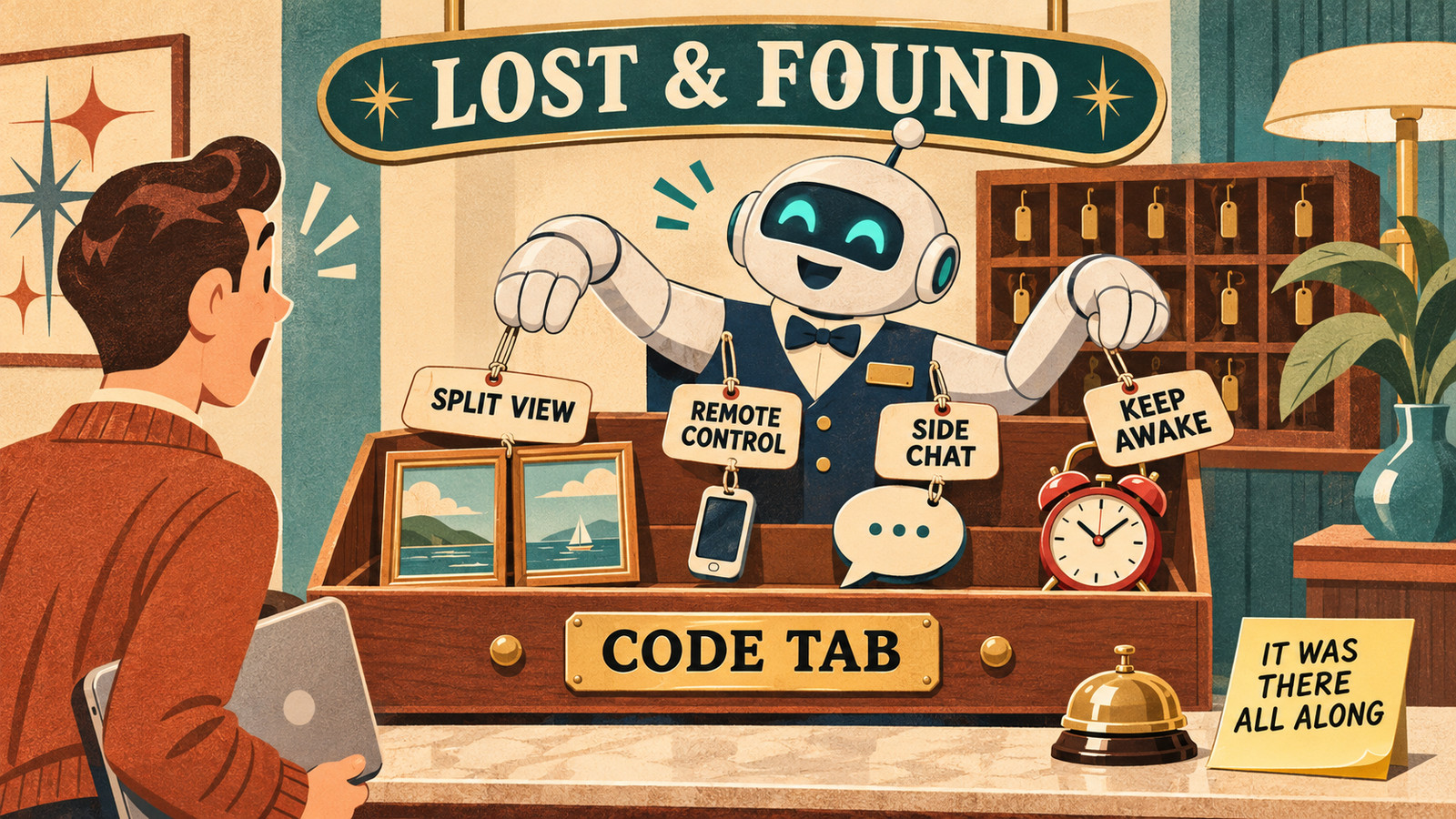
Updated Claude but can’t find the new features? Most of them are already there: in the Code tab, behind small menus, or only when you ask. Here’s where each one is.

Updated Claude but can’t find the new features? Most of them are already there: in the Code tab, behind small menus, or only when you ask. Here’s where each one is.

Turning off AI training covers one of four places your words go. What ChatGPT, Claude and Gemini keep, for how long, and the switches that control it.

ChatGPT, Claude and Gemini can all read your Gmail, and two of them can send. What each can do, the settings to change first, and how to undo it.
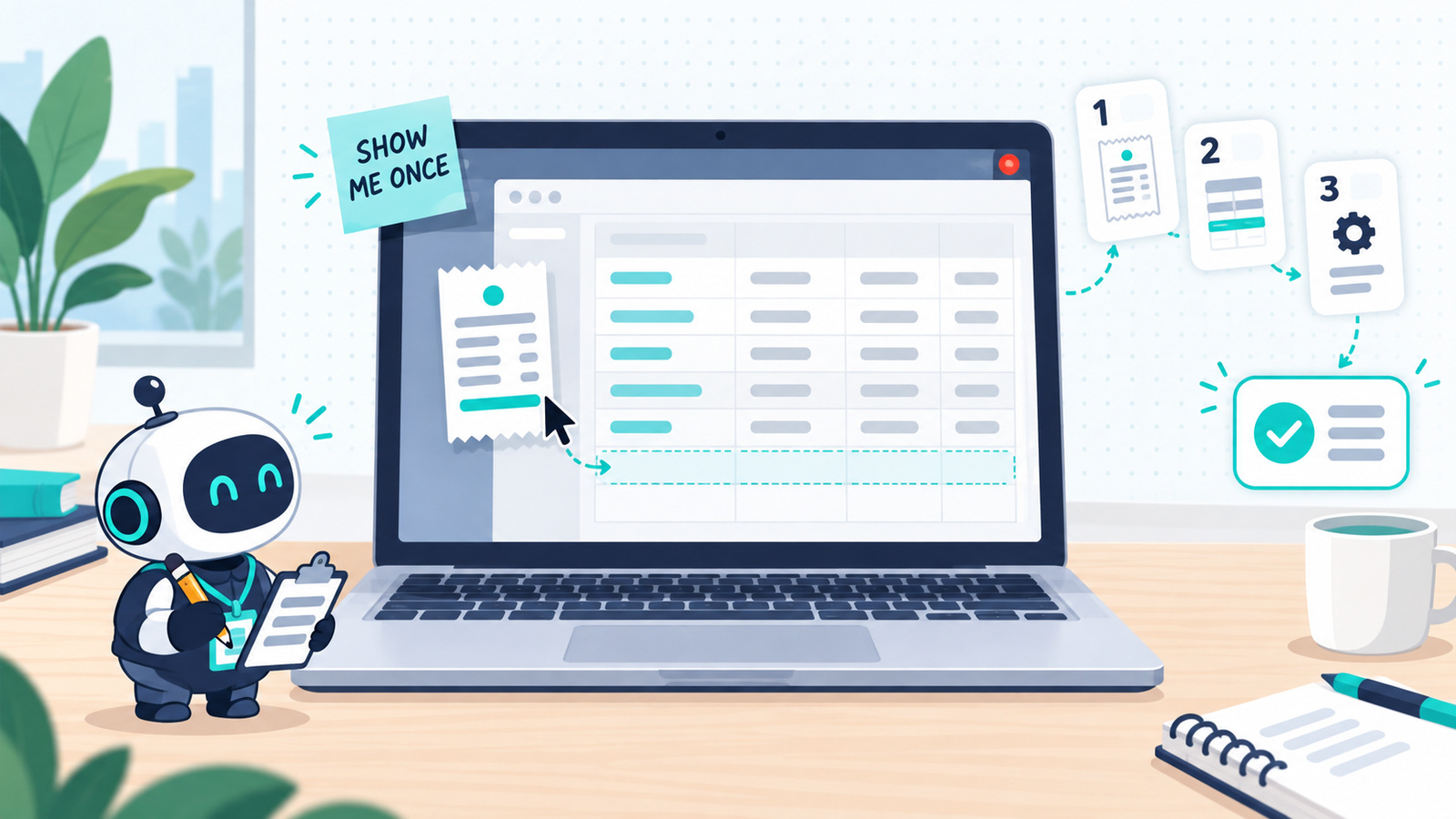
ChatGPT and Claude can now learn a task by watching you do it once. Which tasks are worth recording, how to start in each app, how to record so the skill works first time, and what to check before you trust it.
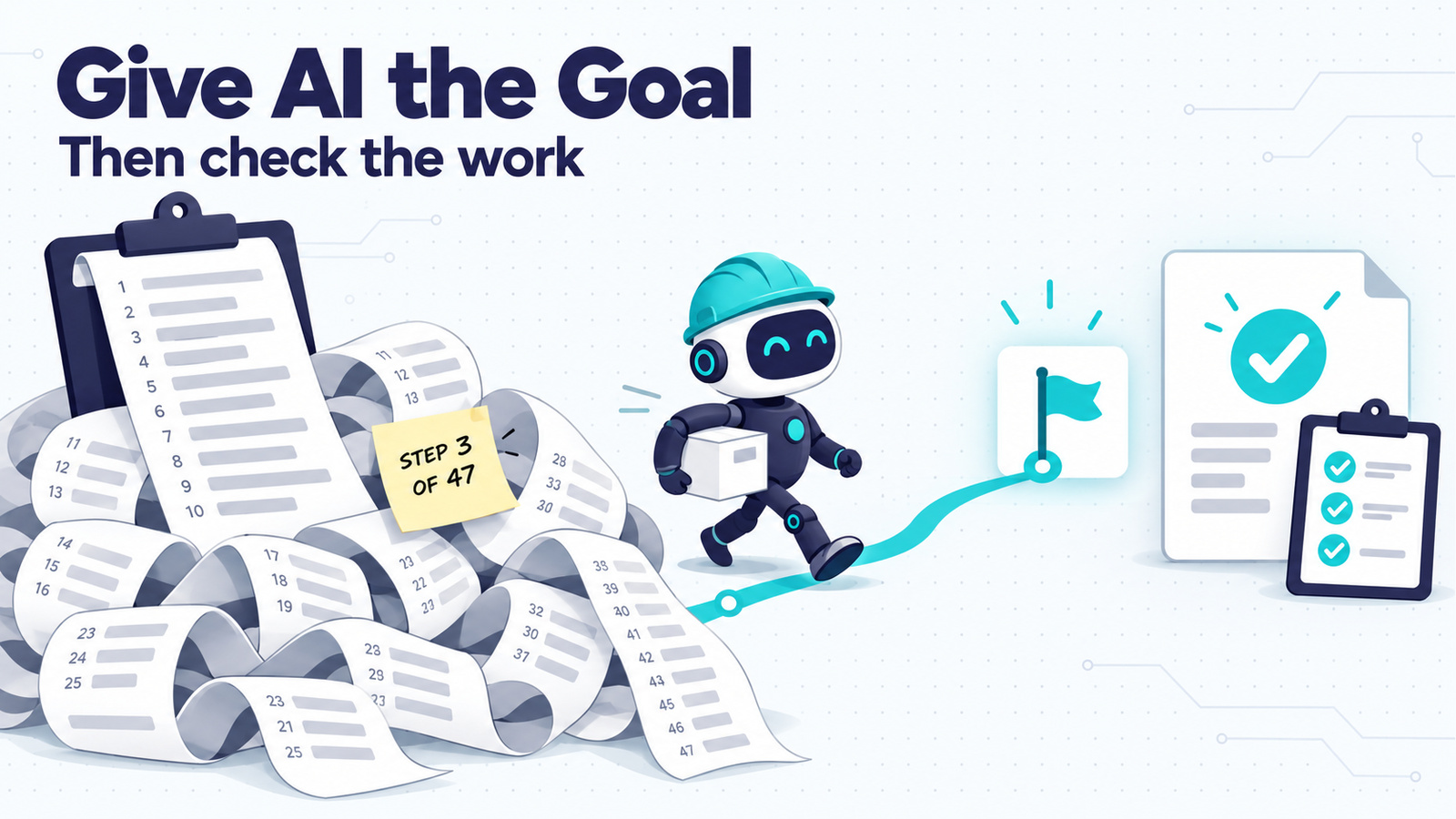
Telling a capable AI how to do a job now costs you time and quality. What to put in a goal prompt, a before-and-after you can copy, three ways to check the work, and when to keep writing the steps.
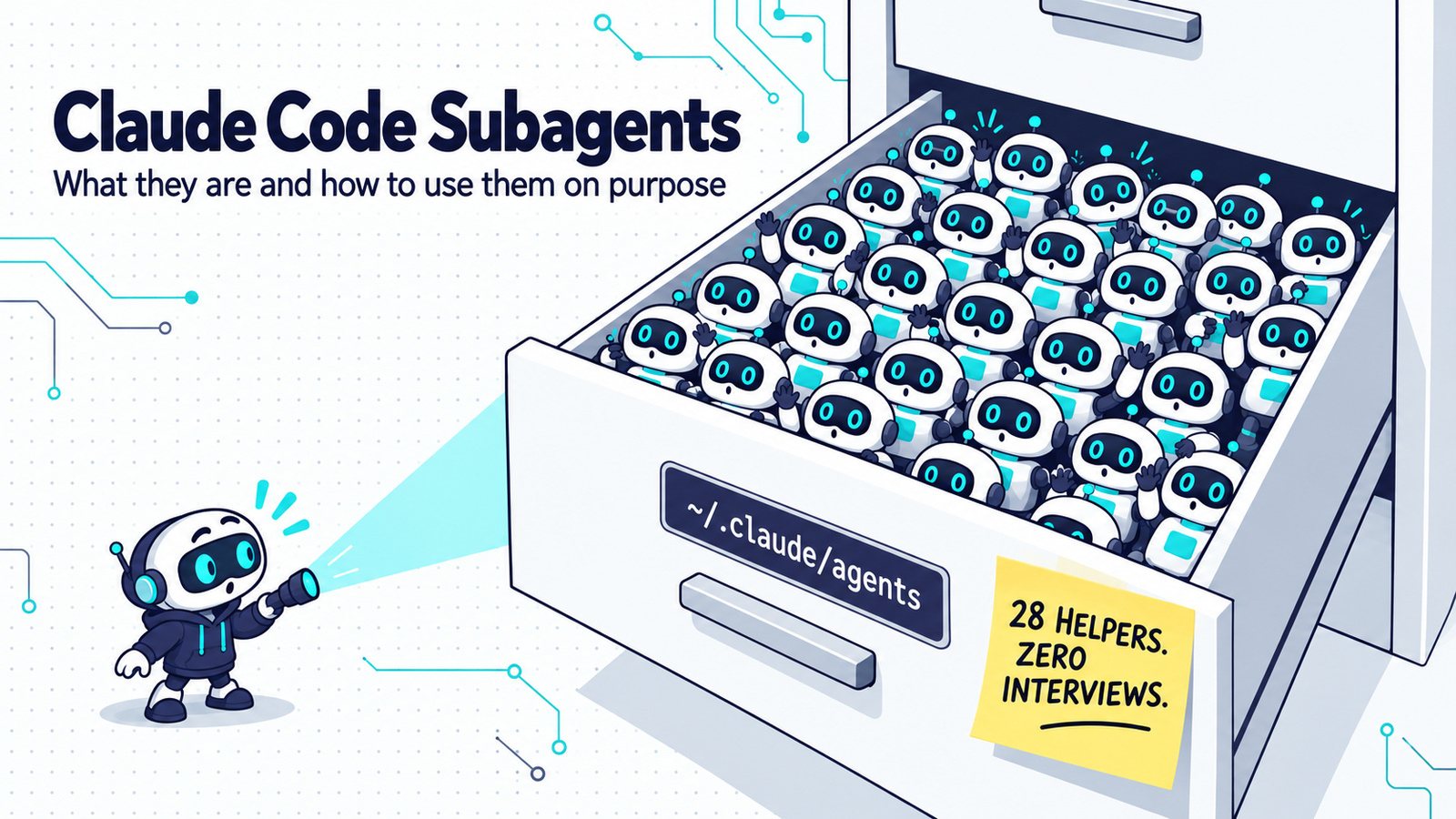
Claude Code starts helpers called subagents on its own. Here is what they are, how to see which model they run on, how to ask for one on purpose, and how to set up a cheap one on Haiku 5.5.
A plain-English guide to 15 AI terms worth knowing, from weights and tokens to hooks, harnesses, MCP, and agent swarms.

Scheduled AI tasks let you ask once and have the work repeat automatically — a daily language exercise, a weekly briefing, an inbox summary you actually read. This guide covers picking a first task, setting it up in ChatGPT or Claude with a ready-to-copy prompt, and checking that it actually runs and delivers before you rely on it.
Find out how to push through AI based objections when you are trying to accomplish a task.
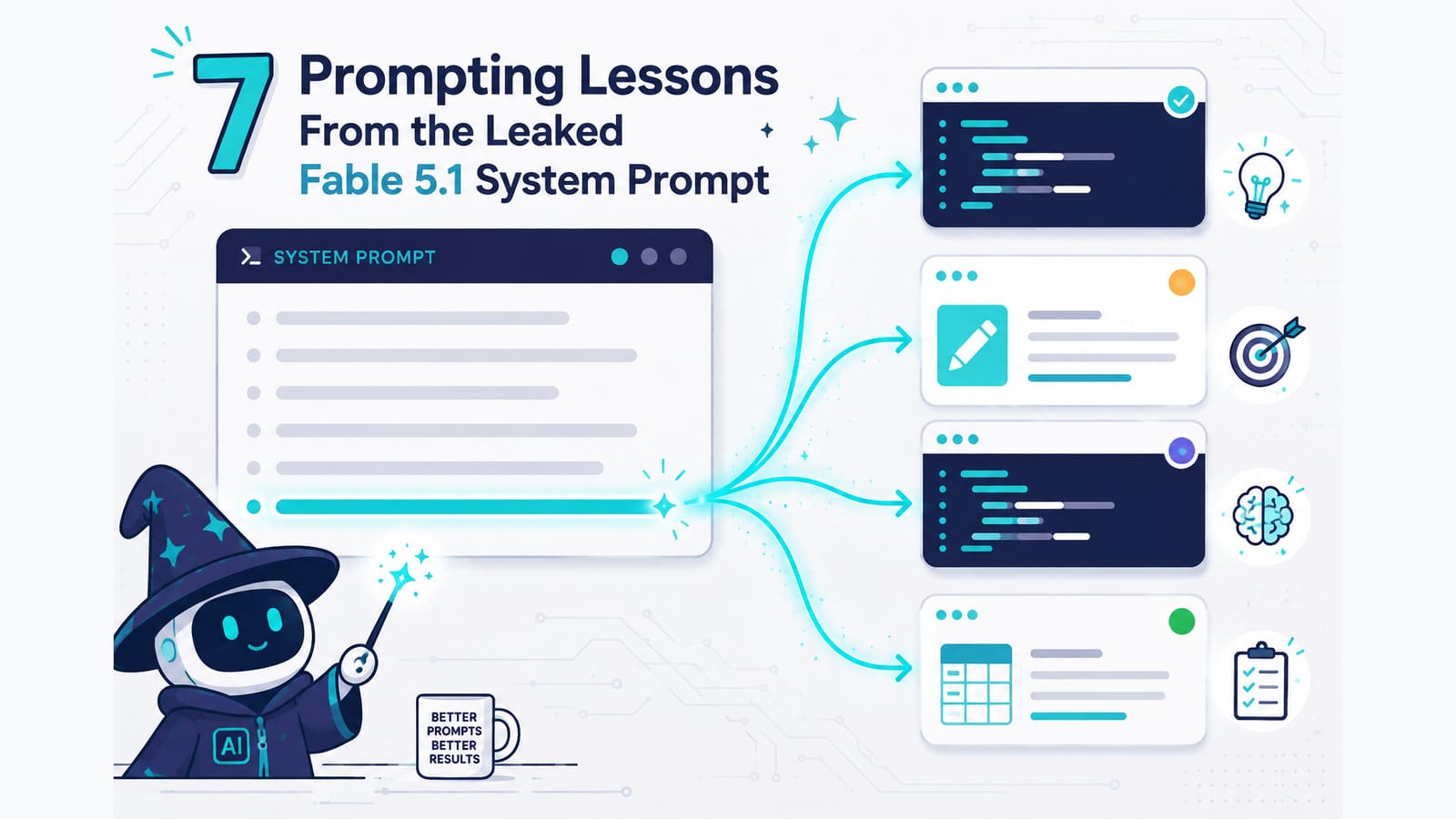
A copy of the Fable 5.1 system prompt circulated on release day, and the interesting part is where its length goes: overwhelmingly on how the model should decide rather than what it should say. Seven of those decisions transfer into ordinary prompts as single sentences — including the three most people never write. The source is unverified, and the post explains why that doesn’t matter.
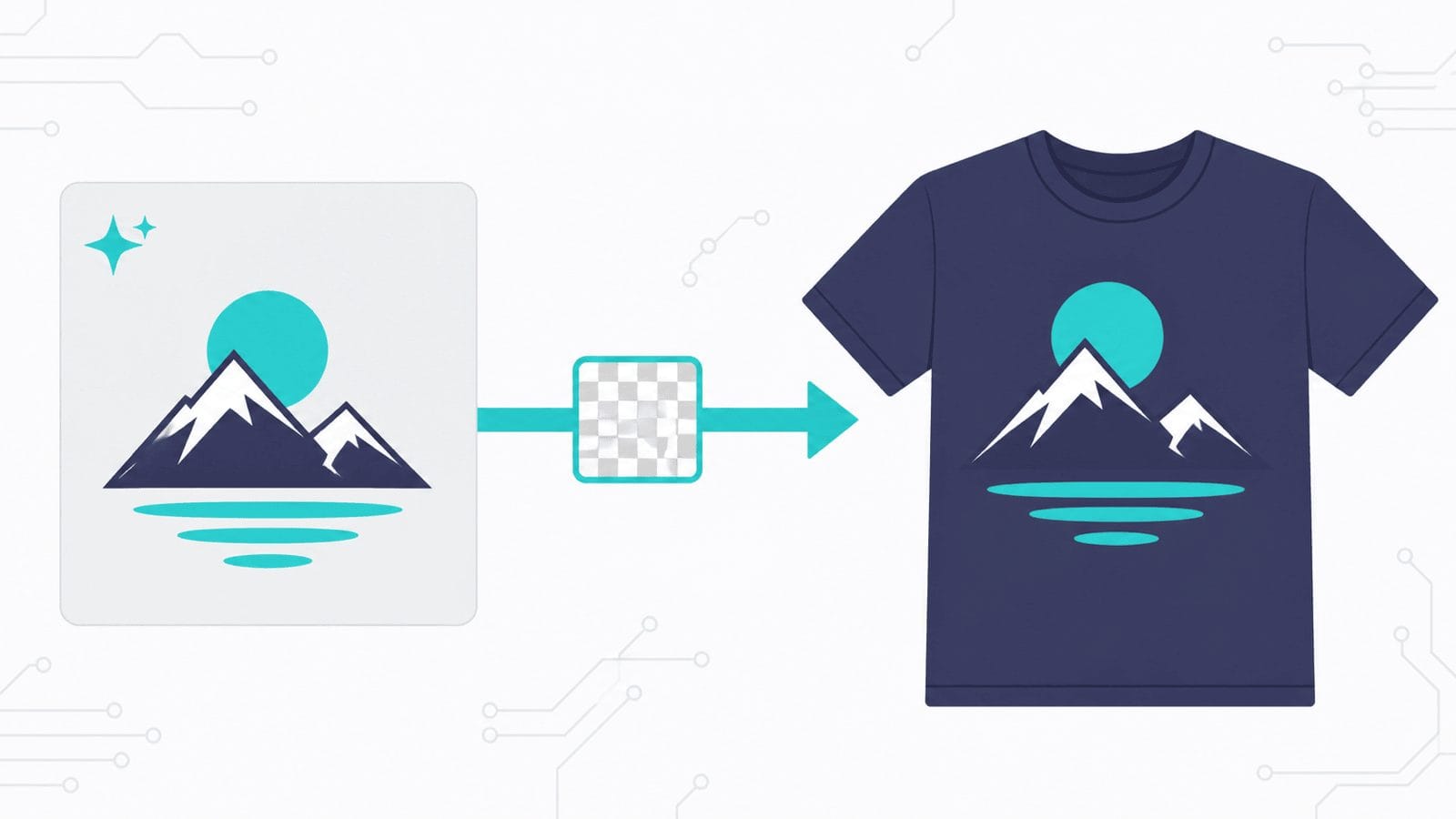
Print on demand has three stages, and AI has arrived unevenly across them. This guide walks the whole process end to end — research, design prompts, file prep, mockups, listing SEO and disclosure — using ChatGPT, Claude or Gemini plus free tools, with no specialist print-on-demand software. Includes the one prompt-level habit that saves the most time: generate on a background you chose to remove.

Claude can now run its own sessions. Dispatch takes an outcome you text from your phone, splits it into tasks, and runs each as its own session on your computer. Here’s what Dispatch, cross-session messaging and agent teams each do, and how to pick the right one.
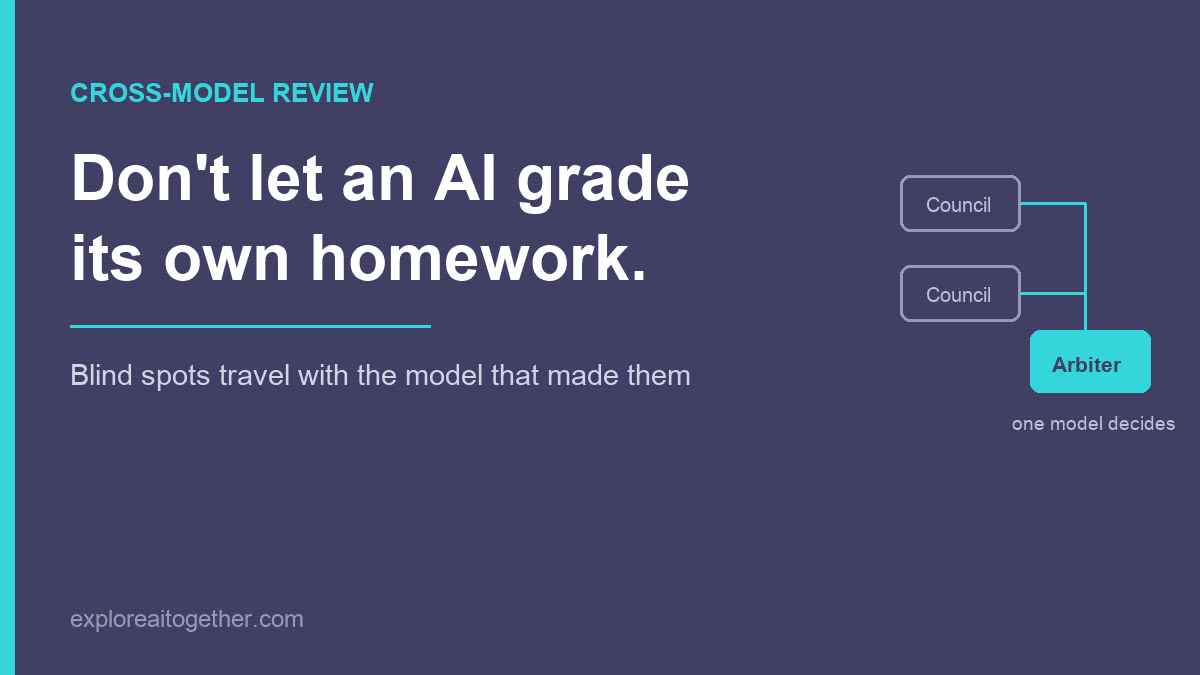
Ask an AI to check its own work and it mostly agrees with itself — the blind spots that shaped the answer also shape the review. Here’s the two-model fix, the AI Council loop I used to design ChainMate, and why you name one model as the arbiter instead of letting them vote.
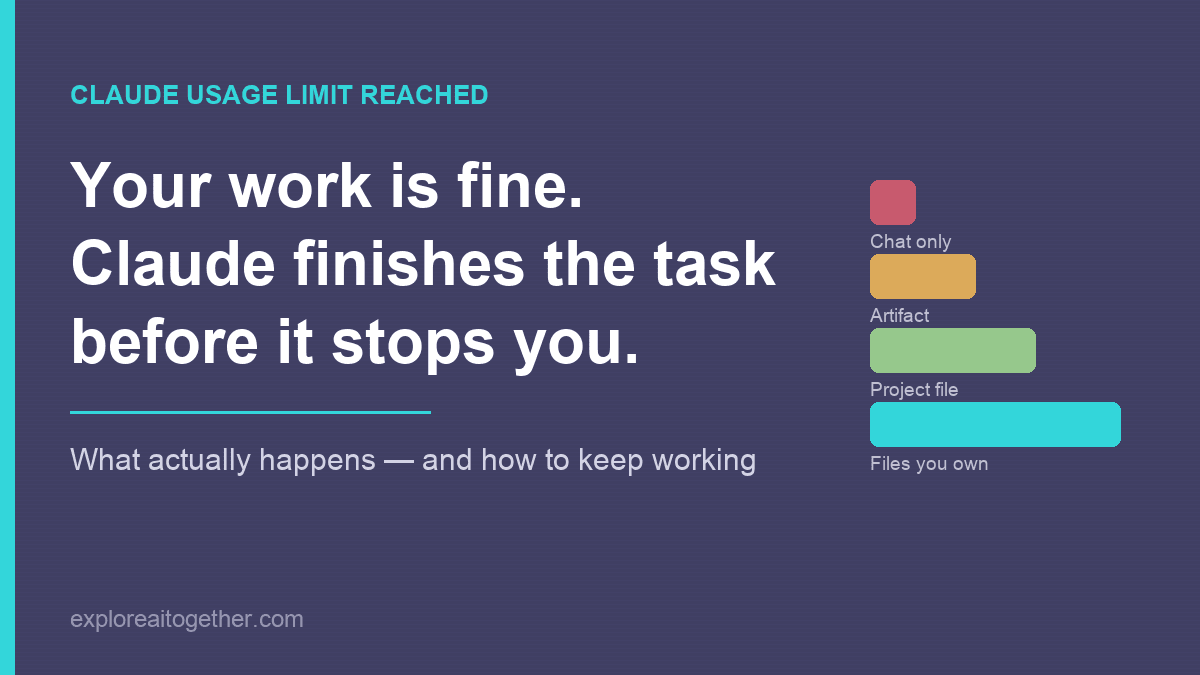
Your work is almost certainly fine — Claude finishes the task before it stops you. What actually happens when you hit the limit, what to do in the next five minutes, and the three changes that make the next one a non-event.