How to Schedule AI Tasks in ChatGPT and Claude

Robot wearing a clock hat beside a scheduling app calendar, with a mug reading Runs While You Sleep

Scheduled AI tasks let you ask once and have the work repeat automatically — a daily language exercise, a weekly briefing, an inbox summary you actually read. This guide covers picking a first task, setting it up in ChatGPT or Claude with a ready-to-copy prompt, and checking that it actually runs and delivers before you rely on it.

How to Have One Claude Session Control Another

A hand holding a phone sends one glowing message that splits into four streams, each reaching a different desktop screen showing code, a document, a spreadsheet and a chart.

Claude can now run its own sessions. Dispatch takes an outcome you text from your phone, splits it into tasks, and runs each as its own session on your computer. Here’s what Dispatch, cross-session messaging and agent teams each do, and how to pick the right one.

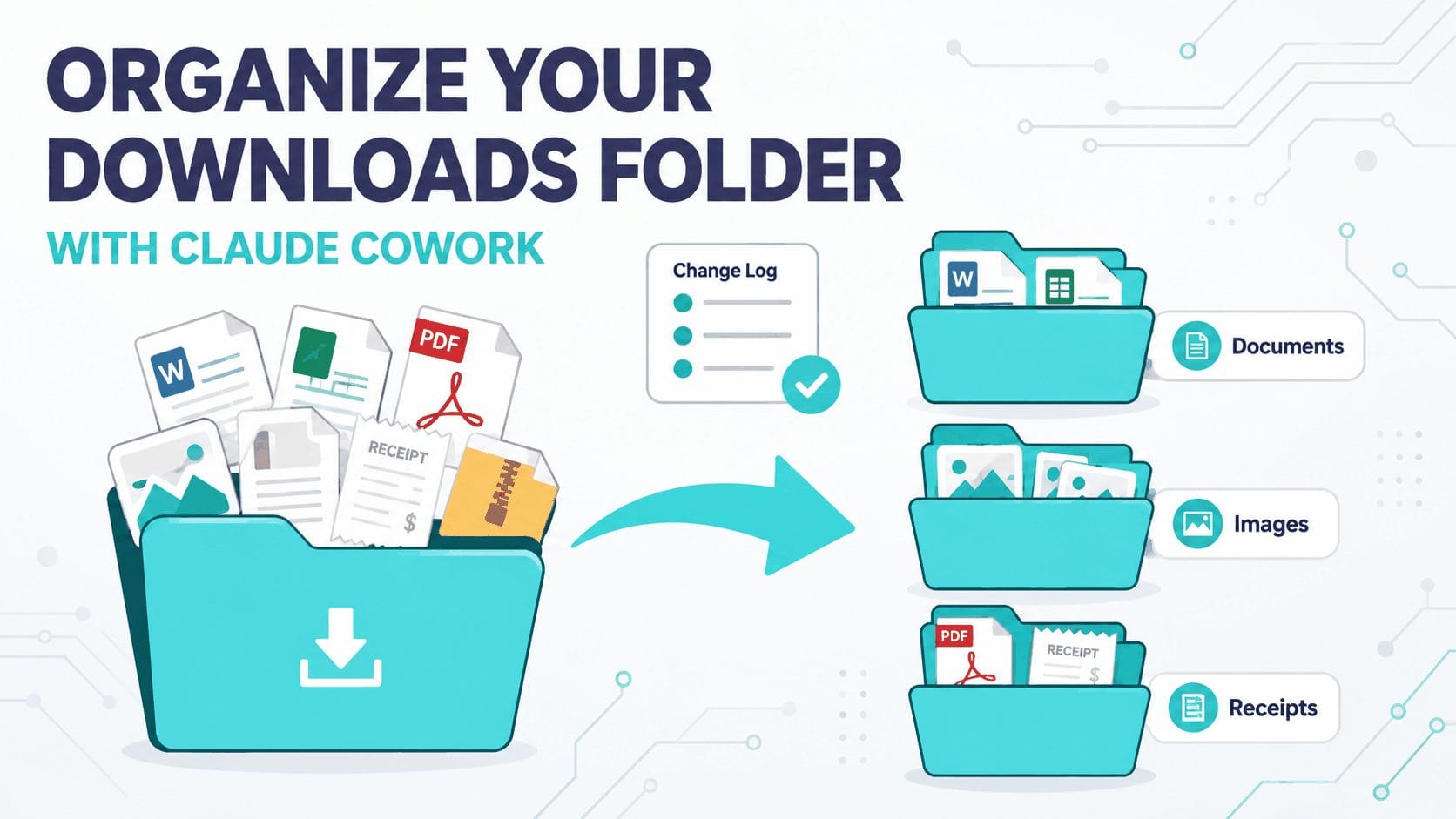
How to Organize Your Messy Downloads Folder with AI (Claude Cowork Guide)

Flat vector diagram: a messy overflowing folder sorted by an arrow into three neat labelled subfolders with a change-log check.

Your Downloads folder is a sorting job you keep rescheduling. Claude Cowork can read the whole folder, sort and rename every file, and log each move — while you approve the plan first. Here’s the safe, supervised workflow, plus eight copy-paste prompts for receipts, screenshots, and more.