How to Schedule AI Tasks in ChatGPT and Claude

Robot wearing a clock hat beside a scheduling app calendar, with a mug reading Runs While You Sleep

Scheduled AI tasks let you ask once and have the work repeat automatically — a daily language exercise, a weekly briefing, an inbox summary you actually read. This guide covers picking a first task, setting it up in ChatGPT or Claude with a ready-to-copy prompt, and checking that it actually runs and delivers before you rely on it.

How to Have One Claude Session Control Another

A hand holding a phone sends one glowing message that splits into four streams, each reaching a different desktop screen showing code, a document, a spreadsheet and a chart.

Claude can now run its own sessions. Dispatch takes an outcome you text from your phone, splits it into tasks, and runs each as its own session on your computer. Here’s what Dispatch, cross-session messaging and agent teams each do, and how to pick the right one.

Don’t Let an AI Grade Its Own Homework — Use a Second Model to Review

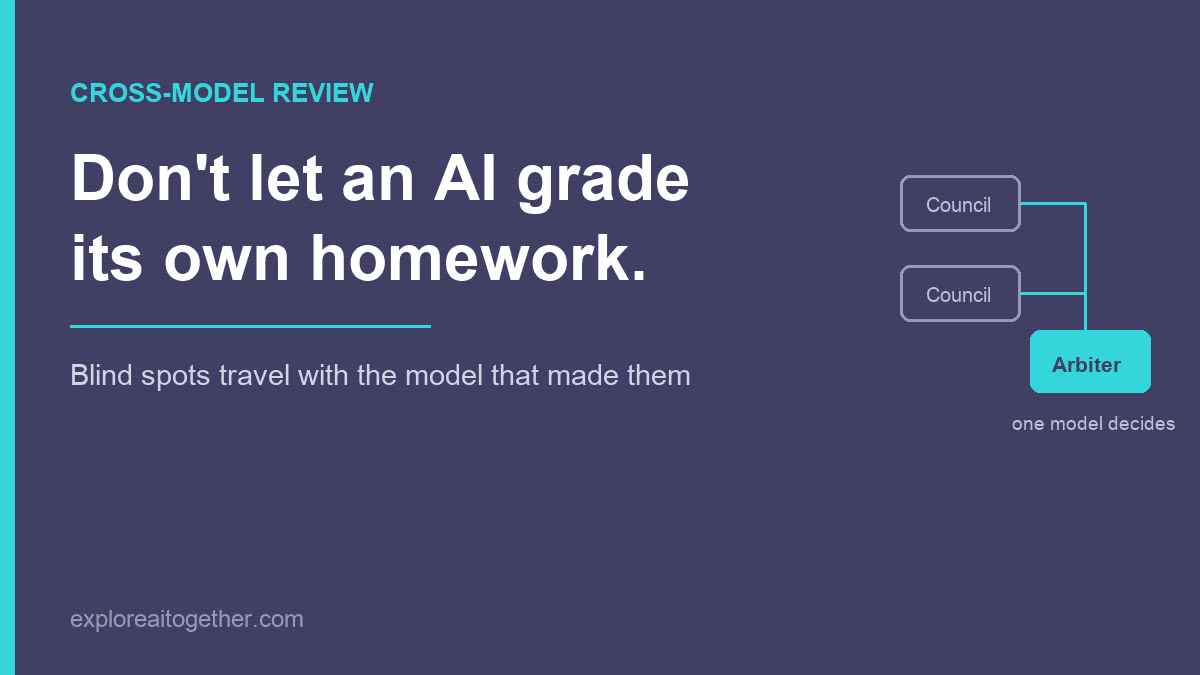
Don't let an AI grade its own homework. Diagram showing two council models feeding their responses into a single arbiter model that decides what to adopt.

Ask an AI to check its own work and it mostly agrees with itself — the blind spots that shaped the answer also shape the review. Here’s the two-model fix, the AI Council loop I used to design ChainMate, and why you name one model as the arbiter instead of letting them vote.

Claude Usage Limit Reached? Here’s What Actually Happens — and How to Keep Working

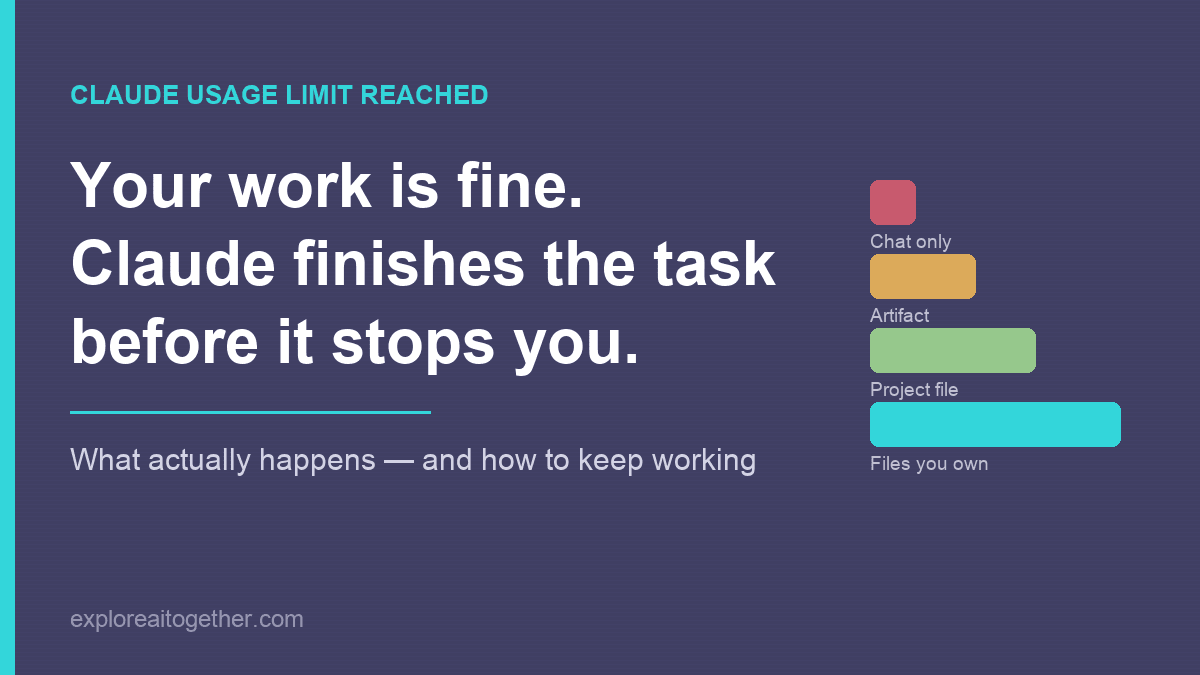
Claude usage limit reached: your work is fine because Claude finishes the task before it stops you. Bars compare how well work survives a limit depending on where it lives, from chat only up to files you own.

Your work is almost certainly fine — Claude finishes the task before it stops you. What actually happens when you hit the limit, what to do in the next five minutes, and the three changes that make the next one a non-event.

AI Loops for Real Life: A No-Code Guide for Job Hunting, Bills, and Big Decisions

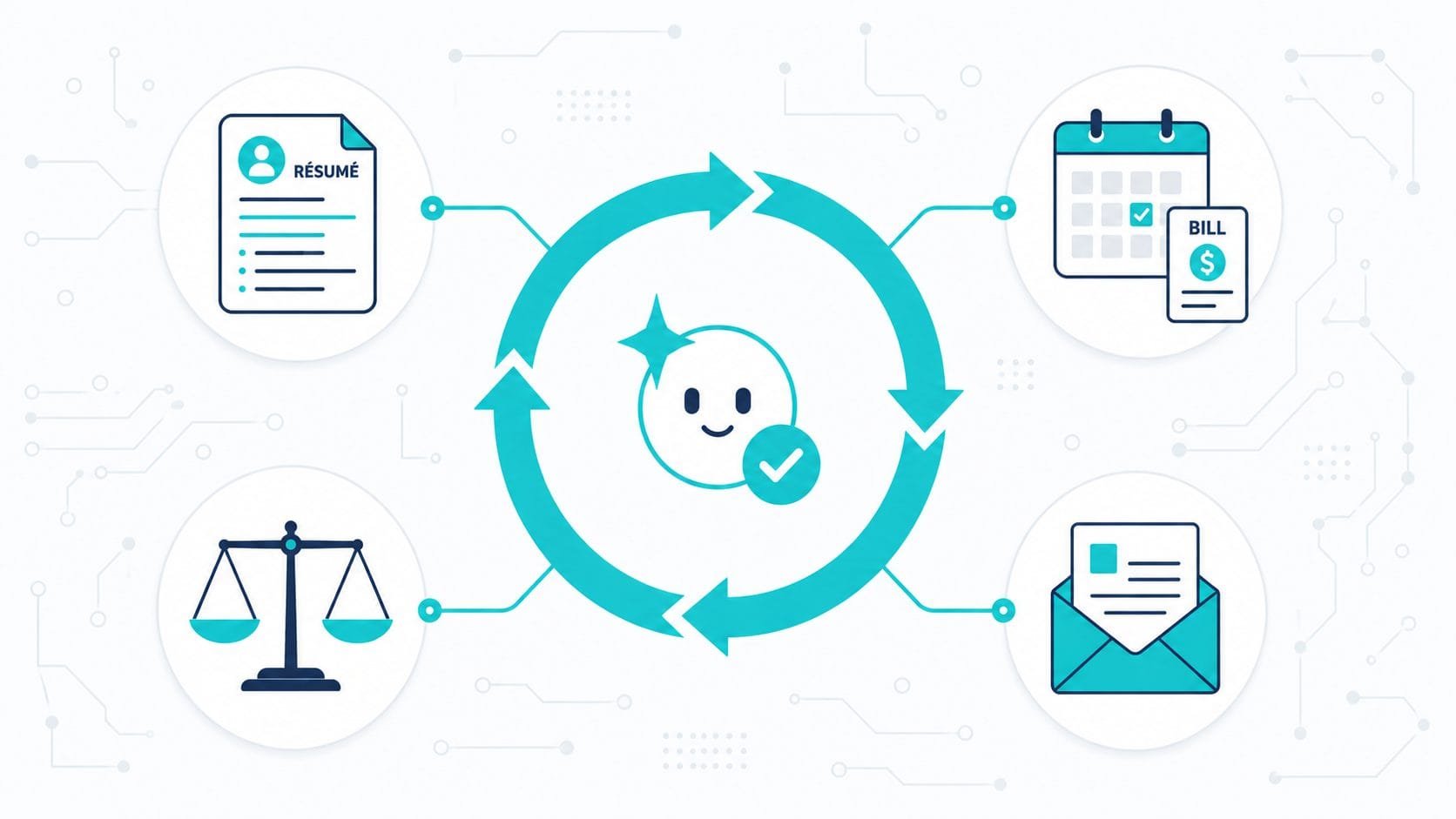
Flat vector illustration of a teal AI loop cycle with a smiling node, ringed by resume, bill, scales, and letter icons.

The “loop” everyone’s hyping isn’t only for developers. Here’s the no-code version of AI automation — a reusable setup plus a goal the AI checks itself against — with four real-life templates for job hunting, bills, big decisions, and paperwork.

Five Ways to Double Your Effectiveness When Using AI

AI coaching a human on how to effectively use AI - feature image for 5 tips article on exploreaitogether.com

Most people use AI the same way they use Google. They type a question, skim an answer, and move on. That works fine for facts. It works terribly for thinking. If you’re using AI for anything that involves judgment—ideas, writing, decisions, planning—the bottleneck usually isn’t the model. It’s how the interaction is structured. Over time, … Read more