How to Write a Resume When AI Reads It First (5 Rules + ChatGPT Prompts)

Your resume has two readers: screening software, then a person. Five rules and four ChatGPT prompts that work for both, plus what the data says about keywords.

Your resume has two readers: screening software, then a person. Five rules and four ChatGPT prompts that work for both, plus what the data says about keywords.

Turning off AI training covers one of four places your words go. What ChatGPT, Claude and Gemini keep, for how long, and the switches that control it.

ChatGPT, Claude and Gemini can all read your Gmail, and two of them can send. What each can do, the settings to change first, and how to undo it.
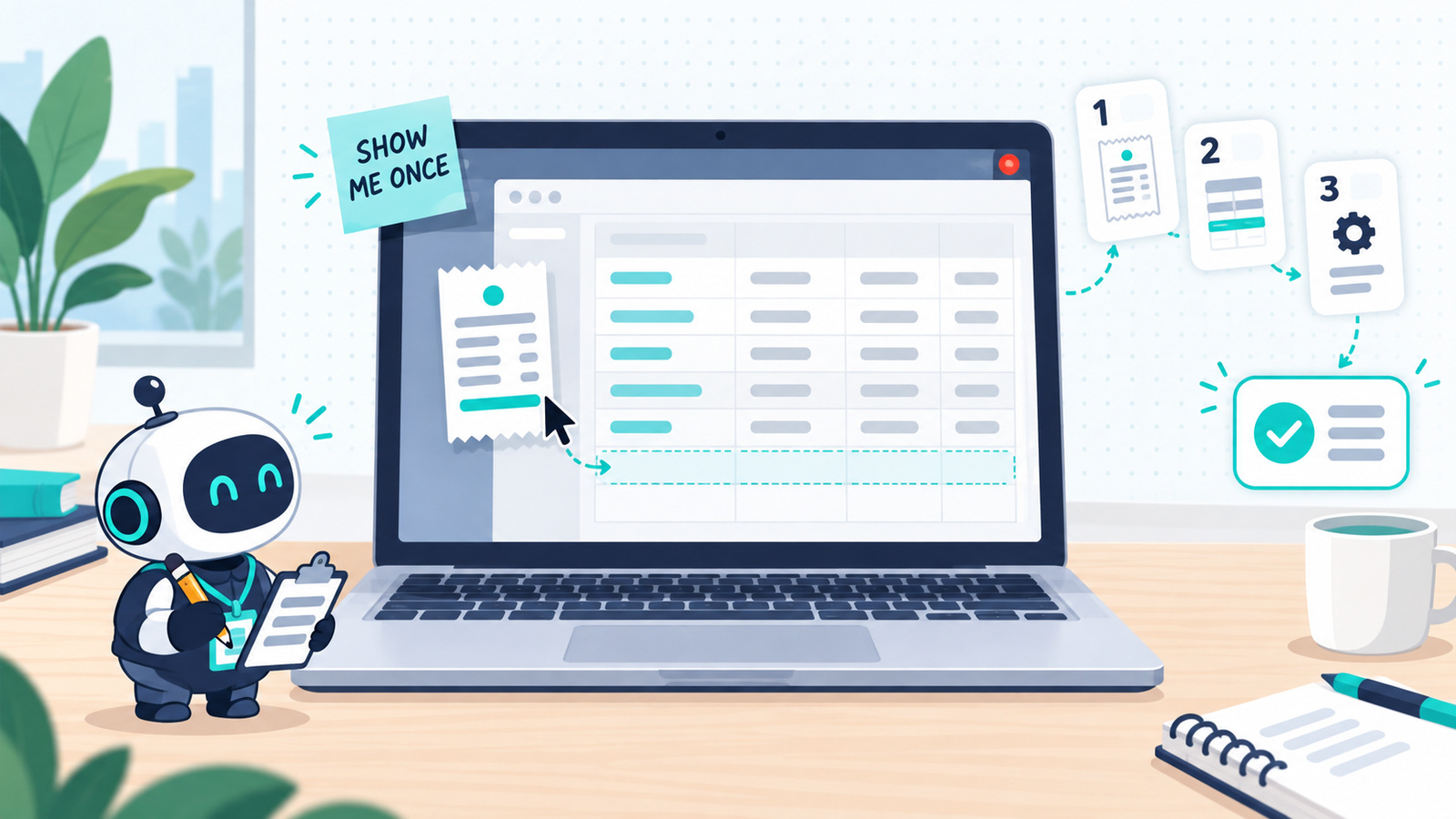
ChatGPT and Claude can now learn a task by watching you do it once. Which tasks are worth recording, how to start in each app, how to record so the skill works first time, and what to check before you trust it.
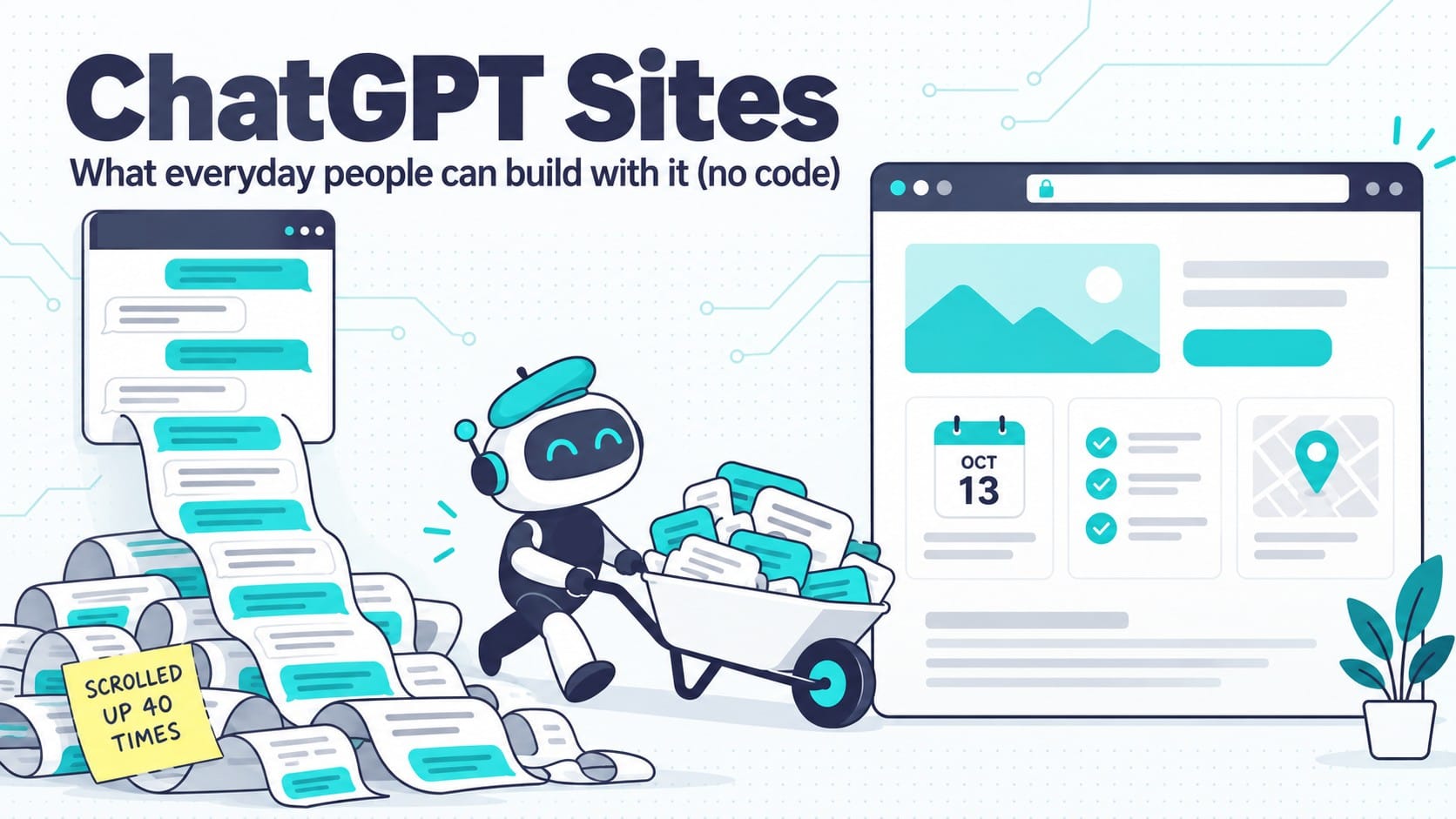
ChatGPT Sites turns work you’ve already done in a chat into a live website with no code. Who has it, a three-question filter for which chats are worth a site, five everyday builds with prompts, and where it stops.

A long, friendly ChatGPT chat can keep handing you real facts that make an idea feel researched, even when you can’t tell if they’re the right facts. Here are eight checks that break the loop.

Let AI find concerts, plays and games near you and add them to your calendar with official ticket links: the setup, the prompt and the check before you buy.

The biggest payoff from ChatGPT’s desktop app is the tasks you keep skipping. One question picks the tool, and a 4-line prompt makes it finish the job.

ChatGPT Finances can read your balances, transactions and holdings but can’t move money. The account to secure before you connect is your ChatGPT login.
A plain-English guide to 15 AI terms worth knowing, from weights and tokens to hooks, harnesses, MCP, and agent swarms.

Scheduled AI tasks let you ask once and have the work repeat automatically — a daily language exercise, a weekly briefing, an inbox summary you actually read. This guide covers picking a first task, setting it up in ChatGPT or Claude with a ready-to-copy prompt, and checking that it actually runs and delivers before you rely on it.
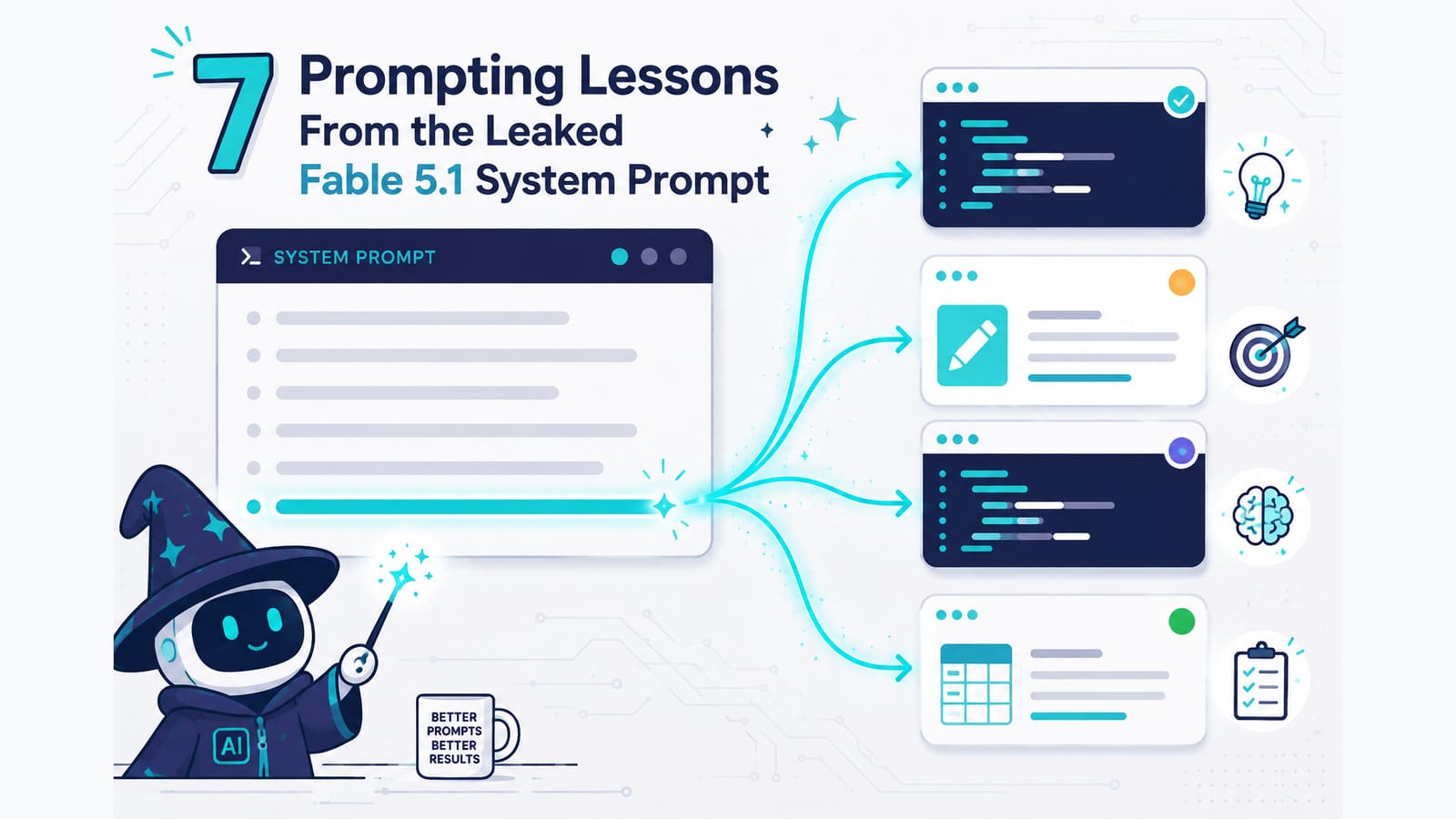
A copy of the Fable 5.1 system prompt circulated on release day, and the interesting part is where its length goes: overwhelmingly on how the model should decide rather than what it should say. Seven of those decisions transfer into ordinary prompts as single sentences — including the three most people never write. The source is unverified, and the post explains why that doesn’t matter.

Print on demand has three stages, and AI has arrived unevenly across them. This guide walks the whole process end to end — research, design prompts, file prep, mockups, listing SEO and disclosure — using ChatGPT, Claude or Gemini plus free tools, with no specialist print-on-demand software. Includes the one prompt-level habit that saves the most time: generate on a background you chose to remove.
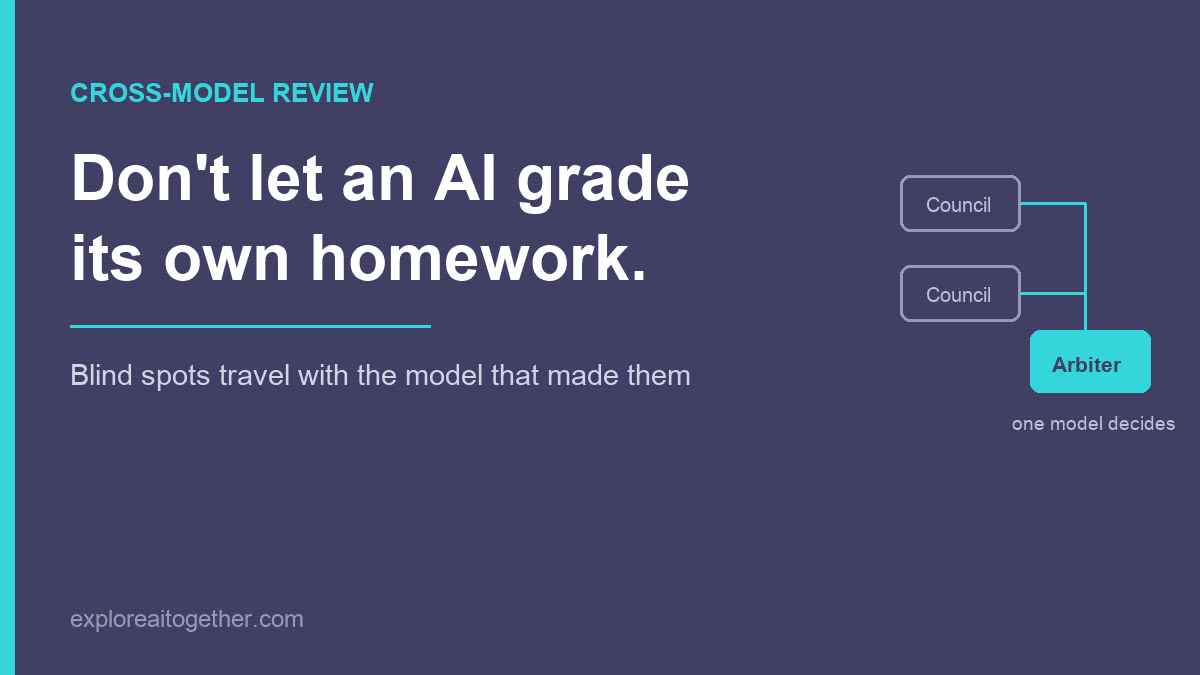
Ask an AI to check its own work and it mostly agrees with itself — the blind spots that shaped the answer also shape the review. Here’s the two-model fix, the AI Council loop I used to design ChainMate, and why you name one model as the arbiter instead of letting them vote.
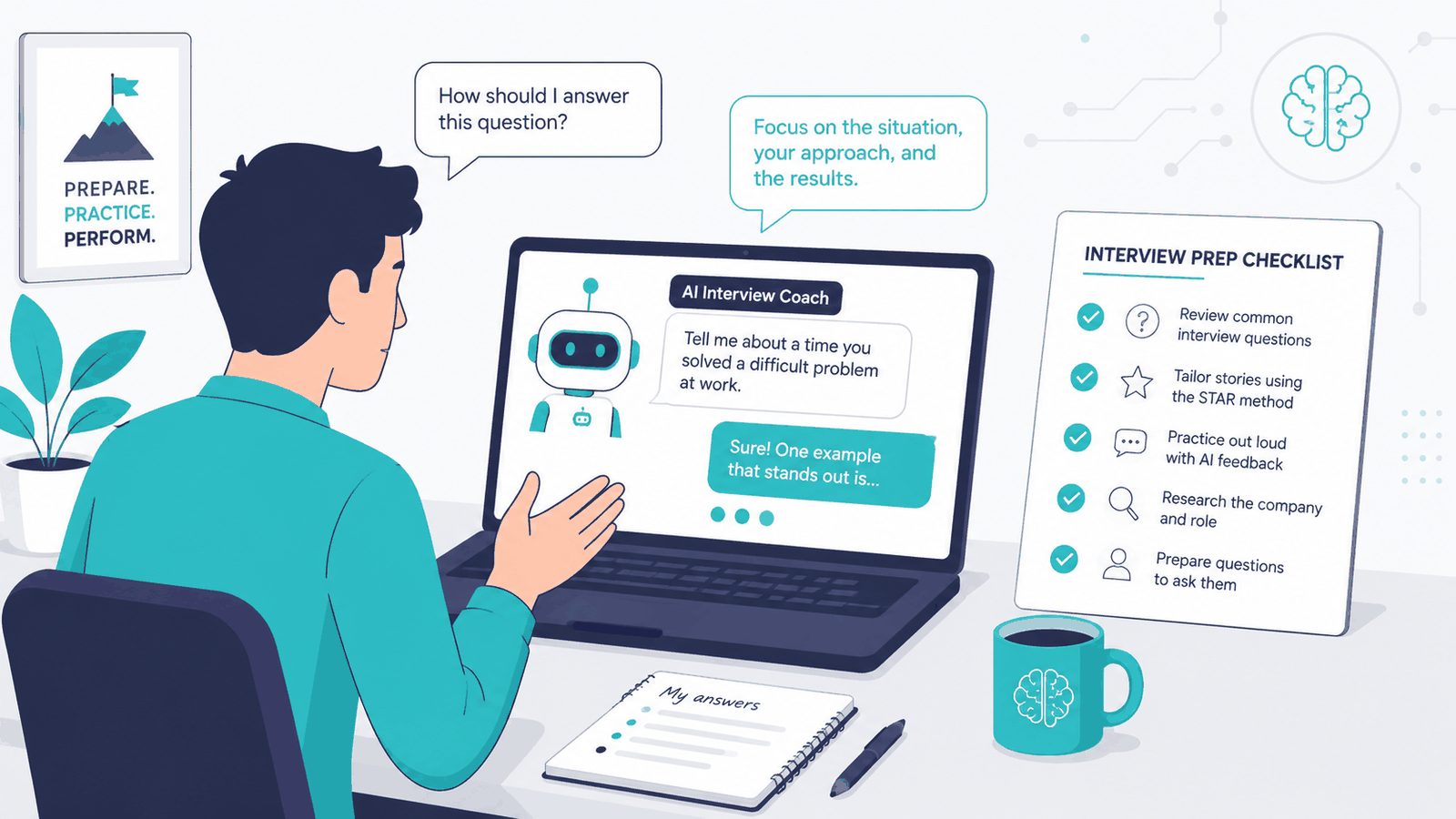
The full seven-stage workflow for preparing with AI — resume fit, company research, compensation, contract review, the questions to ask, mock interviews with the fix that stops it flattering you, and a one-page cheat sheet. All in one conversation.
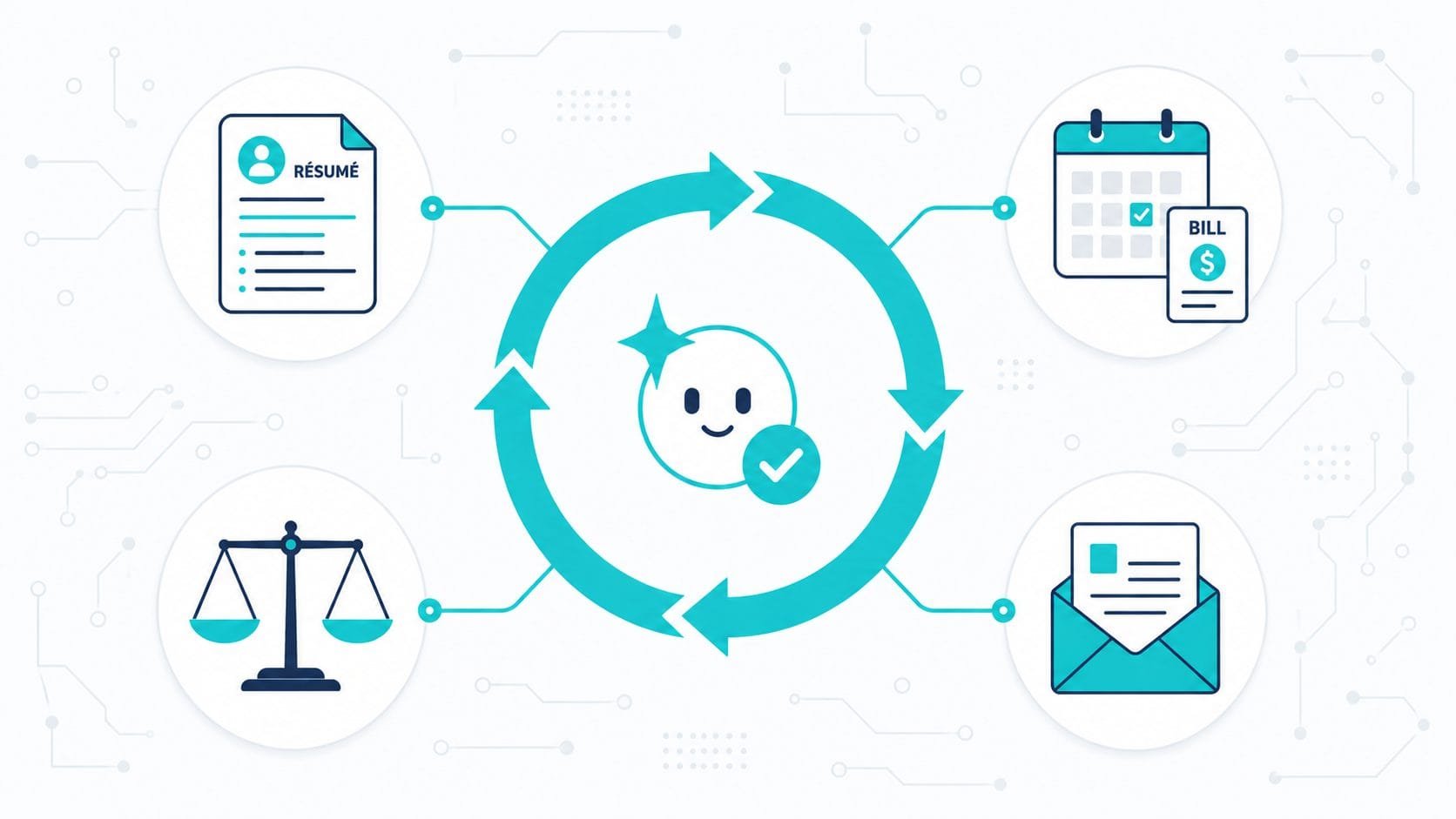
The “loop” everyone’s hyping isn’t only for developers. Here’s the no-code version of AI automation — a reusable setup plus a goal the AI checks itself against — with four real-life templates for job hunting, bills, big decisions, and paperwork.