How to Run AI on Your Own Computer: The Complete Ollama Guide

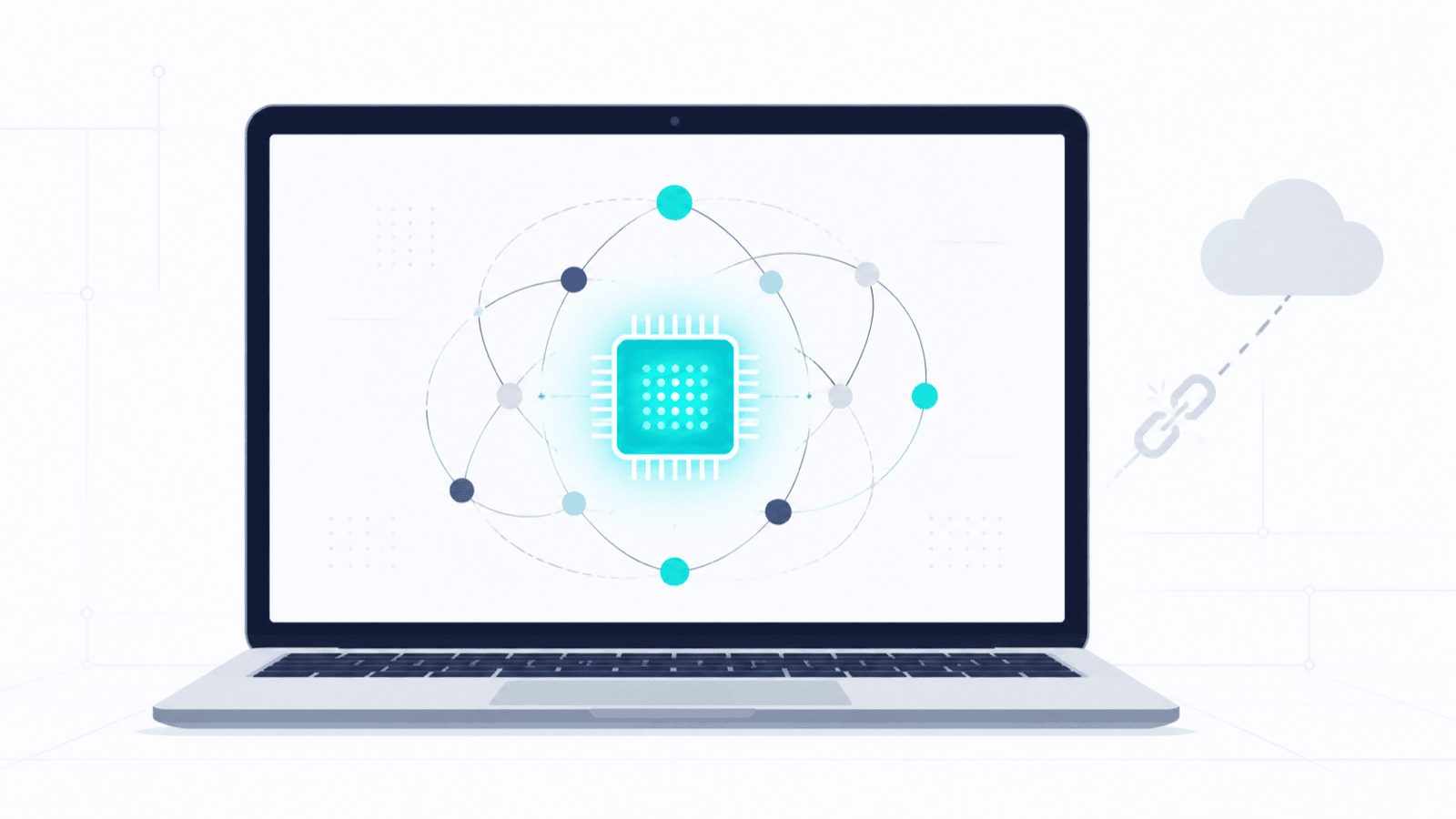
A laptop showing a glowing teal processor chip orbited by connected nodes, with a faded cloud icon and a broken link symbol off to one side.

You can run a capable AI model on the laptop you already own — no account, no subscription, no usage meter, and no data leaving your machine. Here’s how to install Ollama, pick a model that fits your memory, use agent mode, and point Claude Code at a local model without losing your skills and connectors.

How to Have One Claude Session Control Another

A hand holding a phone sends one glowing message that splits into four streams, each reaching a different desktop screen showing code, a document, a spreadsheet and a chart.

Claude can now run its own sessions. Dispatch takes an outcome you text from your phone, splits it into tasks, and runs each as its own session on your computer. Here’s what Dispatch, cross-session messaging and agent teams each do, and how to pick the right one.

Claude Usage Limit Reached? Here’s What Actually Happens — and How to Keep Working

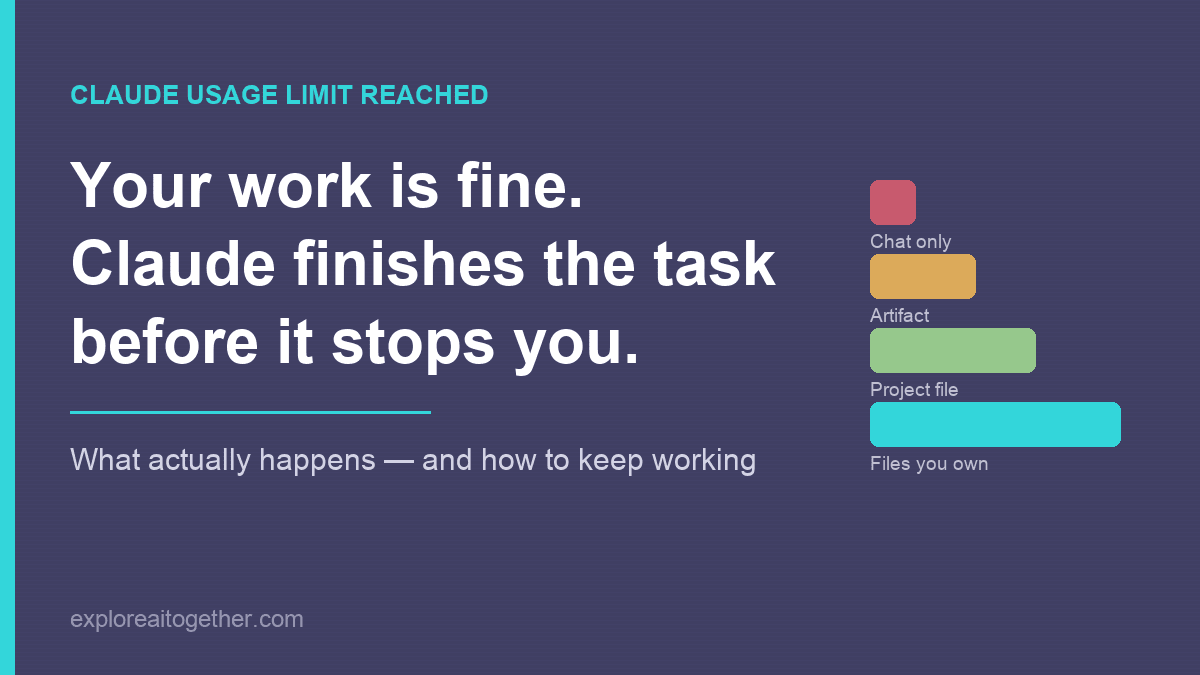
Claude usage limit reached: your work is fine because Claude finishes the task before it stops you. Bars compare how well work survives a limit depending on where it lives, from chat only up to files you own.

Your work is almost certainly fine — Claude finishes the task before it stops you. What actually happens when you hit the limit, what to do in the next five minutes, and the three changes that make the next one a non-event.