Let AI Find Events Near You and Add Them to Your Calendar (With Ticket Links)

Let AI find concerts, plays and games near you and add them to your calendar with official ticket links: the setup, the prompt and the check before you buy.

Learn how AI can help you build better habits, manage time, and improve your well-being.
Let AI find concerts, plays and games near you and add them to your calendar with official ticket links: the setup, the prompt and the check before you buy.

The biggest payoff from ChatGPT’s desktop app is the tasks you keep skipping. One question picks the tool, and a 4-line prompt makes it finish the job.

Scheduled AI tasks let you ask once and have the work repeat automatically — a daily language exercise, a weekly briefing, an inbox summary you actually read. This guide covers picking a first task, setting it up in ChatGPT or Claude with a ready-to-copy prompt, and checking that it actually runs and delivers before you rely on it.
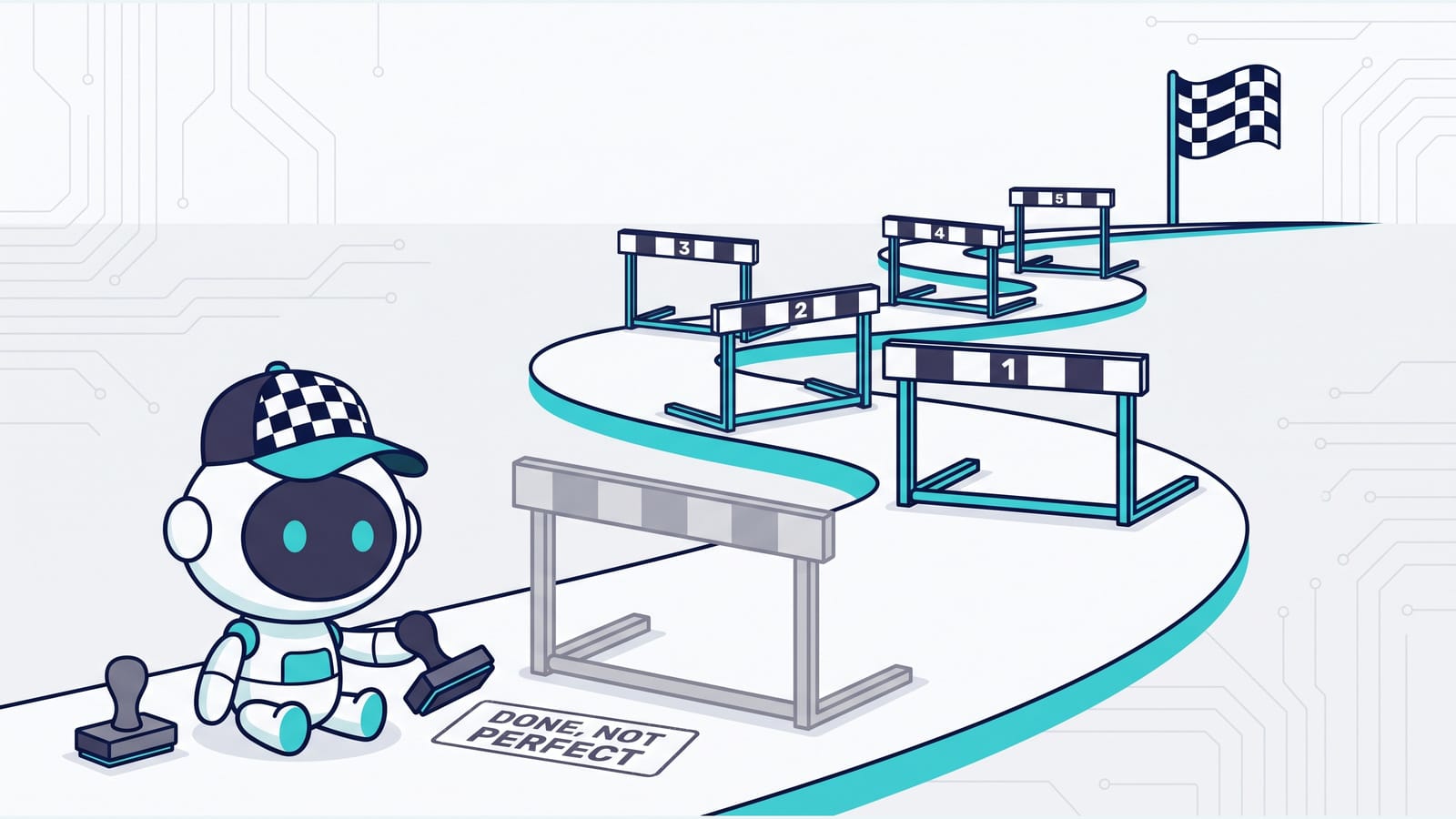
Find out how to push through AI based objections when you are trying to accomplish a task.

Claude can now run its own sessions. Dispatch takes an outcome you text from your phone, splits it into tasks, and runs each as its own session on your computer. Here’s what Dispatch, cross-session messaging and agent teams each do, and how to pick the right one.
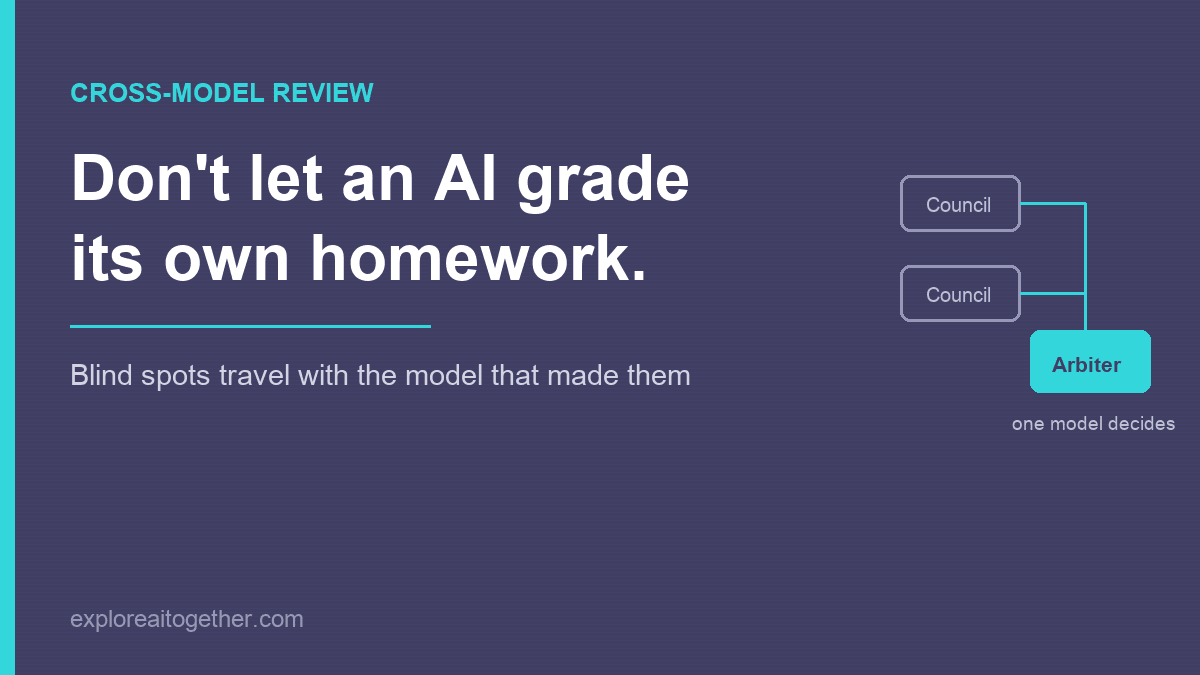
Ask an AI to check its own work and it mostly agrees with itself — the blind spots that shaped the answer also shape the review. Here’s the two-model fix, the AI Council loop I used to design ChainMate, and why you name one model as the arbiter instead of letting them vote.
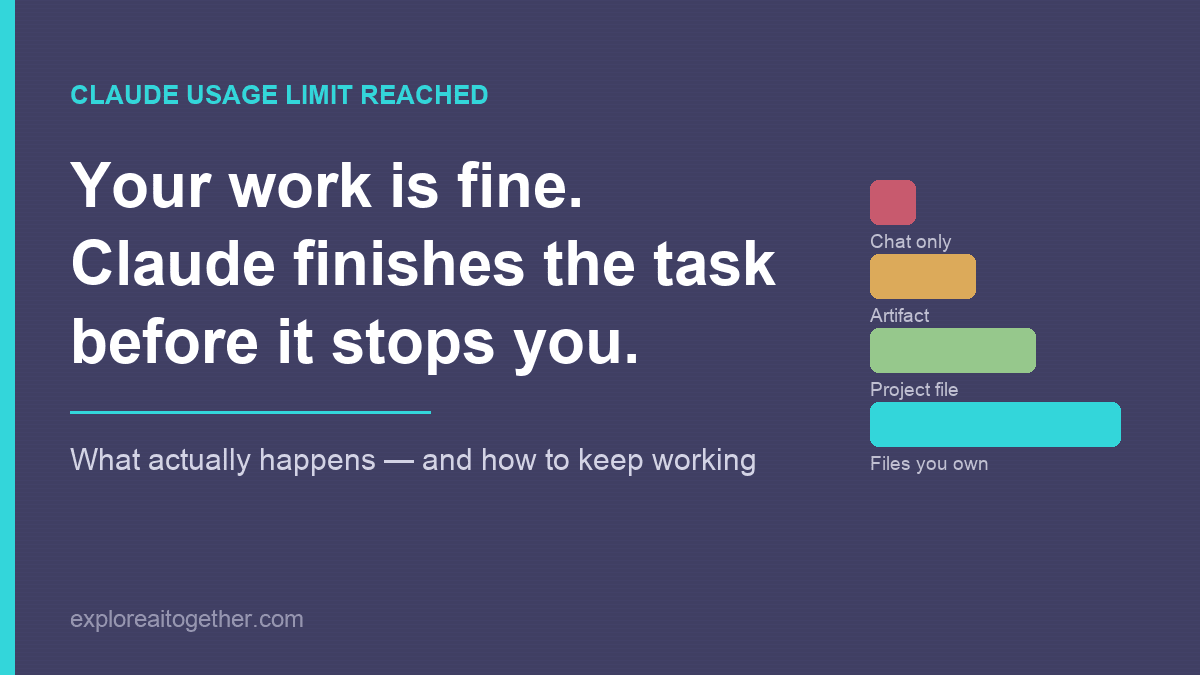
Your work is almost certainly fine — Claude finishes the task before it stops you. What actually happens when you hit the limit, what to do in the next five minutes, and the three changes that make the next one a non-event.
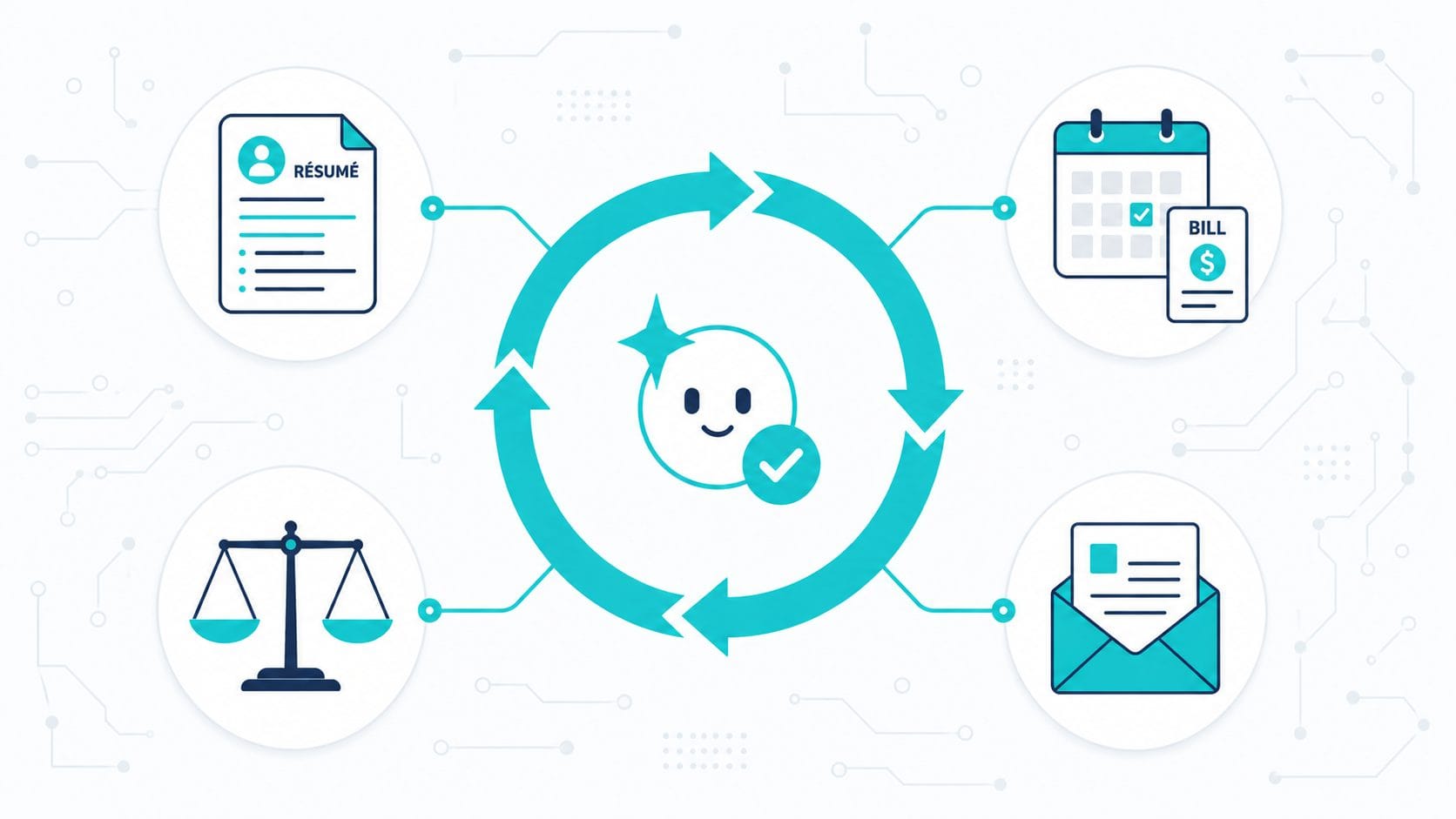
The “loop” everyone’s hyping isn’t only for developers. Here’s the no-code version of AI automation — a reusable setup plus a goal the AI checks itself against — with four real-life templates for job hunting, bills, big decisions, and paperwork.
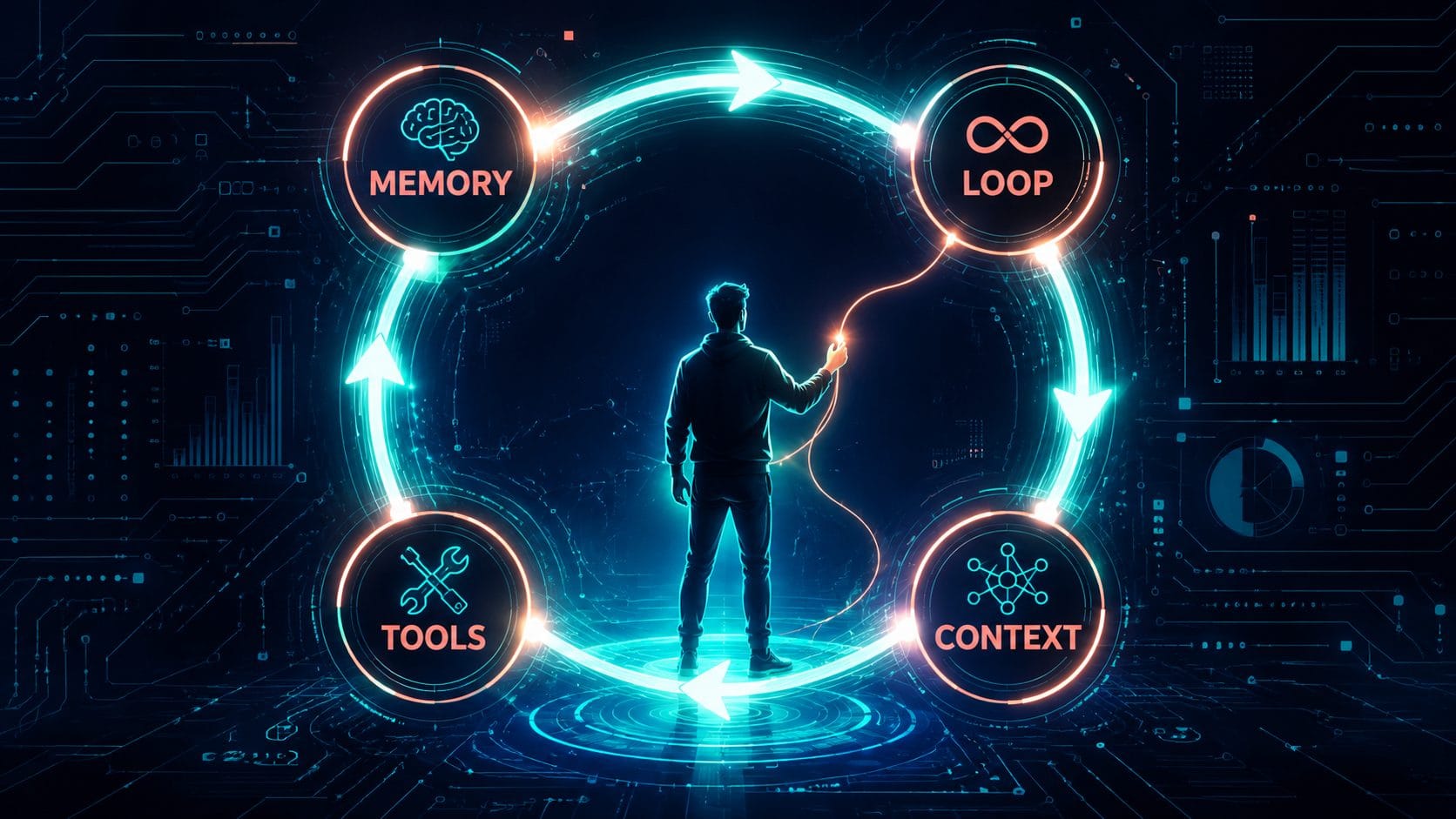
Every AI agent has four parts — memory, tools, context, and the loop most people
miss. Here’s what they are and what’s actually worth automating.
Gemini Deep Research is still one of AI’s best-kept tools. Here’s how to use it to fact-check anything — and turn it into a custom podcast.

Your AI can find creator codes that coupon sites miss — especially for niche hobby stores. Here’s the prompt to use before your next order.
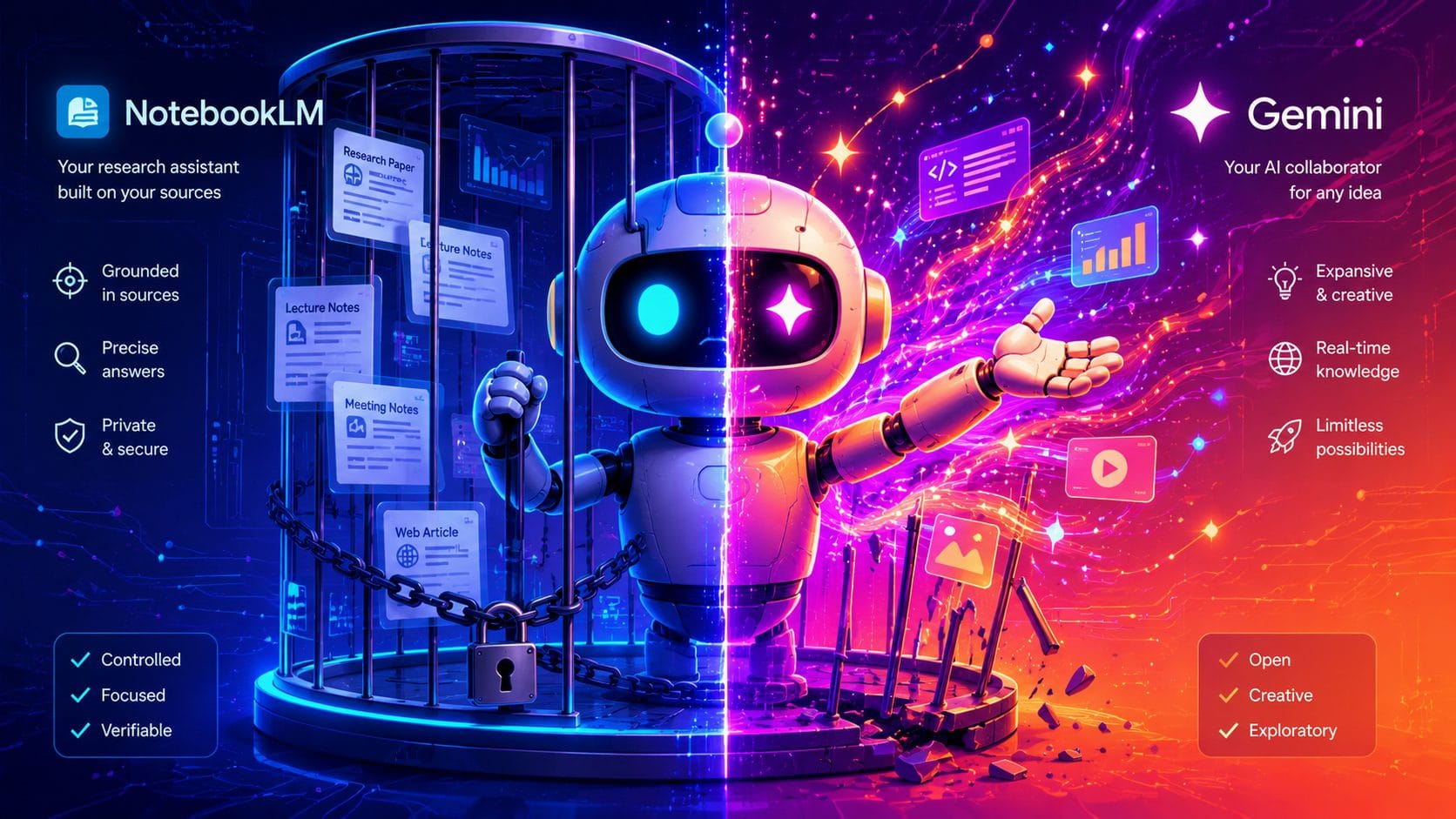
Google just merged Gemini and NotebookLM into a single workspace, and most of the coverage has been something like: “Gemini got folders.” That framing misses the point entirely. The real change isn’t about organisation. It’s about routing. You now have two interfaces sitting on top of the same notebook — and choosing the right one … Read more

This is a small project and guide to create a local Wiki-style set of files guided by Claude Code.

Your AI sounds like a motivational poster. Here’s how I used custom instructions and project separation to fix it.

Nine AI YouTube channels worth your time, organized by what they actually teach you. Plus how to use AI to get more from every video you watch.

Most people use AI the same way they use Google. They type a question, skim an answer, and move on. That works fine for facts. It works terribly for thinking. If you’re using AI for anything that involves judgment—ideas, writing, decisions, planning—the bottleneck usually isn’t the model. It’s how the interaction is structured. Over time, … Read more

If you’re around 40 and suddenly seeing TikToks about ADHD or autism that hit uncomfortably close to home—you’re not alone. A lot of us grew up in an era where these things weren’t caught unless they were severe. We just got labeled “quirky,” “too sensitive,” or “not living up to our potential.” Why Our Generation … Read more
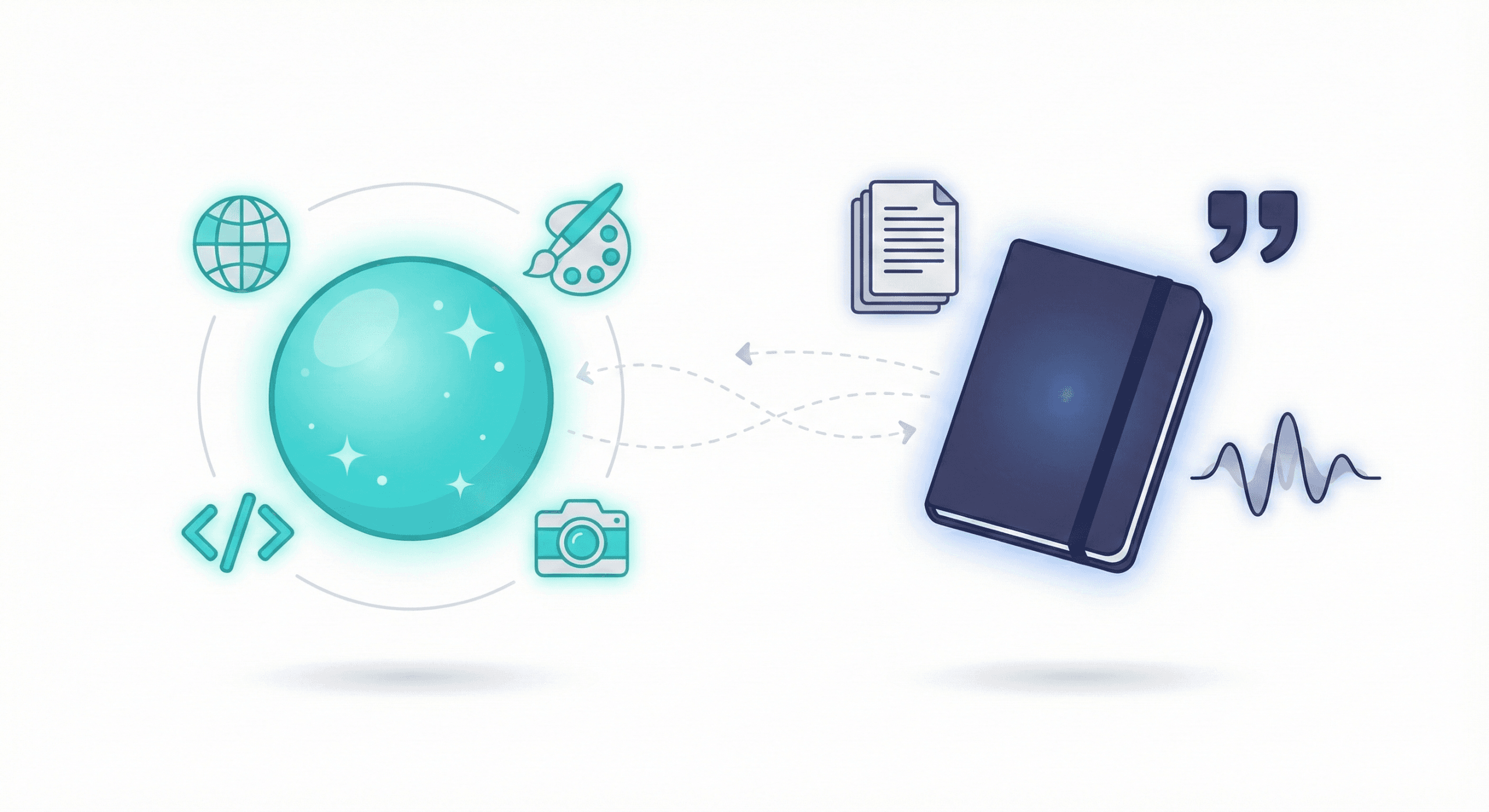
NotebookLM (now Gemini Notebook) vs Gemini: which to open for which task, now that both share your notebooks. Citations, Audio Overviews, limits and current Google AI plans. Updated October 2026.

Master Gemini in Google Sheets: formulas, tables, data analysis, and Apps Script automation. Plus limitations to know before you start. (
Get brutally honest presentation feedback with AI. Learn how to sound more confident, clear, and credible in every meeting and pitch.