
Have you ever been overly micromanaged? Known that if you were just given the freedom to do it your way, you’d get a better result?
That must be what it feels like when we prompt today’s super-intelligent AI models in too much detail, or try to micromanage their process.
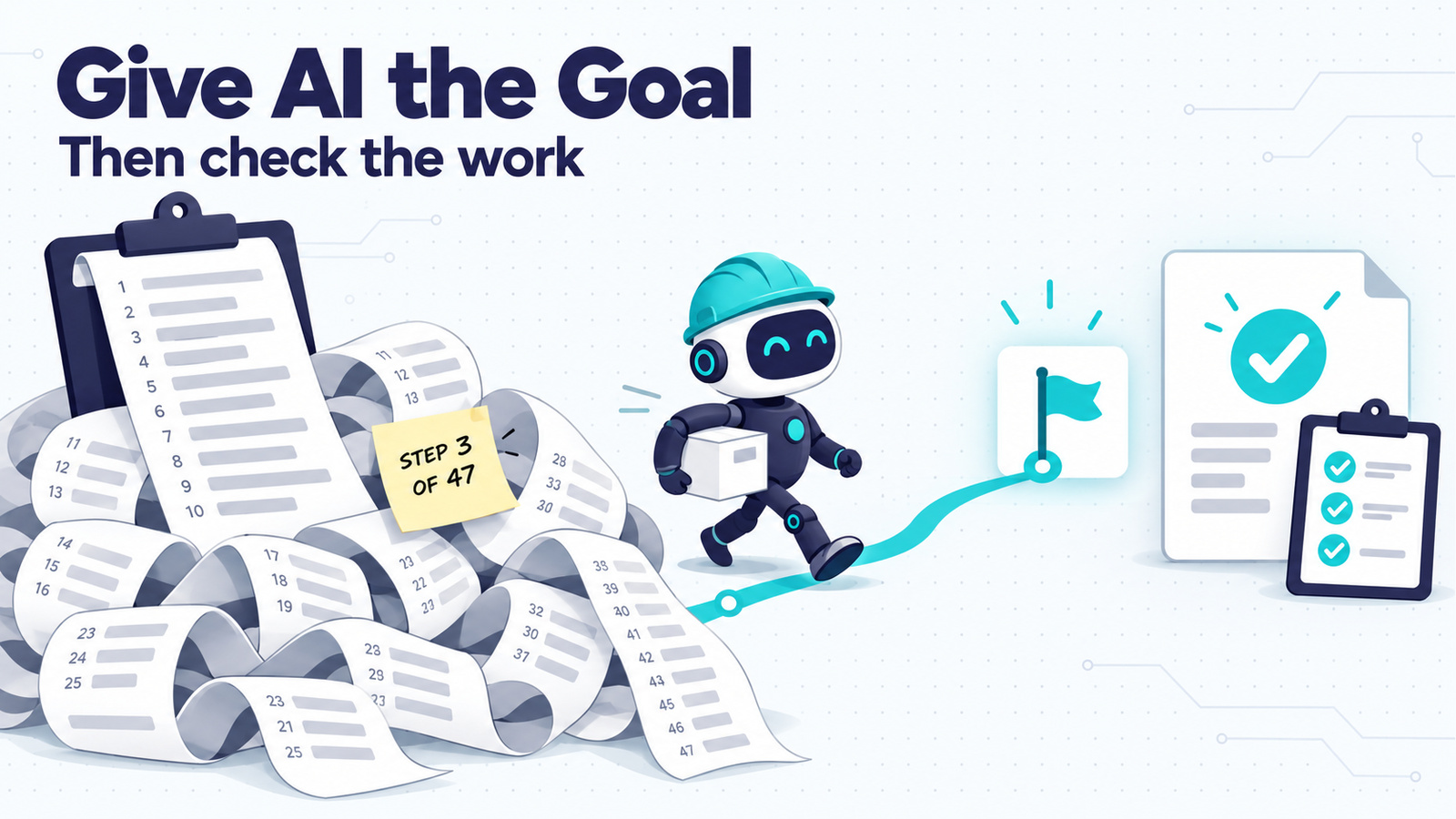
Telling a capable AI how to do a job now costs you time and quality. Tell it what you want, what done looks like and what it mustn’t touch. Then spend your effort checking the result.
The quick version
| Be specific about | Leave to the AI |
|---|---|
| The result you want and who it’s for | The order of steps |
| What “done” looks like | Which tool or method it uses |
| What it must not change, send, delete or spend | How it searches, reads or drafts along the way |
| Why each limit matters | Small decisions you’d accept either way |
| What it should hand back for you to check |
Why “be specific” used to mean writing out the steps
The advice to spell out every step wasn’t wrong. A year or two ago, if you left a gap, the model often filled it badly. A numbered procedure was insurance: if it followed your steps, at least it took a path you’d checked.
That trade has changed because the models have. Between September 22 and 29, Anthropic released Claude Opus 5.5 and Sonnet 5.5, and OpenAI shipped GPT-6 Sol, GPT-6 Luna and then GPT-6.1 Sol. Anthropic says both of its new models get the same work done with fewer steps or tool calls. Anthropic says Opus 5.5 at its default setting “matched or beat” the previous Opus at a higher setting, “in fewer steps and with fewer tokens” (Anthropic’s Opus 5.5 prompting guide). Those are vendor benchmarks, so read them as a direction of travel. They promise nothing about your own prompts.
The prompting guides are more useful than the benchmarks. Anthropic’s general guide says it plainly:
“Prefer general instructions over prescriptive steps. A prompt such as ‘think thoroughly’ often produces better reasoning than a hand-written step-by-step plan.” — Anthropic, Prompting best practices
OpenAI’s post on rewriting skills for GPT-6 Astra says many skills were written as “elaborate itineraries or recipes,” and that overly specific guidance “can now hinder results where it previously helped.”
When both companies say detailed step lists now get in the way, that’s the signal.
You can see what that costs in a test Futurepedia ran in September. He gave GPT-6 Astra the same design job in Illustrator and in Blender, twice in each app. In one run he blocked it from using code, scripts or the app’s own tools, so it had to click through the menus like a person would. In the other he let it work the way it normally does.
The restricted runs took about twice as long in both apps. In Blender that meant about an hour and 45 minutes for a “pretty good” result, against 54 minutes for one he called “clearly better.” In Illustrator it was 92 minutes against 45, and neither result was good enough to use. It’s one creator’s test, so I wouldn’t build a rule on it alone, but it puts numbers on what the guides describe. The numbers come from Futurepedia’s video I Pushed GPT-6 Astra’s Computer Use to Its Limits. Futurepedia is one of the AI YouTube channels I actually watch.
What this looked like in my own setup
I run this blog’s research and drafting out of an Obsidian vault that Claude Code works in. The vault has instruction files that Claude reads every session. In mid-July those two files ran to 432 lines. They included a check to run at the start of every session, rules about which file to read before which other file, and short write-ups of past mistakes so they wouldn’t happen again.
More instructions didn’t make it more reliable. Claude skipped the startup checks often enough that I couldn’t count on them. The longer the files got, the harder it was to tell which rules still mattered.
Today the same instructions are 83 lines. Most of what’s left is purpose and limits: what the vault is for, what needs my sign-off, and what must never happen automatically. One line sums up the change: “Read only what the task needs.” It replaced a reading routine that used to run every session. I wrote up the method for keeping a file like this short in The Prompt That Keeps Your CLAUDE.md Tight and Current.
How to write a goal prompt
Here’s the same request written both ways. Say you want help picking a project-management app for a small team.
Steps-first prompt:
Go to the websites for Asana, Trello, Monday and ClickUp. For each one, open the pricing page and write down the price for 5 users. Then open the features page and list the top 10 features. Then search Reddit for reviews. Then make a table with columns for price, features and reviews. Then recommend one.
Goal-first prompt:
I run a 5-person team and need a project-management app we’ll actually use. We’re not technical, and most of us live in Gmail and Google Calendar. Budget is under $15 per person per month. Recommend the best fit and one backup. Include any app you think belongs on the list, not just the obvious ones. Done means: a short recommendation I can forward to the team, a comparison table, and the pricing pages you used so I can check the numbers. Don’t sign up for anything or enter any details anywhere. At the end, list any decisions you made that I didn’t specify, like which features you treated as must-haves.
The first prompt locks in four apps, a fixed order and a table design before the AI has learned anything. If the best option for a Gmail-heavy team is a fifth app, it will never find it.
The second prompt is more specific about what matters: the team, the budget, what “done” means, the limit on signing up, and what you’ll check afterwards. It just doesn’t say how to get there.
You still have to be precise. The precision now goes into the result.
A few habits make goal prompts work better:
- Say why a limit exists. “Keep it under 300 words because it’s going in a text message” works better than “max 300 words.” Anthropic’s guide makes the same point: Claude “can generalize from the explanation.” Its example is telling Claude to avoid ellipses because a text-to-speech engine can’t pronounce them.
- Point it at the context it needs. A goal-first prompt still needs to say where the information lives. Anthropic’s Opus 5.5 guide says the model “tends to get to work quickly,” and on loosely specified tasks across several apps it did better when told to look through the relevant emails, documents and files before acting. “Check the shared folder and last month’s emails first” sets the scope. It doesn’t dictate a method.
- Ask for something you can check. A source list, a decision log, a before-and-after or a test result. That request is what makes the next part possible.
Your job moves to review
Handing over the goal moves your attention to three checks: the plan, the decisions it made and the finished result.
For long jobs, read the plan first. If a task will run for half an hour or touch dozens of files, ask for a short plan before it starts. A plan is the cheapest place to catch a misunderstanding.
Ask for a decision log. Ask it to list every decision it made that you didn’t specify. Read that list before the output. If it decided the wrong thing early on, everything after it is built on that call, and you can send it back without reading the rest. Dylan Davis suggests this one line, which works in any chat:
“As you do your work, keep a log of every decision you make for this task — specifically, anything I didn’t explicitly specify for you.”
Check the result against your finish line. An AI saying “done” is a status update. Anthropic’s own guide tells developers to treat a model’s end-of-turn message “as a report rather than as proof the task is done.” For you, that means opening the file, clicking the link or running the thing.
Here’s what that looks like for me. On October 20 I had AI add a “Support my work” link to this site’s footer and a new section to the About page. I didn’t write out the edits. What I did insist on were the checks: back up both pages first, run a dry run, read the changes back from WordPress, then open the live pages and look at them. The backup is still in the vault if I ever need to undo it.
I don’t direct every move. I need to know the change worked, the original is safe, and I can undo it.
Handing over a whole task
I mostly use Claude to write and Codex to do things on screen. Codex can use the computer: it reads the page in front of it and clicks and types like a person would. For that kind of job, the goal is usually the entire prompt.
Today I started an Amazon ad campaign for my new disc golf season journal. I opened the campaign setup page and asked Codex to fill in the details. It did. My only change afterwards was adding one note.
I’ve done the same thing with account setups, including my Payhip store. I give it the intent, trust that it knows how to populate the details better and faster than I do, and go back to review once it’s done most of the lift.
I’d expected instructions I’d have to follow myself, so it surprised me that it did the work. If you want to know which tool suits which job, I compare them in Codex vs Claude Code.
When to keep writing the steps
Some steps belong in the prompt. The test is whether a step steers the work or protects something.
Keep steps that protect you. My WordPress routine above is a list of steps: back up, dry run, read back. I keep it because each step stops a specific kind of damage. Anything that sends, publishes, pays or deletes falls in this group. Anthropic’s guide says the same for unattended agents: “keep your own confirmation step for risky or irreversible actions.”
Keep steps where there’s no way to check the result. If you can’t tell a good outcome from a bad one by looking at it, the method is all you can audit. Tax filings, legal wording and anything where the right answer depends on rules only you know belong here.
Keep steps when you know something it doesn’t. If your company has a fixed approval order, or a client always wants the summary before the numbers, say so. That’s a fact about your situation, and the AI can’t guess it.
Everything else (which pages to open first, how to organise its notes, what order to draft in) is usually better left to the model.
Quick reference
- State the result, who it’s for and what done looks like.
- Set the limits and say why each one matters.
- Point it at the context it should read before acting.
- Ask for something checkable: sources, a decision log, a test or a before-and-after.
- Read the plan before long jobs and the decision log before the output.
- Keep your own steps for anything irreversible, unverifiable or specific to your situation.
Your job is now to decide what the work should achieve and to check that it did.
Keep going
- Want to see why an agent can plan its own route? The 4 Parts of Every AI Agent covers the loop that makes it possible.
- For the system-prompt version of this idea, 7 Prompting Lessons From the Leaked Fable 5.1 System Prompt shows how to give the model a judgment standard to apply.
- If your agent is starting helpers on its own, Claude Code Keeps Launching Subagents explains what they are and when to use them on purpose.
- For jobs that run while you’re away, How to Schedule AI Tasks in ChatGPT and Claude is the next step.