
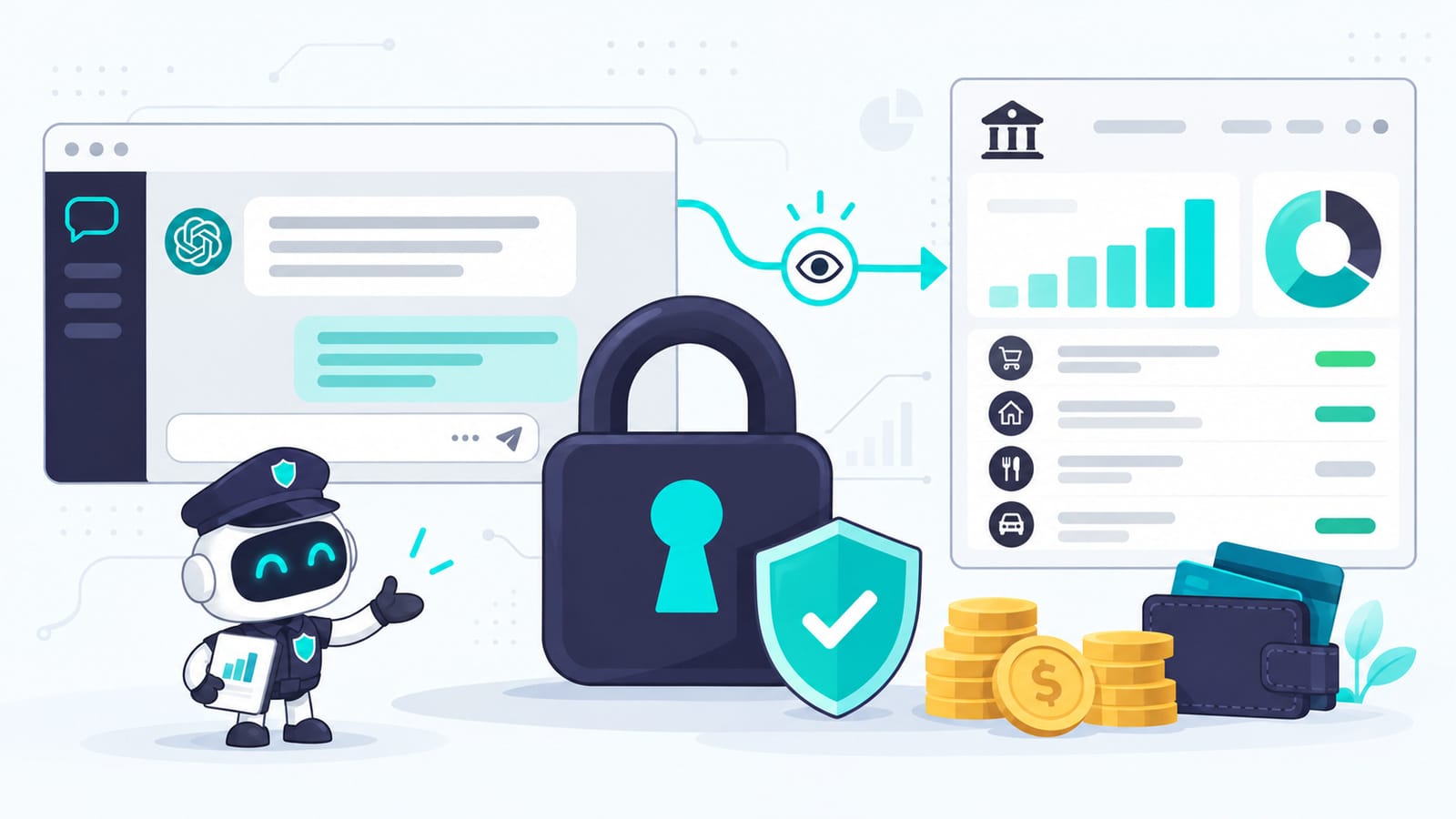
Yes, for most people, it’s safe to connect ChatGPT to your bank account, as long as you lock down one thing first.
I used Mint religiously until Intuit shut it down in 2024, so linking my accounts to a money app wasn’t new territory for me. When ChatGPT added Finances, I connected my accounts on ChatGPT Plus. It found an Amazon Music subscription I was still paying for after the free trial ended.
The part most people worry about is the connection itself. The part that deserves more of your attention is your ChatGPT login. Below: what ChatGPT can see once you connect, what it can’t do, the one account you need to secure before you start, and how to undo all of it.
Verified as of September 23, 2026, against OpenAI’s Finances help article, OpenAI’s launch announcement, and Plaid’s End User Privacy Policy. Finances is available to Plus and Pro users in the U.S. on web, iOS and Android.
- The quick answer
- What ChatGPT can see, and what it can't do
- Who handles your data along the way
- The real risk is your ChatGPT login
- Before you connect: do these in order
- What it's actually good for
- Why I said yes to this and still wait on AI browsers
- If you get a suspicious alert after connecting
- How to disconnect completely
- The alternative: ask about a statement instead
- Frequently asked questions
- Key takeaways
The quick answer
- It only reads. ChatGPT can see balances, transactions, investments and liabilities. It can’t move money, pay bills, make trades or change account settings.
- It doesn’t see your full account numbers.
- Your bank password goes to Plaid’s sign-in screen, never into the chat.
- Training follows the setting you already have. Finances has no separate switch; your normal ChatGPT data controls apply.
- Disconnecting deletes synced data within 30 days. Your past finance conversations and financial memories stay until you delete them yourself.
- The weak point is your ChatGPT account. Once you connect, anyone who gets into it can read your finances. Secure it first.
What ChatGPT can see, and what it can’t do
When you connect, ChatGPT gets access to “your balances, transactions, investments, and liabilities,” according to OpenAI’s launch post. That’s enough for the Finances dashboard: spending by category, upcoming bills, subscriptions, net worth over time, and how your portfolio is split across stocks, bonds, ETFs, cash and crypto.
| ChatGPT can see | ChatGPT can’t do |
|---|---|
| Account balances | Move money or pay bills |
| Transaction history | Make trades |
| Investment holdings | Change account settings or retirement contributions |
| Loans and credit card balances | Open or close accounts |
| Your credit report and score, if you connect Experian | File taxes |
It never sees your full account numbers.
Two details matter here.
There are two separate connections. Bank, card and brokerage accounts connect through Plaid. Your credit report and score connect through Experian. You can use one, both or neither. Connecting your bank doesn’t connect your credit, and the reverse is true too.
What ChatGPT sees depends on your bank. Some institutions share balances but not full transaction history, holdings or loan details. OpenAI’s help article notes that if something looks incomplete, the institution may simply not be sharing that field.
Who handles your data along the way
The path looks like this: you sign in to your bank through Plaid’s screen, your bank shares account data with Plaid, and Plaid passes it to ChatGPT. You pick which institutions to connect.
Your login details go into Plaid’s flow. Plaid’s privacy policy says it collects “login data when required by the provider of your account,” which can include your username and password or a security token, depending on how your bank connects. The Experian connection works the same way: OpenAI tells you to enter identity details and verification codes in Experian’s form, never in your chat.
Plaid holds ISO 27001 and ISO 27701 certifications and is SOC 2 compliant, and its privacy policy states that it doesn’t sell personal information. You should also know the other half of its record. In 2022, Plaid paid $58 million to settle a class action alleging it collected and sold consumers’ financial data without adequate consent. As part of the settlement it agreed to collect less data and to point users to a portal where they can manage their connections. Neither fact settles the question on its own. Together they tell you what you’re trusting.
The real risk is your ChatGPT login
Once your accounts are connected, anyone who can sign in to your ChatGPT account can open Finances and ask where your money goes, what you hold and what you owe. They can’t move a dollar. They can read everything the connection shows.
That shifts where your security effort belongs. Most people protect their bank login carefully and treat their ChatGPT login as just another account. After you connect, your ChatGPT password guards a readable copy of your finances.
The timing makes this practical. In mid-September 2026, security researchers at Cofense reported a fake ChatGPT billing email warning of an unpaid balance and a 48-hour suspension. Its “update payment” button led to a copy of the OpenAI login page built to capture usernames and passwords (source: Help Net Security — A fake ChatGPT billing email is after your OpenAI password). An attack like that was always a problem. With Finances connected, it becomes a way into your financial picture too.
Before you connect: do these in order
1. Lock down your ChatGPT account. In ChatGPT, open Settings, then Security, and turn on multi-factor authentication. OpenAI supports authenticator apps, push approvals on trusted devices, text codes and passkeys. Use a password you don’t use anywhere else. If you’ve shared your login with anyone or signed in on a device you no longer use, the Active sessions area under Security has an option to log out of every session.
2. Decide your training setting. Finances conversations follow the model-training choice in Settings > Data controls. If you’d rather your financial chats weren’t used to improve OpenAI’s models, change it before you connect.
3. Connect only the accounts you’ll actually ask about. Plaid lets you choose institutions. If you only want spending help, your checking account and main credit card may be enough.
4. Treat the credit report as its own decision. The Experian connection adds your credit report and monitoring alerts. It’s useful if you’re planning a mortgage or watching your utilization, and it’s more data to hand over if you aren’t.
One piece of common advice doesn’t work here. Some guides suggest using a temporary chat for sensitive finance questions. According to OpenAI’s help article, temporary chats can’t access your connected financial accounts at all, and they don’t use or create memories. A temporary chat is how you ask a money question without your data. It won’t give you a more private way to ask about your own accounts.
What it’s actually good for
I use Finances for questions that need my real numbers to be answered well.
Understanding my portfolio. I ask about asset allocation and how U.S. political and economic risks could affect what I hold. When I came across TIPS (Treasury Inflation-Protected Securities, government bonds whose value adjusts with inflation), it explained what they are in plain English.
Running retirement scenarios. It walked me through the different flavors of FIRE (financial independence, retire early) and defined each one against my goals and my actual spending. A generic chat can explain FIRE. With connected accounts, it could tell me what each version would mean for me.
Catching forgotten charges. The Amazon Music subscription is the kind of thing subscription-tracking apps charge a monthly fee to find. Finances pulls subscriptions, recurring bills and upcoming payments into its dashboard as part of the plan you already pay for.
Two cautions keep it honest. OpenAI’s help article says spending totals can be off when transfers, credit card payments, reimbursements or duplicate pending transactions get counted as spending, and it adds that “AI can make mistakes.” When a number looks wrong, ask ChatGPT which transactions it used. And OpenAI states plainly that ChatGPT is not a fiduciary, registered investment adviser, broker-dealer or tax preparer. I use it to understand my options and then make my own decisions.
If you want the prompt side of investing questions, my post on how I use ChatGPT to invest in stocks covers the prompts I use.
Why I said yes to this and still wait on AI browsers
Last year I wrote about why I’m waiting on AI browsers. My concern there was an AI acting inside my logged-in accounts, where a hidden instruction on a web page could trick it into doing something I never asked for.
Finances passes the same test from the other side. It reads my accounts and has no ability to act on them: no transfers, no trades, no settings changes. That, plus years of linking my accounts to Mint, made me comfortable connecting.
The question I’d use for any AI connection is simple: can it only read, or can it also act? Read-only access still deserves care. Access that can act deserves much more.
If you get a suspicious alert after connecting
I’ve had an unexpected password-reset request on one of my connected accounts, and I can’t tell whether it had anything to do with ChatGPT. Attempts like this happen from time to time. A reset email on its own doesn’t mean your connection was involved, and it’s still worth checking properly:
- Don’t click the link in the email. Open your bank’s app or type its address yourself.
- Check recent sign-in activity and any trusted devices you don’t recognize.
- If you didn’t request the reset, change your password and call the institution using the number on its website or the back of your card.
- Check your ChatGPT account too. Look at active sessions under Security, and log out of all sessions if anything looks unfamiliar.
- If you’re worried, disconnect first and investigate after. You can reconnect once the account is clean.
How to disconnect completely
Disconnecting takes a few separate steps, because your data lives in more than one place.
- Disconnect everything: Settings > Apps > Finances, or from the Finances page. To remove a single account, use the Accounts tab on the Finances page.
- Delete your financial memories. These are the details ChatGPT saved from your finance chats, like goals or loans you mentioned. Open the Finances page and use the three-dot menu. Disconnecting doesn’t remove them.
- Delete your finance conversations. Disconnecting doesn’t touch chat history either. If you want a record first, my guide to exporting from ChatGPT covers it.
- Disconnect Experian separately if you connected your credit report. You can do this without removing your bank connections.
- Use Plaid Portal only for other apps. Disconnecting in ChatGPT removes the ChatGPT connection. Plaid Portal (my.plaid.com) is where you manage Plaid connections you made for other apps and services.
After you disconnect, OpenAI deletes synced account data from its systems within 30 days, and Plaid deletes the data tied to that ChatGPT connection within 30 days under its own policies. Plaid notes it may keep some information “as permitted or required by law.”
The alternative: ask about a statement instead
You can get most of the spending insight without a standing connection. Download a statement from your bank or card, upload it to a normal chat, and ask about it. You lose the live dashboard and automatic syncing. You also skip the ongoing access, and you choose exactly which statement you share.
Frequently asked questions
Can ChatGPT move money from my bank account? No. OpenAI’s help article lists moving money, paying bills, making trades and changing account settings as things ChatGPT cannot do through Finances.
Does OpenAI train on my financial data? Finances conversations follow the model-training setting you already use in ChatGPT. You can change it in Settings > Data controls.
What happens when I disconnect? Synced account data is deleted from OpenAI’s systems within 30 days. Past conversations and financial memories stay until you delete them.
Is Plaid safe? Plaid holds major security certifications and says it doesn’t sell personal data. It also paid $58 million in 2022 to settle privacy allegations. Weigh both.
Do temporary chats make finance questions private? Temporary chats can’t see your connected accounts at all. They’re for asking money questions without your data.
Who can use ChatGPT Finances? Plus and Pro users in the U.S., on web, iOS and Android, as of September 2026.
Key takeaways
- Finances can read your balances, transactions, holdings and debts. It can’t act on them.
- Your ChatGPT login now protects that information, so secure it before you connect.
- Disconnecting, deleting memories and deleting conversations are three separate steps.
- Temporary chats can’t see your finances at all.
- Before you connect any AI to anything, ask whether it can only read or can also act.
Once you connect, your ChatGPT password guards your bank data too. Protect it that way.
This article is for educational purposes and is not financial advice. The decision discussed here is primarily about privacy and security: what data you share, who can access it, and whether the benefit is worth that access.