
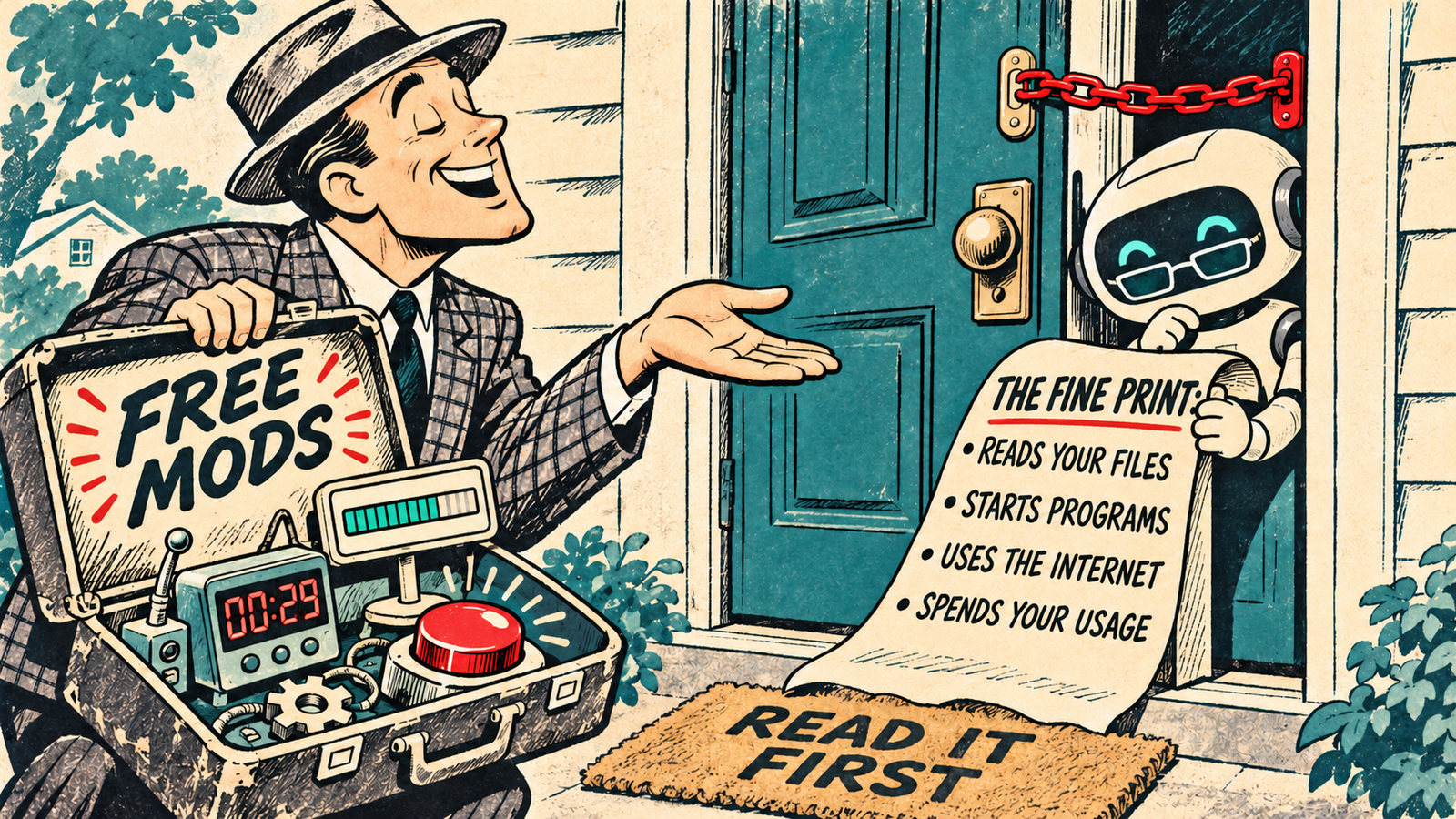
If you use Claude Code, you’ve probably seen the videos by now: a countdown above the prompt, a progress bar for every subagent, a button that hands your chat to a fresh one. Those are mods, and some of the people making the videos will give you a zip file of theirs. Before you install one, it helps to know what you’re being handed.
A mod is a small program that runs inside Claude Code and changes how it looks or behaves. It can draw things on screen, step into a tool call, or add a slash command. It also runs with your permissions, every one of them, which is the part the videos skip.
The quick answer
- A mod is a plugin with code in it. Claude Code runs that code when something happens: you send a prompt, Claude calls a tool, part of the screen is drawn.
- You can ask Claude to build one. Describe it in a session, approve the files, and it loads. For small, personal mods this is the safe route.
- Someone else’s mod gets one check first. Run
claude plugin validateon its folder and read thecalls:line. That shows what the mod can reach before it runs. - Mods aren’t sandboxed. Anthropic’s words. A mod can read your files and API keys, start programs, make network requests, approve a tool call before you’re asked, and spend your usage.
- You need Claude Code v2.1.287 or later in the terminal, or v2.1.286 in the desktop app’s Code tab. Mods are on by default.
What a mod is, in plain English
Claude Code already has several ways to customize it. A CLAUDE.md file tells Claude how your project works. A skill is a folder of instructions Claude reads when a task matches. A settings hook runs a script of yours when something happens, such as checking a command before it runs. A connector (MCP server) gives Claude a tool it didn’t have.
All four work from the outside. They hand Claude text, or run a script, and Claude Code carries on as before. A mod runs inside Claude Code, as functions that the app calls at the moment an event happens. Anthropic lists what that makes possible (source: Anthropic — Mods overview (code.claude.com)):
- Draw an interface you can use. A pane beside the transcript, or a band above the prompt, with tabs, buttons and text fields.
- Redraw what Claude Code already draws. The spinner, a tool call’s row, the dialog Claude asks questions in.
- Step into a tool call or a request. Hold a tool call while it asks you something, answer it without running the tool, or send one request to a different model.
- Run your own code on a command. A
/commandthat runs at once, with no Claude turn, even while Claude is working. - Share data between its parts. One hook can count tool calls while another shows the count beside the spinner.
Anthropic’s own example mod does the last two: it counts Claude’s tool calls and shows Thinking · tool calls: 3… in the spinner. Three files, about thirty lines of code, and Claude writes them for you if you ask.
Some of Claude Code’s own features are mods now. /diff is one, and so is the support for AGENTS.md files. You can see them under Built-in on the Installed tab of /plugin.
Mods vs skills vs hooks vs connectors
| Mod | Skill | Settings hook | MCP connector | |
|---|---|---|---|---|
| What it is | Code that runs inside Claude Code | A SKILL.md file of instructions | A script or prompt that runs on an event | An outside service that gives Claude tools |
| What it can change | Tool calls, prompts, commands, and what the screen draws | What Claude knows and does | Whether a tool call or prompt goes ahead | Which tools Claude has |
| Can it draw on screen | Yes | No | No | No |
| What you write | JavaScript or TypeScript (or ask Claude) | Markdown | A script plus a settings entry | A server |
| Pick it when | You want a pane, a band, a custom command, or to rewrite an event | You keep pasting the same instructions | You want to block, allow or log an event with a script you have | Claude needs to reach an outside system |
The table is Anthropic’s, condensed (source: Anthropic — Mods overview (code.claude.com)). The practical reading: if you keep repeating yourself, you want a skill. If you want to see something while Claude works, you want a mod.
Do you have mods?
Mods are on by default, but only on recent versions. Check where you use Claude Code:
- Terminal: run
claude --version. You need v2.1.287 or later. - Desktop app: in a local session in the Code tab, type
/statusand read the Claude Code row. You need v2.1.286 or later. The desktop app bundles its own copy of Claude Code, so this number can differ from your terminal’s. If you can’t find the Code tab, here’s where each new desktop feature is. - VS Code: the chat panel draws mods from extension version 2.1.299.
To see which mods a session loaded, run /plugin. A dim line under the tabs reads something like 1 mod active · first-mod (source: Anthropic — Mods overview (code.claude.com)).
One quirk worth knowing: what a mod draws appears only in the terminal, the desktop app and VS Code. If you drive a session from your phone through Remote Control, the mod still runs, but its pane shows up on your computer’s screen and your phone shows nothing (source: Anthropic — Mods overview, “Where mods run” (code.claude.com)).
Three mods worth asking for
Creators have built hundreds already. Ben AI tried more than a hundred for his video and kept nine (source: Ben AI — 9 Insane Claude Mods I Already Can’t live Without, uploaded 2026-10-21). Three stand out for people who use Claude Code for everyday work rather than code, and each one is small enough to ask Claude for in a sentence.
1. A context forecast above the prompt. Anthropic’s own sample, token-weather, draws a forecast of how full your context window is. The point is to see the cliff before you hit it, instead of finding out when answers get vague. Display-only, so it costs nothing to run (source: Anthropic — Mods overview (code.claude.com)).
2. A handoff button. Ben AI’s version fires at 250,000 tokens, or when the chat’s prompt cache has gone cold, or when you type /handoff. It reads the chat plus the files and skills it used, writes a handoff prompt far more detailed than a compaction summary, and gives you a button to start a fresh chat with it (source: Ben AI, same video).
This one calls a model to write the summary, so it uses your plan’s usage like a message does. His reasoning on cost: coming back to a long chat after the cache has gone cold means Claude re-reads the whole thing at full price. On the API, reading from the cache costs a twentieth of the normal input price on Opus 5.5 and Sonnet 5.5, so a cold restart of a long chat costs many times a warm one (source: Anthropic — Pricing (platform.claude.com)). Anthropic doesn’t publish how cache reads count against subscription limits, so treat the exact multiple as an API figure.
3. A rule catcher. Ben AI’s Reflect mod watches your prompts for a hard rule (“never use em dashes”, “keep headings under eight words”) and pops up asking whether to save it to memory or CLAUDE.md. It answers a gap Ben AI points out: Claude’s automatic memory can skip rules you state in passing, and the ones you repeat most are often the ones you never wrote down. It pairs with the prompt-audit routine that keeps CLAUDE.md current.
A fourth, if you run several subagents at once: a side panel with a progress bar and running cost for each one. That’s Ben AI’s “helper desk”, and it answers the question in the subagents guide about what all those parallel workers are doing.
Ben AI splits mods into two cost classes, and it’s the right split: a mod that calls a model uses your plan’s usage every time it fires, and a display-only mod costs nothing. Ask which kind you’re installing.
How to ask Claude to build one
You don’t write the code. Anthropic ships a skill called plugin-authoring that tells Claude where the files go and which events your version supports. The flow, from Anthropic’s Create a mod page (source: Anthropic — Create a mod (code.claude.com)):
- Describe it in a session, in your own words: “make a mod that shows the current git branch above the prompt.” Claude writes the files into a folder for that session under
~/.claude/dev-mods/. - Approve the files. In the default permission mode, Claude Code asks you to approve each file before it’s created, because that folder is protected. Say yes to each.
- Turn on hot reloading when asked. Choose “Turn them on” and the mod loads when the turn ends, then reloads at the end of each turn that changes it. Choose “Not now” and nothing loads until that session starts again.
- Check it loaded with
/plugin, Installed tab. You can turn it off there too. - Try it, then ask for changes. The mod reloads at the end of each turn that edits it. If a dim line in the transcript says a change didn’t load, paste that line into your next message; Claude can’t see it otherwise.
A mod Claude writes this way loads only in the session that made it, and Claude Code deletes that session’s folder after its cleanup period. To keep one, copy its folder somewhere of your own, such as ~/mods/git-branch, and start future sessions with claude --plugin-dir ~/mods/git-branch.
This route is low-risk because you watched it being written and nothing in it came from a stranger. The next section is for everything else.
The check before you install anyone else’s
Anthropic puts the warning at the top of its install instructions: “A mod is code that runs with your permissions. It can read and write your files, start processes, and make network requests. Install mods only from authors and marketplaces you trust.” (source: Anthropic — Mods overview (code.claude.com)).
Trust is the right word, because a mod has no fence around it. Once it loads, Anthropic says, a mod can:
- act on your machine as you: read and write files, start programs, make network requests;
- read your secrets, including an API key in an environment variable or a settings file;
- see every prompt you send and every tool call Claude makes;
- change your session: rewrite a prompt or a tool call, submit a prompt as if you had typed it, or send a message to another of your sessions;
- approve a tool call before you’re asked;
- spend your usage by calling a model on your plan or API key.
And the line that matters most: “Mods aren’t sandboxed.” Turning on Claude Code’s sandboxing isolates the commands Claude runs; a process a mod starts runs outside it (source: Anthropic — Mods overview, “What a mod can reach” (code.claude.com)). A mod can restyle almost all of Claude Code’s interface, but it can’t change the permission prompt itself. It can, however, answer a call before that prompt appears.
The one command
You can see what a mod does without running it. Get its files (clone the repository, or unzip the download), then in a terminal:
claude plugin validate ./some-modTwo lines in the output tell you what you need (source: Anthropic — Manage mods for your organization (code.claude.com)):
hooks:lists the events the mod watches.tool.callandprompt.submitmean it sees every tool call and every prompt, and can change them.tool.checkmeans it can approve or deny a tool call before you see a prompt.calls:lists what the mod asks Claude Code to do. This is the line to read slowly.
In the calls: line | What it means |
|---|---|
$.fs.read, $.fs.write | Reads or writes files anywhere you can |
$.process.run, $.process.spawn | Starts programs as you |
$.http.fetch | Makes network requests |
$.env.get, $.settings.read | Reads environment variables and settings, which can hold API keys |
$.env.set | Changes environment variables for Claude Code and every program it starts afterward, which can change what those programs run |
$.mcp.call | Calls a tool on one of your connected MCP servers, under your usual permission rules |
$.model.complete | Uses your plan or API key for model calls |
$.prompt.submit | Submits a prompt, and can send it as your own words |
$.session.send | Sends a message to another of your sessions |
The test is whether the calls match the job. A context forecast needs none of these. A handoff mod needs $.model.complete to write the summary, and that’s explained by what it does. A “cache clock” that also calls $.http.fetch and $.env.get needs an explanation from its author, and if there isn’t one, you have your answer. Claude Code refuses to load a mod whose code uses the API in a way this command can’t read, so the list covers every call the mod’s own code makes. Read $.process.run with that in mind: the program it starts can do anything you can, and this list won’t show what.
If you sign in with a Team or Enterprise plan, or your company manages your machine’s Claude Code settings, a built-in guard runs ahead of every mod you install. With it, a mod can’t approve a call that one of your deny or ask rules covers, and it can’t touch what your organization manages. On a personal account there is no guard; a mod can approve a call your ask rule would have prompted for (source: Anthropic — Manage mods for your organization (code.claude.com)). That is the single biggest difference between installing a mod at work and at home. Even with the guard, your permission rules cover only Claude’s tool calls. A rule that stops Claude reading your .env file doesn’t stop a mod from reading it with $.fs.read.
The same rule applied to plugins in September, when a flaw in how coding agents pinned plugins to a reviewed version let an attacker swap in code behind an intact-looking pin. Claude Code fixed it in v2.1.179 (source: Sinisa Markovic — Zero-click RCE vulnerability hit four major AI coding agents, two remain unpatched (helpnetsecurity.com), 2026-09-18). Mods raise the stakes, because the code they carry runs inside the app with your account’s reach. Stay current, prefer Anthropic’s directory and authors you can name, and read the calls: line.
Turning mods off
Three switches, from narrow to wide (source: Anthropic — Mods overview, “Turn mods on or off” (code.claude.com)):
- One mod: disable or uninstall it on the Installed tab of
/plugin. - Every installed mod, for one session: start with
claude --safe-mode. This also turns off your other customizations, which makes it the right first move when something odd happens and you want to know whether a mod caused it. - Every mod, everywhere: set
"disableAllHooks": truein~/.claude/settings.json. Your settings hooks and custom status line stop too.
Built-in mods such as /diff have their own switches on the same tab and aren’t affected by any of these.
Honest limitations
- This is weeks old. Mods shipped in October 2026, and Anthropic’s own pages say the events and methods can change between releases. A mod built for one version may do nothing on the next;
claude plugin validatereports a misspelled or retired event name. - Mods don’t work everywhere. In
claude -pand in cloud sessions, a mod’s code can run but nothing it draws appears. A mod author can fall back to a line of text, but not every mod does. In a Windows WSL session inside the desktop app, mods don’t run at all, because plugins aren’t available there. - Model-calling mods spend usage. A mod that calls a model uses your plan’s usage every time it fires. Three or four mods you actually read is the practical ceiling; a pack of nine is a demo.
- Creator packs are unreviewed. A zip from a video has no marketplace, no version policy and no one accountable for the next update. Run the validate command on it, and keep it loaded with
--plugin-dirrather than installing it, so it never auto-updates. - The cache-cost multiple is an API figure. The “40 times cheaper” claim that travels with cache mods comes from API prices. Anthropic doesn’t publish how cache reads count against a subscription, so on a Pro or Max plan the saving is real but unmeasured.
Key takeaways
- A mod is code that runs inside Claude Code, with your permissions, and can draw on screen, step into tool calls, and add commands.
- Ask Claude to build small ones. Describe it, approve the files, turn on hot reloading, check
/plugin. - Before anyone else’s:
claude plugin validate ./the-mod, then read thecalls:line against what the mod claims to do. - Mods aren’t sandboxed, and on a personal account there’s no guard between a mod’s approval and your tools.
--safe-modeis the first thing to try when Claude Code behaves strangely after you added one.
Related guides