
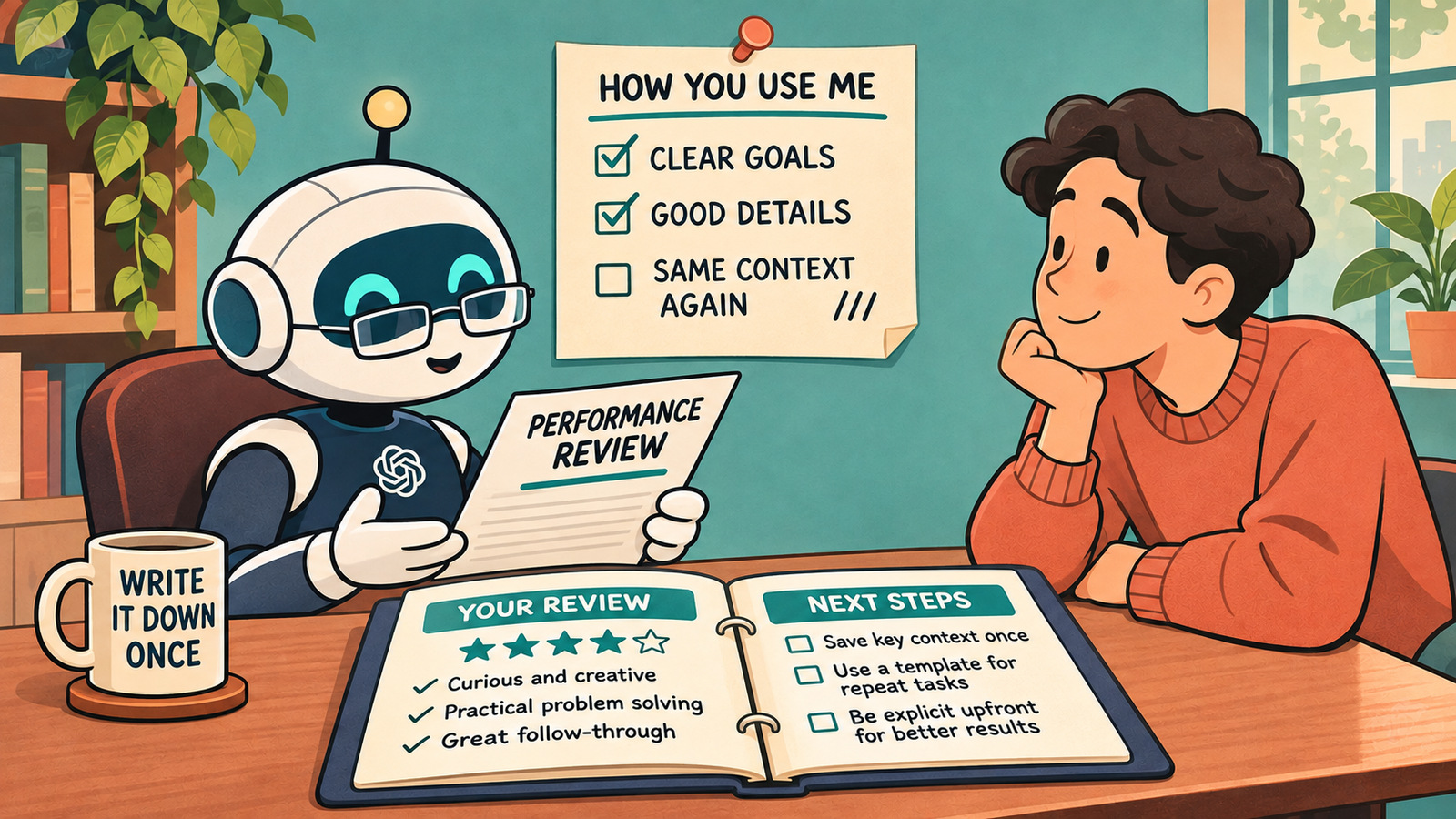
I already keep most of my AI work in projects, so I didn’t expect much when I asked ChatGPT and Claude to review how I use them. Both came back with the same finding. I keep re-explaining context and assumptions that I could write down once.
That’s the useful part of this exercise. Your chat history is a record of every time you typed the same background, pasted the same instructions or corrected the same wrong guess. The AI can read that record now, and with the right prompt it’ll show you the repeats with dates attached.
Here’s the prompt, how to check what the AI can actually see, what it found in mine, and where each fix belongs. At the end there’s a version you can schedule to run every month.
The prompt
The idea started as the top tip in a Reddit thread from someone who felt like “a caveman” with AI (the r/ClaudeAI thread). The original was one line: look at how I’ve been using you and recommend how to be more efficient.
One line gets you generic advice. This version makes the AI say what it can see first, and drop any pattern it can’t back with a real chat:
Review how I've actually been using you, based on my saved memories and our past chats, then help me use AI more efficiently.

Step 1 — What you can see: Before anything else, tell me exactly what you're working from: saved memories, past chats you can search, project files, or only this conversation. If you can't see past chats, say so plainly and don't guess at patterns.

Step 2 — Patterns, with evidence: List the 5 most useful patterns in how I use you. For each one, give a specific example from my chats (roughly when, and what I asked). If you can't point to a real example, leave the pattern out.

Look especially for:
- Requests I repeat that could become a saved instruction, a project or a skill
- Tasks that took several back-and-forth turns to get right, and what I could have said up front instead
- Context I keep re-explaining
- Features I'm not using that fit what I already do
- Places where I accept your first answer when I should push back or verify

Step 3 — Changes: Give me the 3 changes that would save me the most time, ranked. For each, write the exact instruction or setup text I'd use.

Keep it direct. Don't compliment how I use you.
The “leave it out” line does the heavy lifting. Without it, the AI fills five slots whether or not it has five real patterns, and you get a horoscope.
Use your best model with extended thinking or higher effort for this one. It’s reading weeks of history, and a quick model skims. I used ChatGPT on high effort and Claude Opus with extended thinking.
Before you run it: what each AI can actually see
Step 1 of the prompt exists because the answer differs more than you’d expect.
ChatGPT works from your saved memories plus your chat history. Mine said it could see saved memories, dated excerpts of about 40 chats from the past two weeks, and older chats it pulled back as far as 2025. It also said it doesn’t get complete transcripts of everything.
Claude surprised me. I keep memory turned off in Claude, and I expected it to come back empty. It didn’t. Claude has two separate settings: one that generates memories from your chats, and one that lets it search and reference past chats when you ask. With memory off and chat search on, it searched my 20 most recent chats and ran five keyword searches reaching back to early 2025. It called that “a sample, not a full audit”, which is a fair label, and it said it could see my skill names but not my project files or project instructions.
So check the setting before you decide this won’t work for you. In Claude, turn on Search and reference chats under Settings → Your Claude (Settings → Memory if you have the older layout). It works on paid plans, on the web, desktop and mobile (Anthropic’s help page). Incognito chats are never searched, and a search run inside a project stays inside that project. That last one is useful: if one project is where you do most of your work, run the prompt there.
If you’ve walled your history off on purpose, you still have two options. Paste or export five recent chats into a new conversation and run the prompt against those, or run it inside your busiest project. For more on what each assistant keeps and the switches that control it, see what happens to what you type into ChatGPT, Claude and Gemini.
What it found in mine
Here are five of the patterns the two assistants found, each with the fix it suggested. Yours will be different. These are here so you can spot the shape of your own.
1. I rebuild context by hand between chats
Claude found several long projects where I’d run out of room in a chat and pasted a summary into a fresh one. One of those handoffs told the new chat to use the “same format we established earlier”. I caught it, because a new chat has no idea what was established earlier. The handoff only worked if it spelled everything out.
The fix: a saved skill that writes the handoff for you, with the rules that make it work in a cold chat. Claude drafted this for me:
Name: session-handoff
Description: Use when I say context is running out, ask for a prompt for the next chat, or end a work session on a multi-session project.
Instructions: Write a handoff the next session can use without this chat. Include: the project and its goal, the files or links to read first, what's done, the decisions made and why, open questions, and the exact next step. Spell out every format, template or style rule in full. Never write "as established" or "same as before." End with a paste-ready opening prompt. Keep it under 400 words unless there's code state to carry.
If you’ve never saved a skill, Stop Re-Explaining Yourself to Claude — Build a Skill Instead walks through it.
2. I paste the same long prompt to start a chat
I built a reselling assistant called Flip Coach, and it’s a prompt several hundred words long. (It’s part of The AI Flipper’s Toolkit.) Claude found three chats on one day that each opened with the whole thing pasted in again.
The fix: anything you paste to start a chat belongs in a project’s instructions. Create the project once, put the prompt and any reference files there, and every chat inside it starts already knowing the job.
3. I give the key fact second
Three examples, all the same mistake. I asked about waterproofing disc golf shoes and only named the brand and model after a generic answer. I sent a Facebook Marketplace link the AI couldn’t open, so its whole first answer was useless until I pasted the price and details. And I asked it to “update the attached skill” without saying what to change.
Each one cost a full round trip. Front-loading the specific fact is the cheapest fix in this whole list, and it’s the same idea behind context engineering.
The fix: one line in your custom instructions (ChatGPT) or preferences (Claude):
When I ask about a specific product or ask you to edit something, ask me for the model or the exact change first if I haven't given it.4. My image revisions lose the parts I’d already approved
ChatGPT spotted this one in a tattoo design I worked on over a few days. I explored several ideas, picked a direction, then asked for specific changes. Each revision reinterpreted things I hadn’t asked to change, and I ended up preferring the original.
ChatGPT’s diagnosis was precise. The exploring was useful. The time went after I’d picked a direction, when I kept using loose, exploratory requests for what should have been tightly scoped edits.
The fix: once you’ve picked a version, switch to an edit request that locks everything else. This is the wording it gave me, and it works for any image you’re refining:
Use this image as the locked composition. Preserve the subject, pose, proportions, lighting, and overall visual hierarchy. Change only the elements I specify. Do not reinterpret unchanged elements. Generate one revision, not a new concept.Then list the changes underneath, one per line. “Make it better” undoes the lock. “Move the chisel to the hip” keeps it.
5. I keep re-explaining the same decision rules
When I check whether a resale item is worth flipping, I apply the same rules every time: a minimum profit after fees, completed sales rather than asking prices, and a realistic time to sell. ChatGPT pointed out that I explain those rules again in every chat, and that one Apple Watch check needed several turns before it had enough to give a real answer.
The fix: write the rules down once, in the project you use for that job. Recurring decisions with fixed criteria are exactly what project instructions are for. The AI applies your rules from the first message instead of rediscovering them by turn four.
Which findings to trust
Treat the review the way you’d treat any AI answer that matters: keep what it can prove.
- Keep a pattern only if it names a real chat. Every finding above came with a date or a specific conversation. If a pattern arrives with no example, it’s a guess about people like you.
- Watch for out-of-date fixes. ChatGPT steered me away from custom GPTs, which is correct. OpenAI is retiring them on December 11, 2026, with plugins as the official replacement (OpenAI’s retirement FAQ). An AI working from older habits might still tell you to build one. For a simple personal setup, a project does the same job.
- Test each fix on the next real task. A saved instruction that reads well and a saved instruction that changes the output are two different things. Use it the next time that task comes up and see whether the round trips disappear.
Where each fix lives
Most of the fixes fall into three places. Pick by how big the repeat is.
| What you keep repeating | Where it goes |
|---|---|
| A one-line preference (“ask me for the model first”) | Custom instructions (ChatGPT) or preferences (Claude) |
| Background, reference files and rules for one topic | A project’s instructions and files |
| A multi-step job you run the same way each time | A skill (Claude) or a project with a plugin (ChatGPT) |
The rule I’m using: if I’ve explained it three times, I write it down once. For setting the tone and style of every answer, custom instructions are the first place to start.
Make it monthly: a scheduled review that drafts the fixes
Running this once finds the big repeats. Your habits shift, though, and new repeats show up. Both ChatGPT and Claude can run a prompt on a schedule, so the review can come to you.
The version worth scheduling goes one step further than the prompt above. It proposes the changes, drafts each one in full, and then stops. You read the drafts and decide which to apply.
Once a month, review how I've been using you since the last review.

1. Say what you can see: memories, past chats you can search, or nothing. If you can't see my past chats from this scheduled run, stop and tell me that instead of guessing.
2. List up to 3 new patterns since last month, each with a specific example (date and what I asked). Leave out anything you can't back with a real chat.
3. For each pattern, propose one fix and draft it in full: the exact custom-instruction line, project instruction, or skill text, ready to paste.
4. Don't change any settings, memories, projects or skills yourself. End with a short list: "Approve, edit or skip each one." I'll apply the ones I approve.

If nothing new stands out, say so in one line. A quiet month is a good result.
In ChatGPT, ask in a chat to run this “on the first of every month”, or set it up from the Scheduled page. In Claude, create a scheduled task in Cowork, and turn on the notification so you get the result without checking.
Two cautions before you trust it:
- Click Run now first and read step 1. Neither company clearly documents whether a scheduled run can search your chat history, so test this before you rely on it. Step 1 makes the task tell you. If it says it can’t see your chats, keep a monthly reminder and run the prompt by hand instead.
- Keep the approval step. The value of this task is the drafting. Letting it rewrite your instructions unattended means a bad month’s guess becomes a standing rule.
The honest limits
The review is only as good as the history it can see. Claude told me plainly that 20 chats and five searches is a sample. ChatGPT sees more, but only excerpts. Neither is a full audit, and a pattern that lives in old chats may not surface.
It also can’t tell you what’s worth the setup time. That part is your call, and there’s a simple way to make it: start with the pattern that costs you the most round trips, build that one fix, and rerun the review next month. If the pattern has dropped off the list, the fix worked.
Key takeaways
- Paste the prompt into ChatGPT or Claude, and read what it says it can see before you read the patterns.
- Claude can review your past chats with memory off, as long as Search and reference chats is on.
- Keep only patterns that come with a real example.
- Save each fix where it belongs: preferences for one-liners, projects for topics, skills for repeatable jobs.
- Schedule the monthly version, and keep the approval step.
Once you know what you keep re-explaining, build it into a skill so you never type it again. And if a fix matters enough to double-check, a second model can review it.