
My travel guide to Traverse City and Northern Michigan is live on Amazon. 221 pages, published May 5, 2026. Second book I’ve published on KDP (first one was a coloring book).
There’s also a version of this project from last year that never shipped. Same chapters, same towns, same content — it just sat in a Google Doc.
Here’s everything I learned the second time around, and what AI actually had to do with it.
If you’re heading to Northern Michigan, the guide is here: Traverse City & Northern Michigan Travel Guide on Amazon.
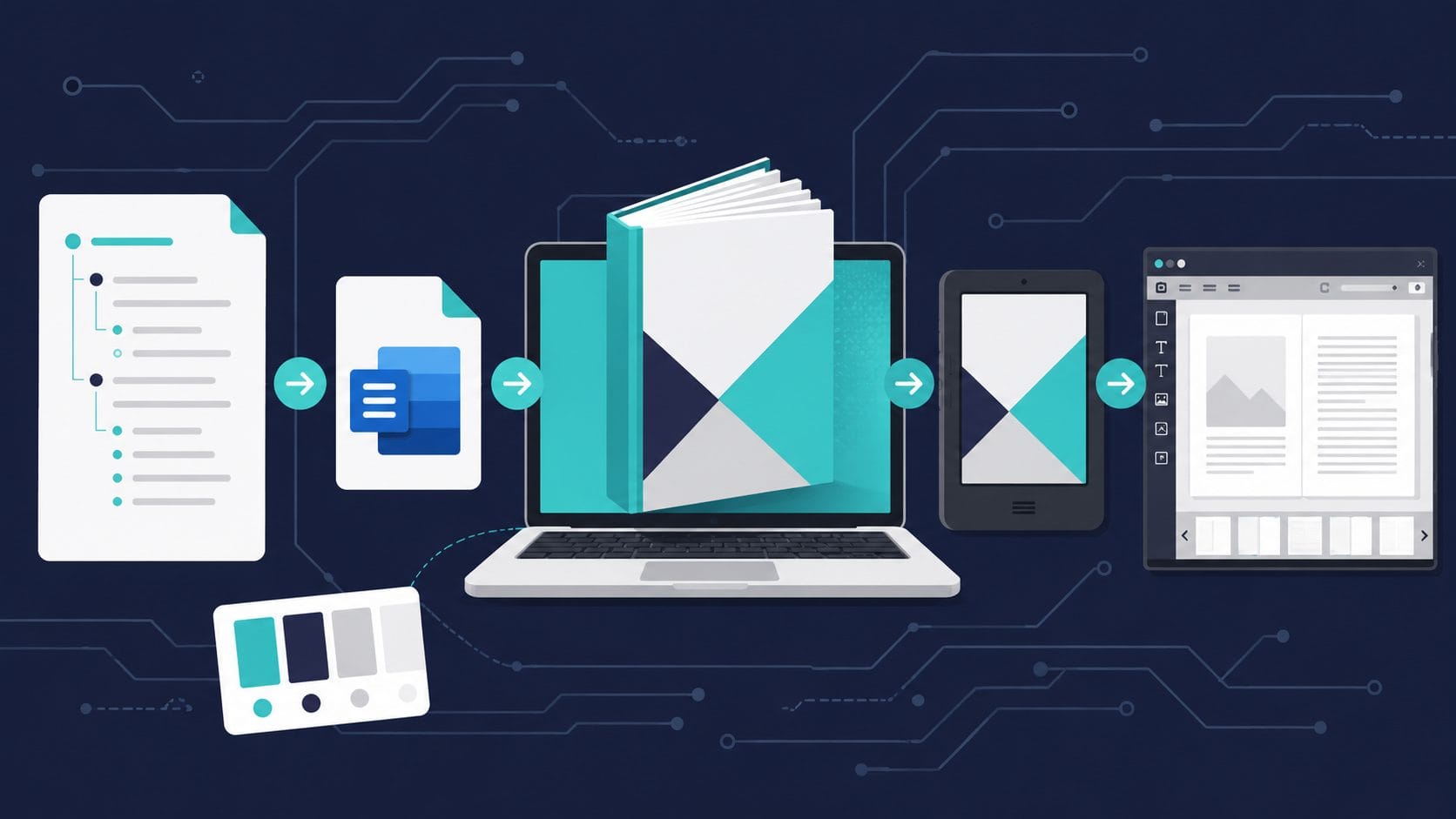
This may not be the optimal way to write an eBook, but it is a repeatable process that has worked twice. The workflow breaks into five phases: research, outline, drafting, formatting, and publishing assets and a sixth for creation of the cover. Several of these steps assume you have a pro or paid version of the software, there are likely other workarounds if needed.
1. Research and context gathering
Start by building a foundation of material before you write anything.
- Run a deep research pass — use AI deep research tools to survey the topic, identify gaps, and gather reference material.
- Pull from your own material — draw on existing blog posts, notes, and vault content you have already written.
- Clip external sources — use the Obsidian Web Clipper Chrome extension to save Reddit threads, articles, and other references directly into your vault for later synthesis.
The goal is to have a rich pool of source material before touching the outline.
2. Draft and revise the outline
- Create a structured outline with a target page count to keep scope realistic.
- Revise the outline before drafting — reshuffling at the outline stage is cheap; reshuffling in a full draft is painful.
3. Draft with AI assistance
Write one chapter at a time, not the whole book in one pass.
- Feed the AI your voice examples — give it samples of your writing, plus any inspiration or reference material. Do not accept default AI voice; calibrate it.
- Treat each chapter as a focused drafting session with its own context.
4. Revise and QC
- Review the full manuscript for consistency, tone, and accuracy.
- Check for AI artefacts — generic phrasing, repetitive transitions, placeholder-sounding language.
5. Convert to Word and format for Kindle
- Export to Word format (.docx) — this is the input format for Kindle Create.
- Manually check formatting — headings, page breaks, spacing, and font consistency. Automated conversion often introduces subtle layout issues.
- Download Kindle Create (free from Amazon) and import the Word file.
- Decide on front matter and back matter — title page, copyright, dedication, about the author, etc. Kindle Create handles these as distinct sections.
6. Design the cover
When stuck: turn on [[codex]] computer use or the Claude Chrome extension ([[claude-cowork]]) and have it drive the tool to get past a specific hurdle.
Kindle cover dimensions: 1600 x 2560 px. Create a new design in Canva using this as a Custom Size.
Take inspiration broadly — look at Claude-generated design concepts, competitor covers, and genre conventions. Use your own photography where possible.
Practical reality: AI-generated cover resizing has not been reliable in practice. The more dependable path is designing directly in Canva. You can use AI to break down fonts, colour palettes, and layout from reference covers, then recreate manually.
Pretty HTML – same info
How to Make a
Kindle eBook
A repeatable, AI-assisted workflow for writing and self-publishing on Amazon KDP. Tested across two published eBooks.
Research & Context Gathering
- Run a deep research pass with AI tools to survey the topic and find gaps
- Pull from your own material — blog posts, vault notes, prior writing
- Clip external sources from Reddit, articles, and references Obsidian Web Clipper
Draft & Revise the Outline
- Create a structured outline with a target page count
- Revise before drafting — reshuffling at the outline stage is cheap; in a full draft it’s painful
Draft with AI Assistance
- Write one chapter at a time, not the whole book in one pass
- Feed AI your voice examples and inspiration — don’t accept default AI voice
- Treat each chapter as a focused drafting session with its own context
Revise & QC
- Review the full manuscript for consistency, tone, and accuracy
- Hunt for AI artefacts — generic phrasing, repetitive transitions, placeholder language
Convert to Word & Format for Kindle
- Export to .docx — the input format for Kindle Create
- Manually check headings, page breaks, spacing, and font consistency
- Import into Kindle Create (free from Amazon) and convert to reflowable EPUB Kindle Create
- Kindle eBooks are reflowable — text resizes, pages are dynamic, Kindle generates page positions, readers can change fonts and sizes
- Set up front matter and back matter — title page, copyright, about the author
Design the Cover
- Create a 1600 × 2560 px custom design in Canva Canva
- Take inspiration from AI-generated concepts, competitor covers, and genre conventions
- Use your own photography where possible
- Use AI to break down fonts, palettes, and layout from reference covers — then recreate in Canva
Keep Exploring
- How to Create a Coloring Book with AI — If you liked the eBook process, coloring books are an even faster KDP project. I walk through the full workflow from AI image generation to upload.
- Why Your AI Sounds Fake (And How I Fixed Mine) — The “feed it your voice” step in this article is doing a lot of heavy lifting. Here’s the deeper dive on how to actually get AI to stop sounding like AI.
- AI Design Is Actually Simple — Here’s What Really Works — Designing your cover is where most people stall out. This breaks down the mindset shift that makes AI design actually click.
- Using AI to Complete Projects with ADHD — Writing a book is the ultimate “start strong, abandon halfway” project. If that sounds familiar, this one’s for you.
- Boring AI Side Hustles That Actually Work in 2026 — KDP publishing fits right into this list. If the book idea sparked your interest in AI-powered income streams, here are more that actually pay.